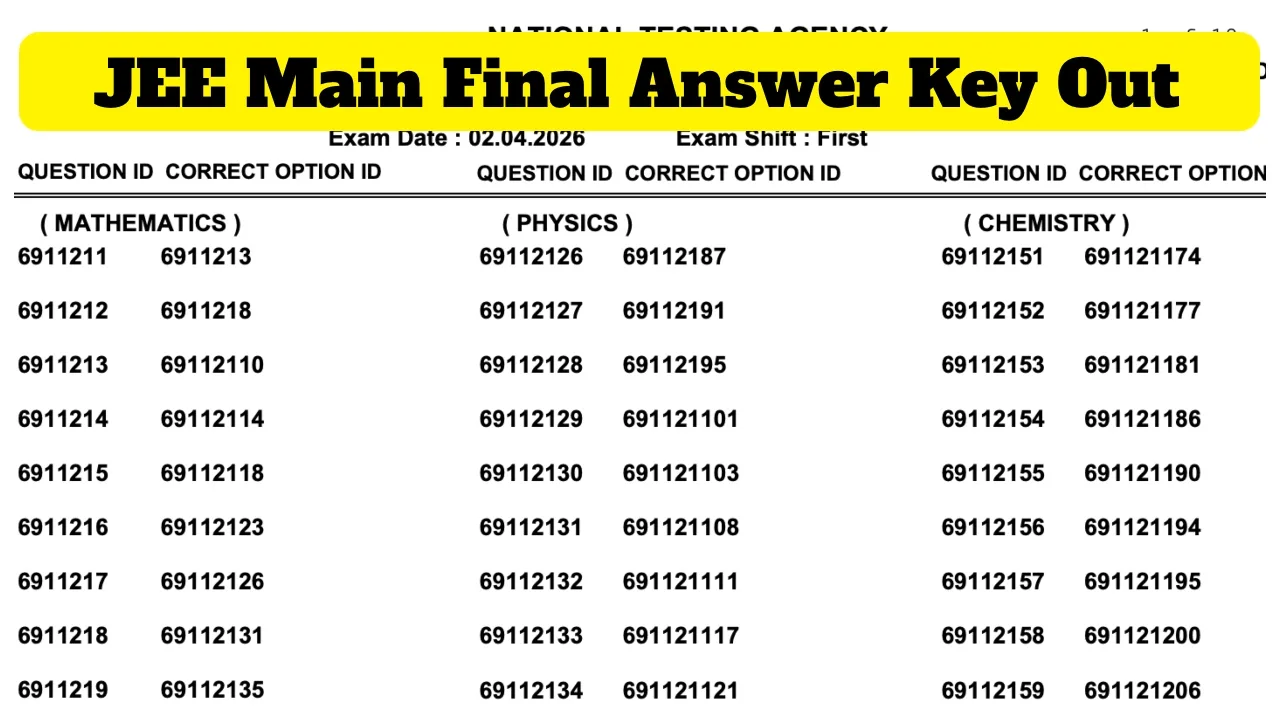
JEE CTET 2026 – Apply Before 11:59 PM at ctet.nic.in, Correction Window June 15-18-declared-direct-link-to-check-scores-at-predeledraj2026-com-750896.html" class="tb-related-post-link" rel="bookmark">Rajasthan BSTC Pre DElEd Result 2026 Declared – Direct Link to Check Scores at predeledraj2026.com 2026 session 2: The National Testing Agency (NTA) has released the final answer key for JEE Main Session 2 (April 2026) today, April 20th. The JEE Main result is expected to be announced shortly. After the results are released, candidates can check their scorecards on the official NTA JEE Main website, jeemain.nta.nic.in.
According to the information, the result has been prepared based on both the first and second sessions. The highest scores among all candidates who appeared in the exam have been selected. A total of 26 candidates have achieved a 100th percentile. 12 were top scorers in the first session and 14 in the second session.
Result Overview
Final Answer Key – Key Updates
Removed Question IDs Subject
695278261 Physics
6952781086 Physics
Result Preparation Method
Next Steps
The NTA has removed two questions from the final answer key. Question IDs 695278261 and 6952781086 have been removed from the Physics section of the JEE Main exam. The NTA JEE Main Session 2 Result will be prepared based on the final answer key. Everyone will receive marks for both the removed Physics questions. The final answer key will not only be used to determine the results but also form the basis of the rank list.
Direct Link to Check final Answer Key
How to Download JEE Result 2026: The Final Answer Key?
Step 1: Must visit the official portal – jeemain.nta.nic.in
Step 2: Log in using your application number and corresponding password.
Step 3: Under the ‘Announcements’ section, find an option to view the Final Answer Key. Click on it.
Step 4: A new window will open displaying the Final Answer Key.
Step 5: Finally, check and download it for future reference.