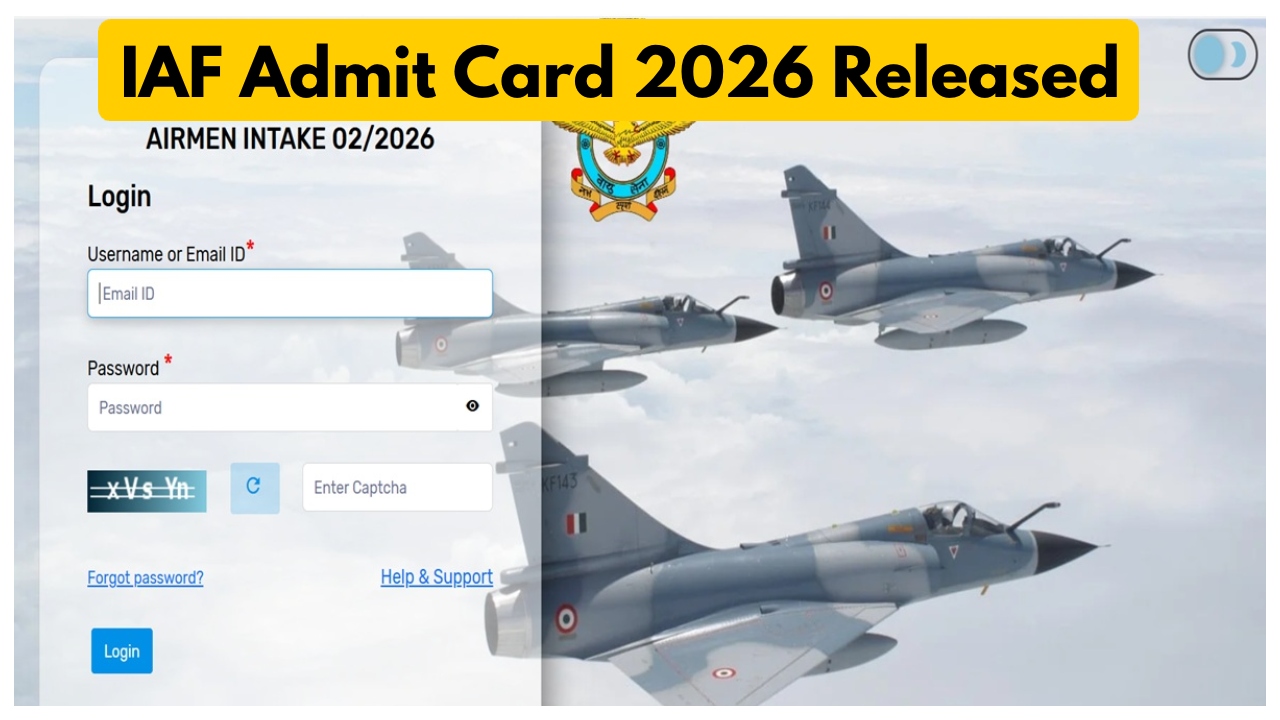
IAF Admit Card 2026 Out: The Indian Air Force has released admit cards for the Agniveer Vayu and Group Y Medical Assistant Airman Phase 2 examinations. Candidates who were declared successful in the Phase-1 examination can now download their Phase-2 admit cards from the official website. Candidates can download their admit cards by visiting the official Indian Air Force website, indianairforce.nic.in. Candidates will need to use their email ID and password to download the admit card. Let’s show you how to download the admit card. According to the official notification, a total of 2500 posts will be filled through this recruitment.
How to download the Phase-2 exam admit card:
first visit the official website indianairforce.nic.in
Click the admit card link on the website’s homepage.
After clicking the link, enter your login credentials, such as your email ID and password.
Once you enter the login details, the admit card will open on your screen.
Finally, be sure to print it.
Number of vacancies:
According to the official notification, a total of 2,500 Agniveer Vayu posts will be filled through this recruitment examination. All candidates appearing for this examination are advised to download their admit cards from the official website well in advance. After downloading the admit card, carefully check the information given on it, such as your roll number, examination center name, examination name, and your name. Do not forget to carry your admit card and ID proof with you on the day of the examination.