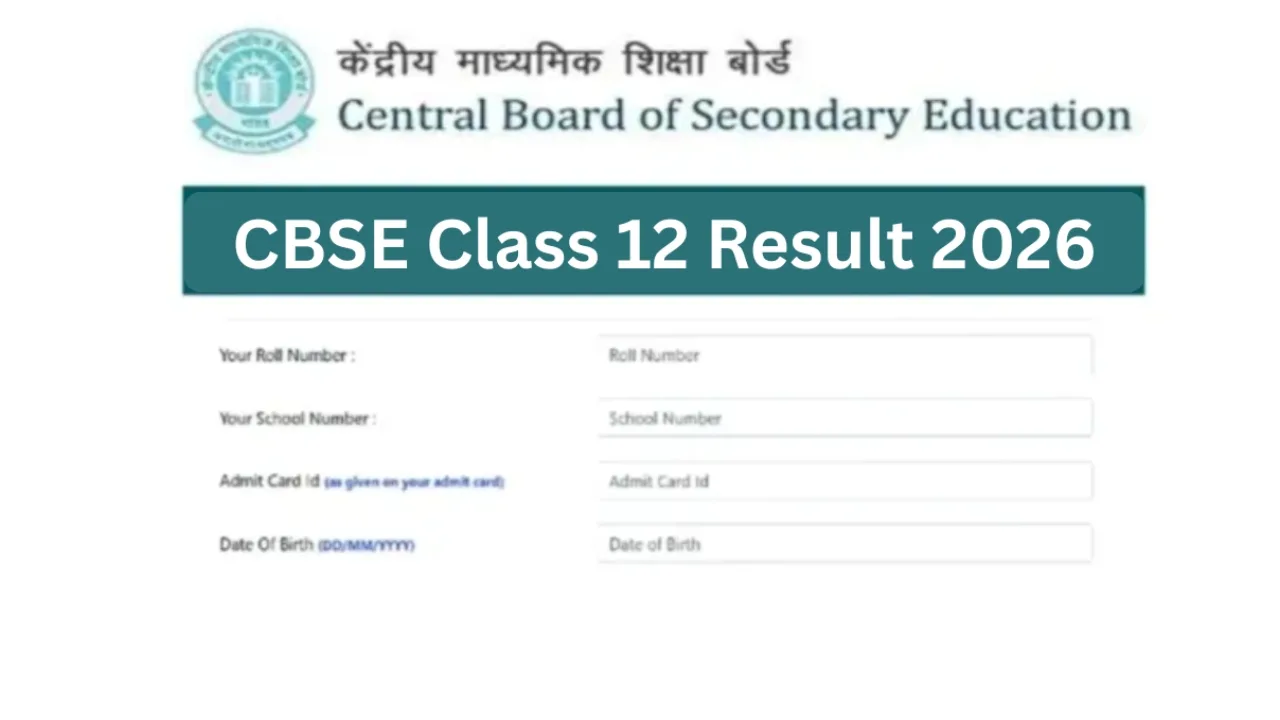
New Delhi: The Central Board of Secondary Education (CBSE) has already released the Class 10 results. Now, all students are eagerly awaiting the CBSE Class 12 examination results. The CBSE Class 12 results are expected to be released during the first week of May. Students need not worry about the process of accessing their results.
The results can be easily accessed via the official websites: cbse.gov.in or results.cbse.nic.in. As soon as the download CTET 2026 – Apply Before 11:59 PM at ctet.nic.in, Correction Window June 15-18-declared-direct-link-to-check-scores-at-predeledraj2026-com-750896.html" class="tb-related-post-link" rel="bookmark">Rajasthan BSTC Pre DElEd Result 2026 Declared – Direct Link to Check Scores at predeledraj2026.com becomes active, students will be able to download their CBSE Class 12 results using their roll numbers. Students can also check their results online through the DigiLocker and UMANG apps.
Key Highlights
Expected result date
1st week of May
No official date yet
Students appeared
18 lakh+
Class 12, 2026
Class 10 result
Already out
Declared earlier
Platforms available
4
Official, DigiLocker, UMANG + more
How Many Students Appeared for CBSE Exams?
This year, more than 1.8 million (18 lakh) students appeared for the Central Board of Secondary Education Class 12 examinations. The Board is preparing to bring an end to its wait very soon. CBSE typically does not issue advance notifications regarding the exact date and time of the result declaration.
In this context, as soon as the results are released, you will be able to quickly check your scores across various official platforms. The procedure for checking results on DigiLocker and UMANG is outlined below.
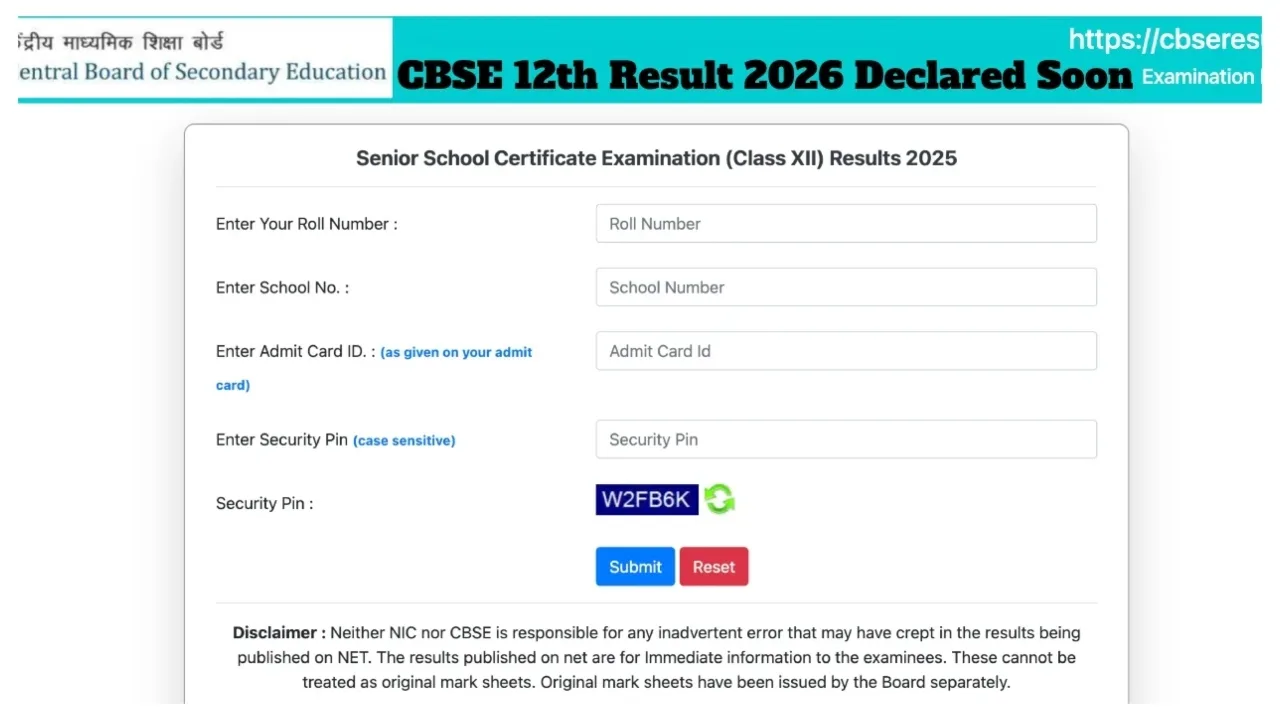
Check via DigiLocker
First, students must visit the official DigiLocker website: digilocker.gov.in.
Alternatively, you may download the DigiLocker app on your mobile phone.
On the homepage, you will see a “Login/Register” option.
You will then need to register to create a login ID using your Aadhaar number and mobile number.
Once your account has been successfully created, you will be able to access your results as soon as they are published.
Next, click on the “Issued Documents” tab.
You can then click on the link for the “Class X” or “Class XII” Marksheet.
Enter “CBSE Board” in the search bar and initiate the search.
Finally, enter your School Code and Roll Number details, and click “Submit.” Once the process is complete, your board marksheet will open on your screen.
You can save it as a PDF or take a printout.