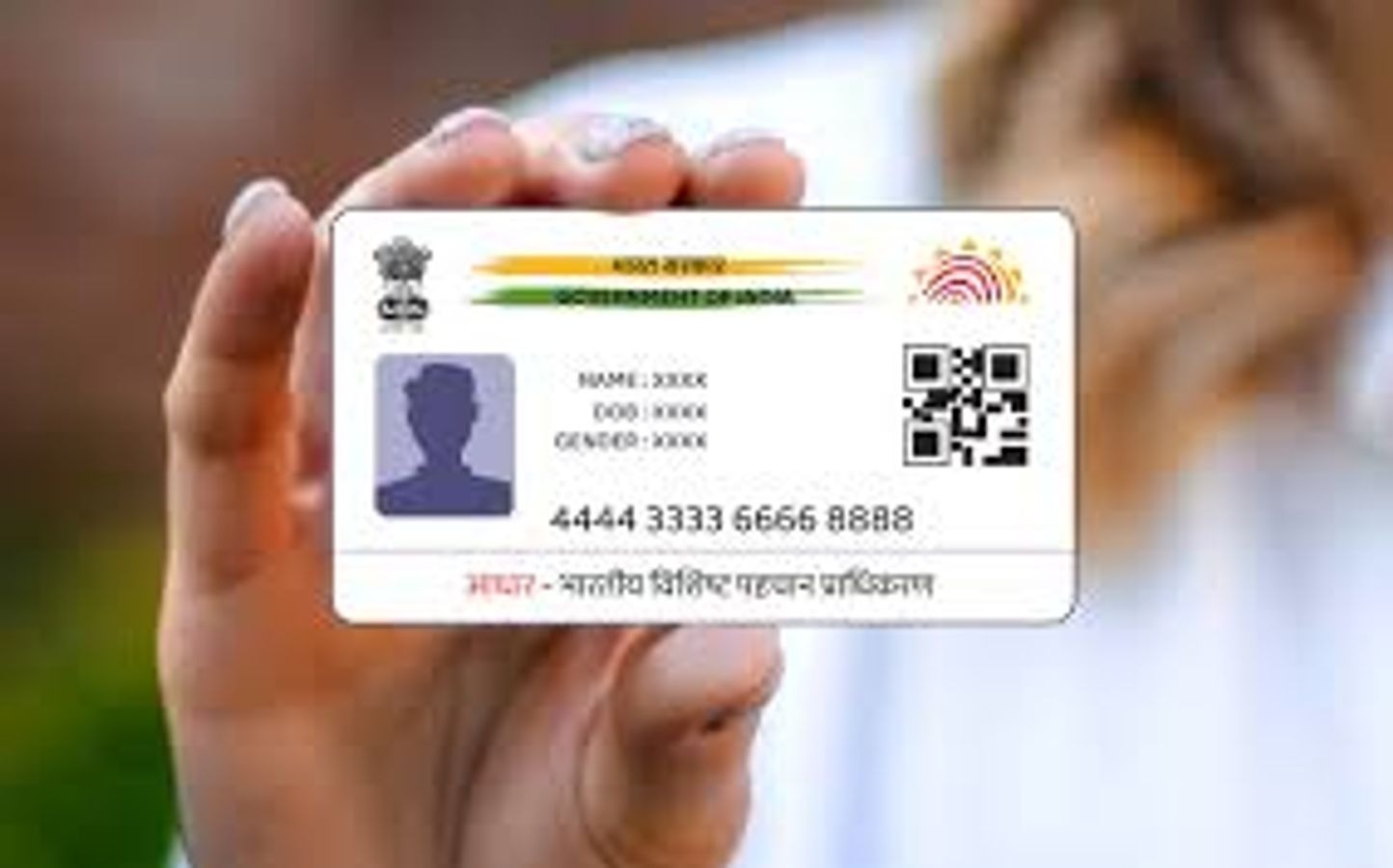
Aadhaar card has now become a very important document. It is needed to get benefits of government schemes, and for financial tasks like opening a bank account or making investments.
According to the rules of UIDAI, the body that issues Aadhaar, it is important to keep your Aadhaar details updated. This includes your name, address, and biometric information.
If you have legally changed your name due to marriage or any other reason, then you must update your name in your Aadhaar card. This update cannot be done online now. You must visit the nearest Aadhaar Seva Kendra to make this change. Let us understand the full process to update your name in Aadhaar. Also, we will see how you can download the updated Aadhaar card.
How to Change Name in Aadhaar Card
Aadhaar card is a very important ID. It is needed for bank work, government schemes, and many other things. If you changed your name after marriage or for any other reason, you must also update your name in Aadhaar.
Right now, you cannot change your name online. You have to go to the Aadhaar Seva Kendra. First, download the Aadhaar update form from the UIDAI website or take it directly from the center. Fill the form and give it to the officer at the center.
You will also need to show your original ID proof like PAN card, passport, or voter ID. The officer will keep a copy and return your original document.
You must pay ₹50 for the name change. After this, you will get a slip with a URN (Update Request Number). You can use this number to check the status on the UIDAI website.
How to Check Status and Download Aadhaar
To check if your name is updated, go to the UIDAI website. Click on “Check Aadhaar Update Status”, enter your URN and captcha, then click “Submit”. You will see the update status on the screen.
To download your updated Aadhaar, your mobile number must be linked with Aadhaar. Go to the UIDAI website and click “Download Aadhaar”. Enter your Aadhaar number and captcha, then click “Send OTP”. Enter the OTP and click “Download”. Your Aadhaar will be saved as a PDF file.
After the name update, your Aadhaar number stays the same. Only your name will be changed in the record. This is important for using Aadhaar with your bank, PAN card, passport, and other documents.