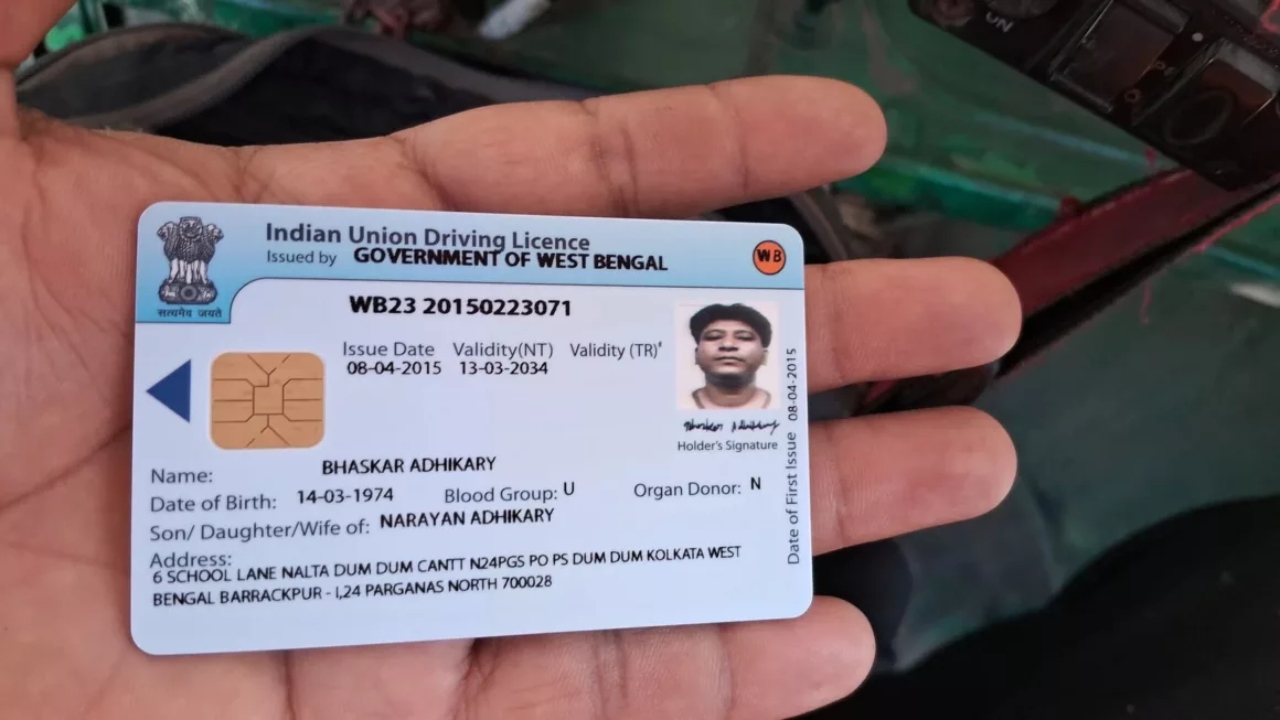
driving license update: The Transport Department has made 51 of its services completely online for the convenience of the general public. To avail of these services, it is essential that your mobile number is linked to your vehicle number and Driving License and is active. The department has clarified that any application will be processed only after verification of the OTP received on the mobile phone.
During a seminar held at the Ministry of Road Transport and Highways, it was informed that transport services in Madhya Pradesh have been made contactless. Now, there will be no need to visit the transport office for new vehicle registration, driving license-related work, and other services. Under the Contactless Service Extension Project, where previously 20 services were available online, the number has now been increased to 51.
Read Here: Tata Sierra EV vs Mahindra BE.05 – Range, Performance & Real-World Usability
Many services will be available via OTP
Now, several services, such as changes to driving licenses and learner’s licenses, removal of vehicle categories, conductor licenses, fitness certificates, permits, and NOCs, will be verified through an OTP received on the mobile phone. This will not only make the process more transparent but also reduce the chances of fraud.
Updating your mobile number is essential
To avail of any online service related to the Transport Department, it is mandatory to have an updated mobile number. If your number is not yet updated, you can easily update it online.
An easy way to update your mobile number
First, go to the Parivahan Sewa portal vahan.parivahan.gov.in or the official website of your state’s transport department. Select the ‘Update Mobile Number’ option. Then, go to the ‘Driving License Services’ section and click on ‘Update Mobile Number’. Now, fill in your driving license number, date of birth, and state-related information. After this, an OTP will be sent to the mobile number linked to your Aadhaar. Enter the OTP and verify. After the process is complete, you will receive a confirmation that your mobile number has been updated, which you should save for future reference.