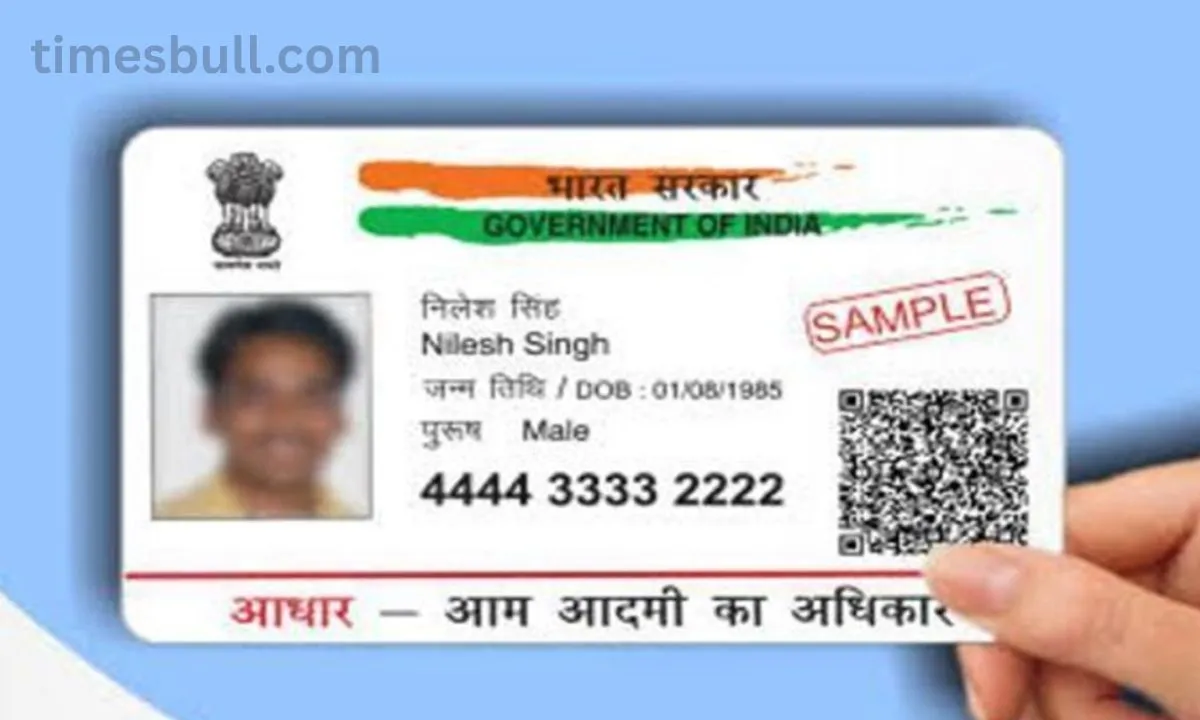
Aadhaar Card: The mobile number connected to the Aadhaar card must be updated for online verification, banking transactions, and government programs. UIDAI says that there is no longer a way to update a mobile number online. One must visit the Aadhaar Seva Kendra in order to modify or add a new number. You can reserve a time slot online by going to the UIDAI website.
Is your phone number related to Aadhaar as well? Also, be cautious if the previous mobile phone number has been closed. Updating the mobile number linked to Aadhaar is now crucial for completing online verification, financial transactions, and government program inclusion. One of the most significant identity cards in the nation is this 12-digit Aadhaar number, which is provided by UIDAI. It serves as proof of address in addition to identity. Also, it applies to all services, including government subsidies, banking, college and school admittance, passports, and driver’s licenses.
In this case, the registered mobile number must be active in order to utilize any online Aadhaar services, as OTPs are issued to this number for every authentication. You will not be able to finish the government portal verification process or make an online payment if your mobile number is out of date.
Online updates for mobile numbers will not be made.
Before, you could update your cell number online in addition to your name and address on your Aadhaar card. But UIDAI has now stopped this feature, so you will now need to visit an Aadhaar Seva Kendra to add a new number or alter your existing one.
The mAadhaar app will no longer be used to update the number or complete this task from the website. You would need to visit the Aadhaar Seva Kendra to complete this offline process. You can, however, schedule an online appointment for this work.
How can I make an online appointment?
To begin, choose your language on the UIDAI website.
Click My Aadhaar > Get Aadhaar > Make an Appointment after that.
Click “Proceed to Book Appointment” after choosing your UGC NET Exam 2026 – City Slip Expected June 12-13 at ugcnet.nta.nic.in, Here’s How to Download or location.
Enter the current registered mobile number now, and complete the captcha to generate an OTP.
After that, confirm the OTP and enter your name, date of birth, state, city, and Aadhaar number.
Next, choose New Mobile Number from the Update menu.
Select a time and date that works best for you when you are free.
Next, confirm the reservation.