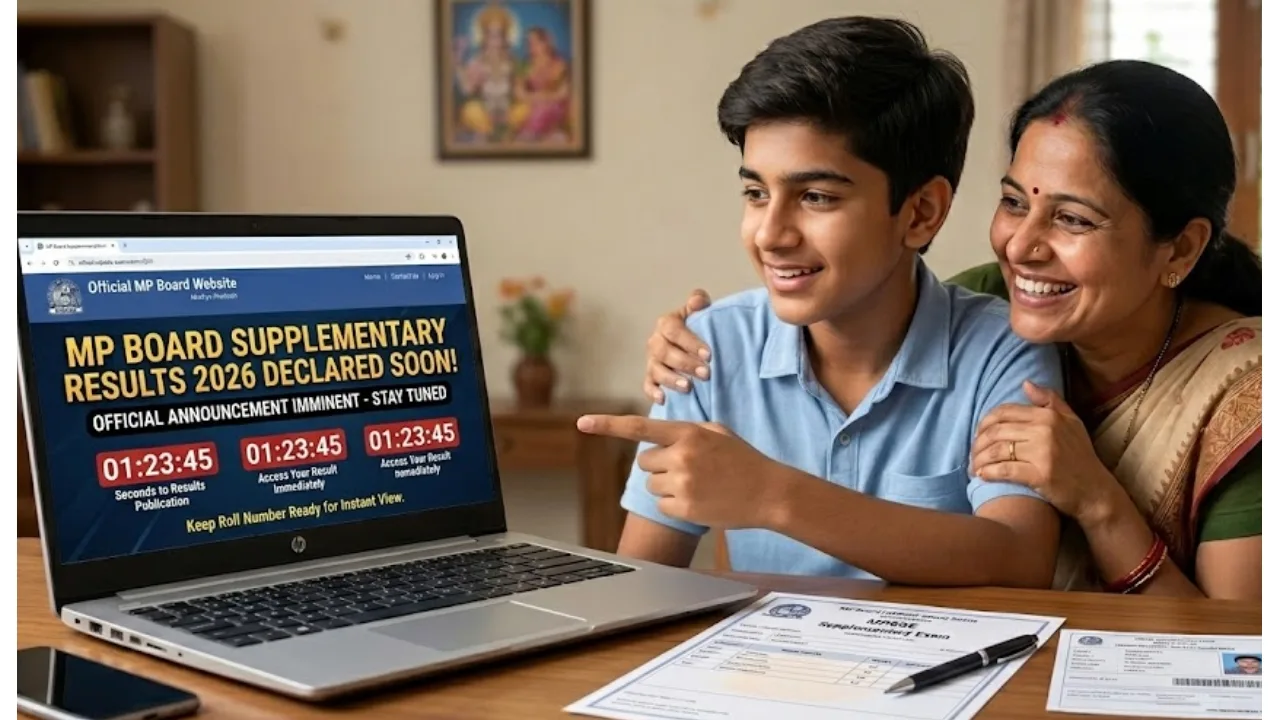
MP Board Supplementary Result 2026: The Board of Secondary Education, Madhya Pradesh, conducted the second examination for Class 10 students between May 7 and May 19. Meanwhile, the second board examinations for Class 12 were held from May 7 to May 25, 2026.
Students who appeared for these exams are now eagerly awaiting their results. It is expected that the results for these second board examinations may be released in June. However, no official information regarding the exact result date has been shared yet. Once the results are declared, students will be able to check them via the official website: mpbse.mponline.gov.in.
When will the results be released?
Based on the pattern observed in previous years, it took approximately one month after the conclusion of the exams to complete the paper evaluation, prepare the results, and declare them. Consequently, the MP Board Supplementary Result 2026 is expected to be declared by the end of this month. However, official confirmation regarding this is still pending.
When and how will the original marksheet be received?
For students who participated in the second examination, the Board will issue a new marksheet. The marksheet issued for the main examination will no longer be considered valid. The original marksheet will be dispatched to the respective schools after the results are declared, and students will be able to collect them thereafter.
How many marks are required to pass?
To pass the supplementary examinations for Class 10 and Class 12, candidates must secure at least 33 per cent marks in all subjects. Students who pass this examination will be eligible to apply for admission to the next academic class.
Check Results on These Websites:
mpresults.nic.in
mpbse.nic.in
mpbse.mponline.gov.in.
How to check the supplementary examination result:-
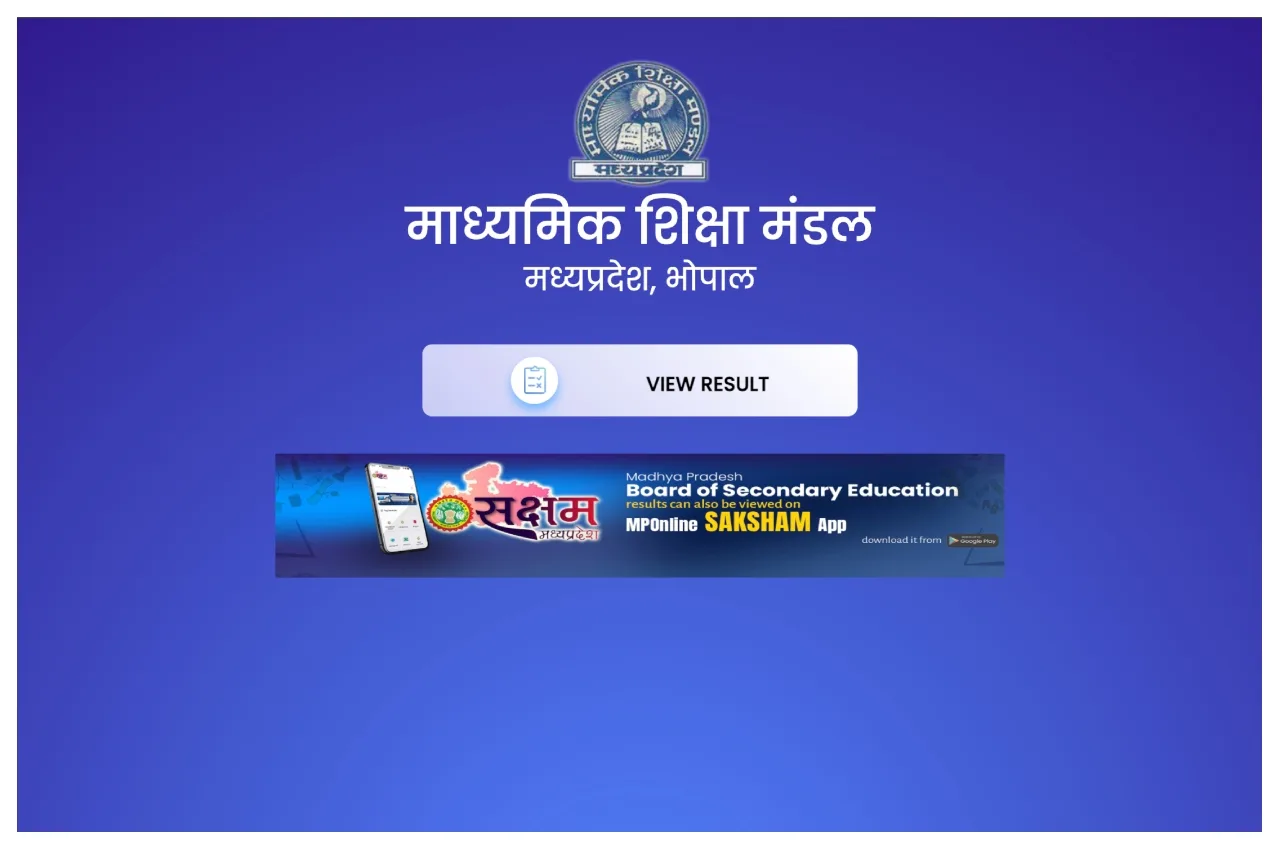
Students must visit the official website: mpbse.mponline.gov.in.
Next, click on the “Supplementary Result” link located on the website’s homepage.
Subsequently, enter the required credentials in the designated fields.
The result will then appear on your screen.
Check your result carefully and download it.
Finally, take a printout of the result for future reference.
How to Check MP Board 12th Results?
First, download the MPBSE mobile app from the Google Play Store.
Open the app and tap on the “Know Your Result” option.
Enter your Roll Number and Application Number.
Your result will appear on the screen.
How to Check MP Board Result On Digilocker:
Students can visit digilocker.gov.in or download the DigiLocker app.
Now, log in with your credentials.
Click on the MP Board Result link in the “Education” or “Result” section.
After filling in your roll number, school number and other required information here, submit.
The result will be available on your screen.