
UPI– UPI PIN will be set in minutes with Aadhar card, know the complete process here
UPI– Good news for UPI users. In today's time, most people prefer to do all transactions, big and small, online. In such a situation, UPI payment and digital transactions are getting a lot of encouragement. Digital payment is also convenient for people, now they have

 Join Us
 Add as a preferred
UPI Payment
UPI– Good news for UPI users. In today’s time, most people prefer to do all transactions, big and small, online. In such a situation, UPI payment and digital transactions are getting a lot of encouragement. Digital payment is also convenient for people, now they have no tension of carrying cash. They make payment in minutes from their smartphone. All this work is done through UPI payment app. UPI Pin is required for digital payment.
Without this, neither can you make payment to anyone nor can you transfer money from one account to another. UPI Pin is of 4 or 6 digits. Sometimes people forget their UPI PIN. In such a situation, a debit card was needed to change the UPI PIN, but now this hassle is over. You can change UPI PIN even without debit. Let’s know how.
You can change the PIN using your Aadhaar card
Whenever you set or change your UPI PIN, you get 2 options. One is for your debit card and the other is for your Aadhaar card. This means that you can change your UPI PIN by selecting the Aadhaar card option. For this, your mobile number should be linked to your Aadhaar card. This facility of NPCI is very beneficial for those who do not have a debit card.
To change your UPI PIN using your Aadhaar card, the same mobile number should be linked to your Aadhaar card and the bank. Only then will you be able to do the verification using your Aadhaar card.
This is how to set UPI PIN on GPay It
is very easy to set UPI PIN on GPay without a debit card. For this, first you have to go to Google Pay app and open your profile. After this, click on the bank account and select the account whose PIN you want to change or create a new one. Now you will get the option of Set UPI PIN or Change UPI PIN, on clicking which you will see the option related to Aadhaar and debit card.
Here you have to enter the first six digits of your Aadhaar card. After this, an OTP will come on your mobile number linked to Aadhaar. After entering the OTP, you will be able to set a new UPI PIN. In this way, with the help of Aadhaar only, you can easily set or change UPI PIN even without a debit card.
How to set UPI PIN on Paytm
Setting up a UPI PIN on Paytm without a debit card is a matter of minutes. For this, you first have to open the Paytm app. Then click on the profile icon given at the top left side. After this, you have to select the option of UPI & Payment Settings. Here you will see a list of linked bank accounts. Click on the bank account for which you want to set or change the PIN. Now select the option of Set Pin or Change Pin.
After this, two options will come in front of you, Use Debit Card or Use Aadhaar Card. Here you have to click on the Aadhaar card option and write the first 6 digits of the Aadhaar card. After this, click on Proceed. An OTP will come on the mobile number linked to your Aadhaar. As soon as you enter that OTP, you will be able to generate a new UPI PIN.

Sweta Mitra
Next Article
HBSE 10th Result 2026 – How to Check the result Via Roll Number, Direct Link bseh.org.in
Haryana Board 10th Result 2026: The Haryana Board is likely to release the Class 10 examination results this week. Students of the Haryana Board will be able to check their results by visiting the Board’s official website, bseh.org.in. To pass the examination, students must secure 33 percent marks.

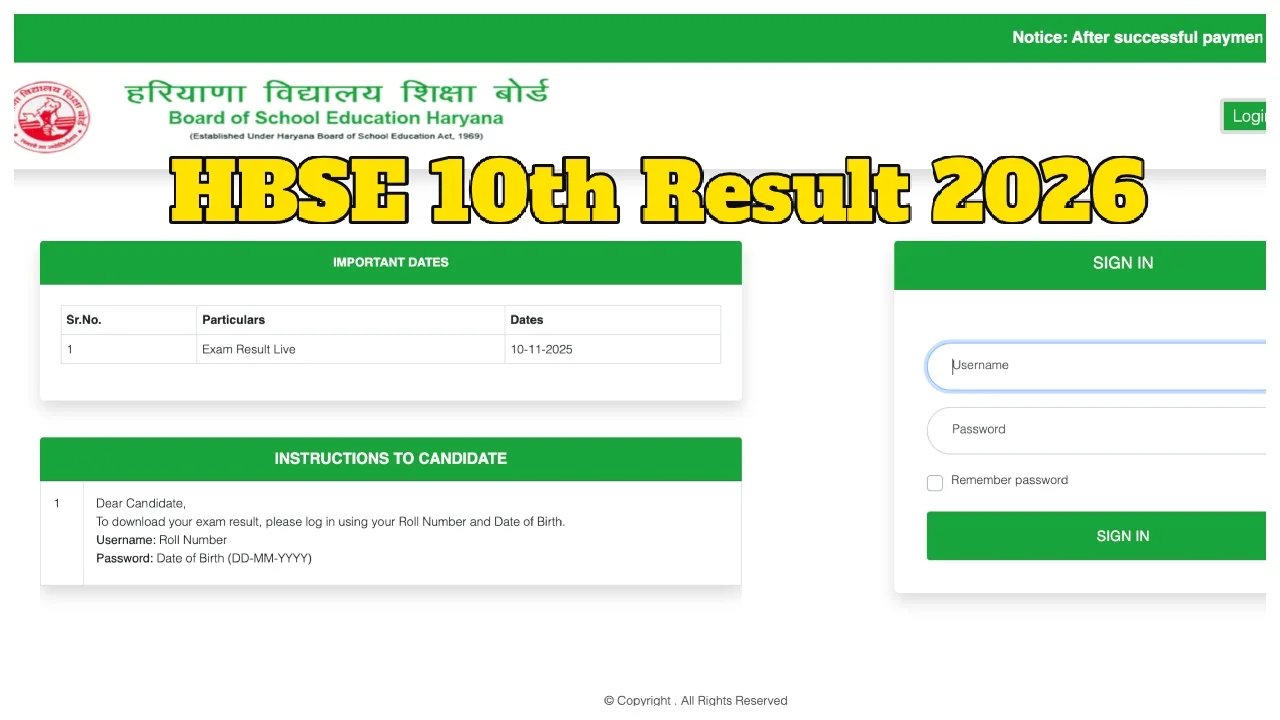
Haryana Board 10th Result 2026: The Board of School Education, Haryana (BSEH) has already released the Class 12 results, and Class 10 students are now eagerly awaiting their own. According to various media reports, the HBSE Class 10 Result 2026 is expected to be released sometime this week. The results will be published on the official Haryana Board website, where students can check their scores by entering their roll numbers. Students who appeared for the examination are advised to keep their roll numbers ready in advance to check their results promptly.
Check Your Result on These Websites:
bseh.org.in
results.bseh.org.in
digilocker.gov.in
Write a Comment