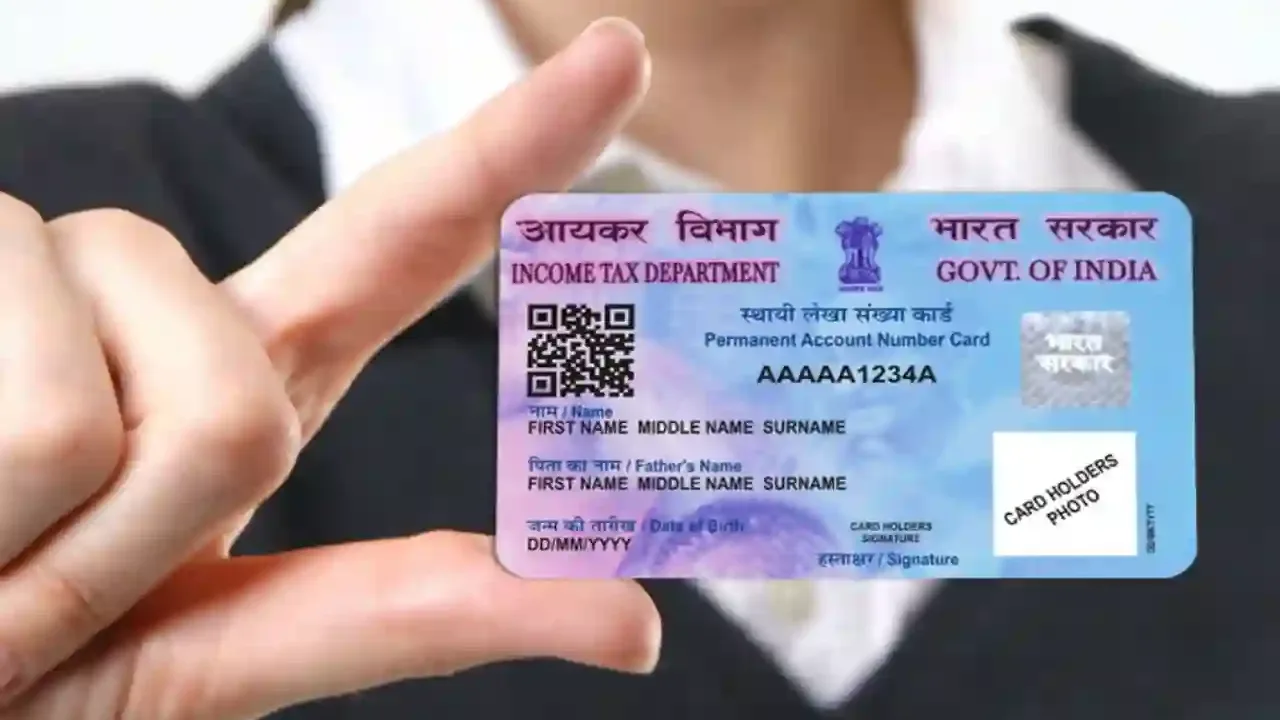
pan card update : Is the mobile number, address, name, or date of birth on your PAN CARD incorrect and you want to change it, but don’t want to run around offices? There’s no need to worry. Now this can be done both online and offline. Let’s find out the correct method. What documents will be required? Like Aadhaar card, PAN card has now become an essential part of our identity. Now PAN card is considered an important document not only for filing taxes but also for banking, investments and many government services.
Therefore, it is very important that the information entered in it like mobile number, address, name and date of birth is correct and updated. If you have recently changed your mobile number or need to update any other information in your PAN card, this task can now be done easily both online and offline. Let us know the complete process.
Why is it important to keep your PAN updated?
Now the PAN card contains all your personal information like your name, date of birth, address and especially your registered mobile number. And nowadays most of the financial and tax related services depend on OTP based verification.
If your mobile number is old or disabled, it can be difficult to access many PAN-related services. Therefore, it’s important to keep your information updated from time to time.
If your mobile number has changed, you can easily correct it online or offline through the country’s two major official portals: Protean (NSDL) and UTIITSL. Let’s understand both processes step-by-step.
How to change your mobile number from the Protean portal?
Protean, formerly known as NSDL e-Governance Infrastructure Limited (NSDL e-Gov), is a portal. If you want to use it, follow these simple steps below…
- First of all go to the official website of Protean PAN (NSDL) https://tinpan.proteantech.in.
- Scroll down on the home page and click on the Apply Now option, which will directly take you to the new page of online PAN application.
- Here you will see Application Type in the form Changes and Correction in Existing PAN Data or Reprint of PAN Card, select it.
- Then select the category as Individual or as applicable.
- After this enter your name, date of birth, email ID, new mobile number and existing PAN number.
- Then you will see a captcha code, fill it and submit it.
- Once submitted, a token number will be sent to your email ID. Note it down safely so that you can reopen the form from here if needed.
- After this click on Continue with PAN Application Form.
- For a completely online process, select the paperless option Submit Digitally through e-KYC and e-Sign (Paperless).
- If you want a new physical plastic PAN card at home, tick Yes (a fee will apply). Then, enter the last four digits of your Aadhaar card.
- Now, check the box for the information you want to change (such as your mobile number). Enter your new mobile number or email address and click Next.
- Here, upload the required documents (like Aadhar card), your photo and digital signature as per the size and format mentioned on the website.
- Fill in your name and location in the declaration form, select Himself or Herself, and submit the form. Then, go to the online payment page and pay the fees using a credit, debit, or net banking account and download the receipt.
- Then click on Continue and authenticate by entering the OTP received on the mobile number linked to Aadhaar.
- Then, enter the OTP for e-Sign one last time. Upon completion, your Acknowledgement Form will be downloaded, with your date of birth as the password.
You can also update it through the UTIITSL portal
If you want to update it through another portal, such as UTIITSL, the process is also easy. Follow these steps…
Visit the website of UTIITSL.
Select Change or Correction in PAN Card option.
Fill the application form.
Note down the reference number.
Select the information you want to update.
Enter new mobile number or other details.
Upload the required documents.
Submit the application and pay the fees.
If physical mode is selected then send the printout, photo and documents to the concerned office.
What documents are required for the update?
If you’re updating your PAN information yourself from home, keep these documents handy. These include your Aadhaar card, identity card, address proof, date of birth certificate, passport-size photo, and signature. However, the documents required depend on the update.
How to check the status of your PAN application?
Now that you’ve applied, it’s important to know where your update has been. So, follow these steps to check the status…
Visit the website of NSDL or UTIITSL.
Select the Track PAN Application Status option.
Enter Acknowledgement Number.
Fill the captcha and submit.
The status of the application will appear on the screen.
How to download your updated e-PAN?
If your application has been processed, you can download your new e-PAN. To download…
Visit the NSDL or UTIITSL website.
Select the Download e-PAN option.
Enter PAN number and date of birth.
Fill in the required details and submit.
Download e-PAN or use the link received on email.