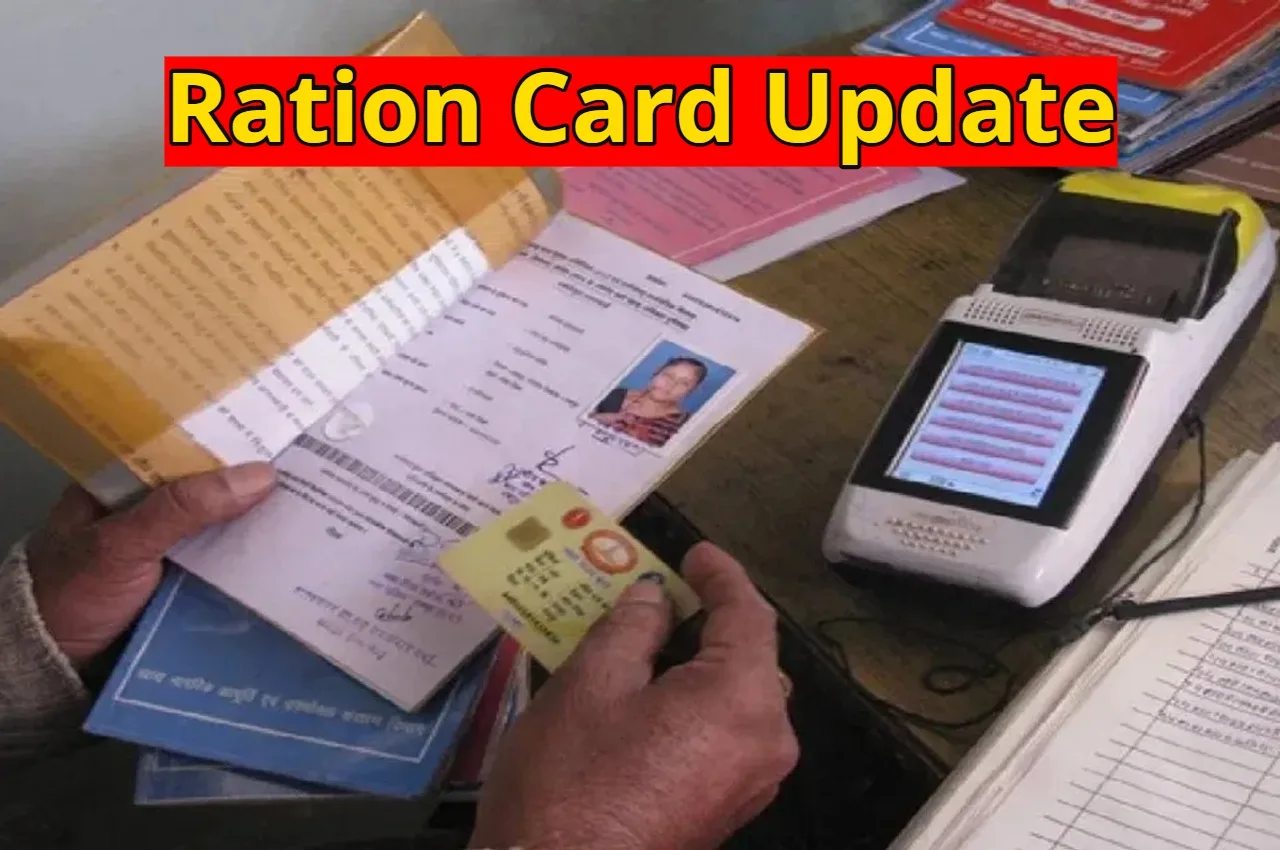
ration card e-KYC: If you are a ration cardholder, this news is very important for you. The government provides subsidized and free food grains to millions of people across the country through ration cards under the National Food Security Act. Ration cards are not only used for rations but also serve as an important document. The ration card ensures that the right people receive the benefits of the ration scheme. For this purpose, the government has made e-KYC mandatory.
The government has clearly announced that all ration cardholders must keep their ration cards updated to receive the benefits of free and subsidized rations. You don’t need to go anywhere; you can easily complete the e-KYC process from the comfort of your home.
How often is e-KYC required?
According to the new rules, every ration cardholder will now have to update their e-KYC every 5 years. This means that those who have already completed this process may need to do it again. This will ensure that the benefits of the Government Scheme reach only the needy.
Read Here: Upcoming Compact SUVs 2026-27 India – 5 powerful new SUVs from Hyundai to Renault
Read Here: Monsoon Forecast – Heavy Rain & Snowfall Warning for Next 4 Days in These 8 States
How to do Ration Card e-KYC from your mobile at home?
First, download the Mera KYC and Aadhaar FaceRD apps on your mobile.
Then open the app and select your location.
Now enter your Aadhaar number and captcha.
After that, complete the verification with the OTP received on your mobile.
After verification, the information linked to your Aadhaar will be displayed on the screen.
Now select the Face e-KYC option.
The camera will automatically turn on.
Then scan your face or take a photo.
Once you submit the photo, the e-KYC will be completed in a few seconds.
Read Here: CBSE Class 10 Board Exams 2026 – Rules for First and Second Attempt cbse.gov.in
Read Here: Online Earning Tips – Start this Today and Earn a Fortune fFrom Home – Learn the Details
How to check e-KYC status?
After completing the e-KYC, to check its status, open the Mera KYC app again. Select your location, enter your Aadhaar number, captcha, and OTP to log in. The details will be displayed on the screen. If ‘Y’ is written in the status, then the e-KYC is complete. If “N” is displayed, it means the process is not yet complete.
e-KYC can also be done offline
If you are facing difficulties doing e-KYC through your mobile phone, you can also get it done by visiting your nearest ration shop or Common Service Center (CSC). You will only need to carry your Aadhaar card and ration card with you.