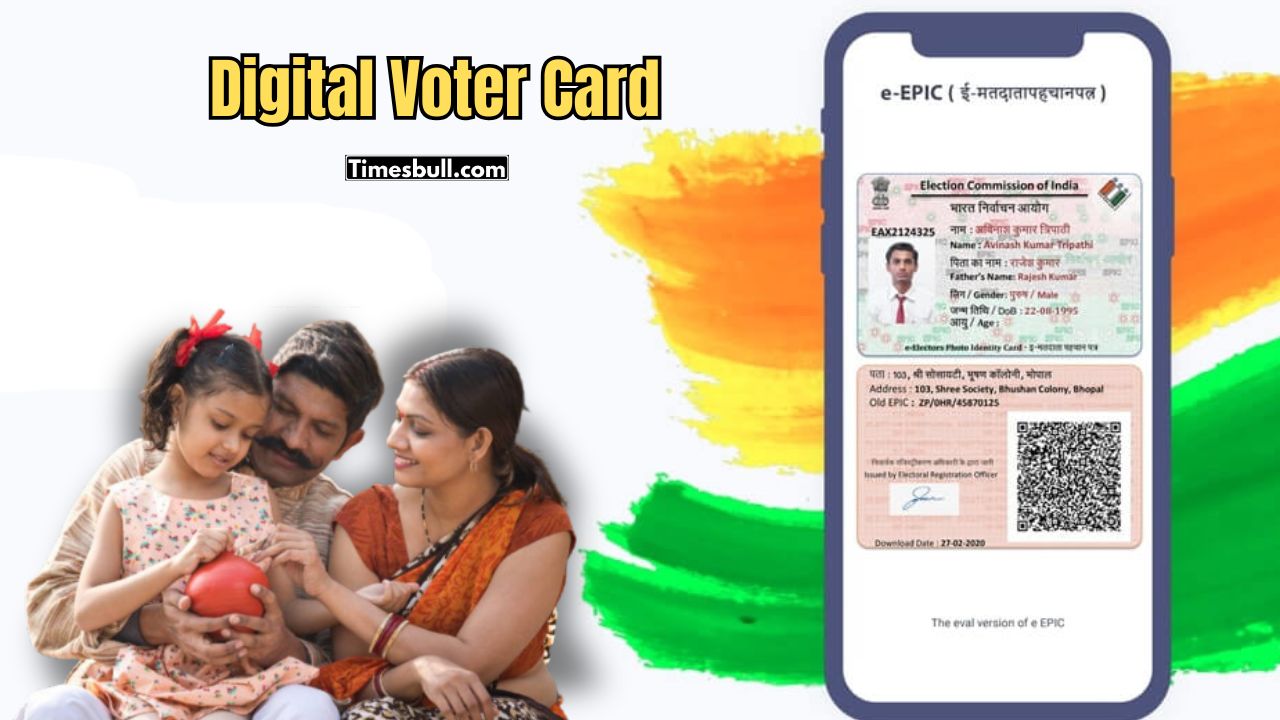
E-epic: Many people have woken up since the start of SIR. Now many are scrambling to find a voter card. The condition of some people’s voter cards is bad, some have even lost their voter cards. If someone loses their voter card, then there is no reason to worry. Now registered voters can also download the digital version of their voter card. The Election Commission has provided that facility. You don’t have to face any trouble for this. You can download e-EPIC in just a few clicks.
E-EPIC is an electronic voter ID, which is proof of identity and address. You can store this Digital Voter Card on your mobile, laptop or cloud drive. You can even print it. If you need a voter card somewhere, this digital card can be shown.
How to download e-EPIC?
- First, you have to click on the National Voter Service Portal or Voter Helpline App.
- Then, you have to click on the e-EPIC Download option.
- Now, you have to enter your EPIC number or form reference number.
- After that, an OTP will come to your registered mobile number, you have to enter that OTP.
- After entering the OTP, the digitally signed e-EPIC will come out.
- If you download this card, you will not need to carry the original voter card with you all the time.