

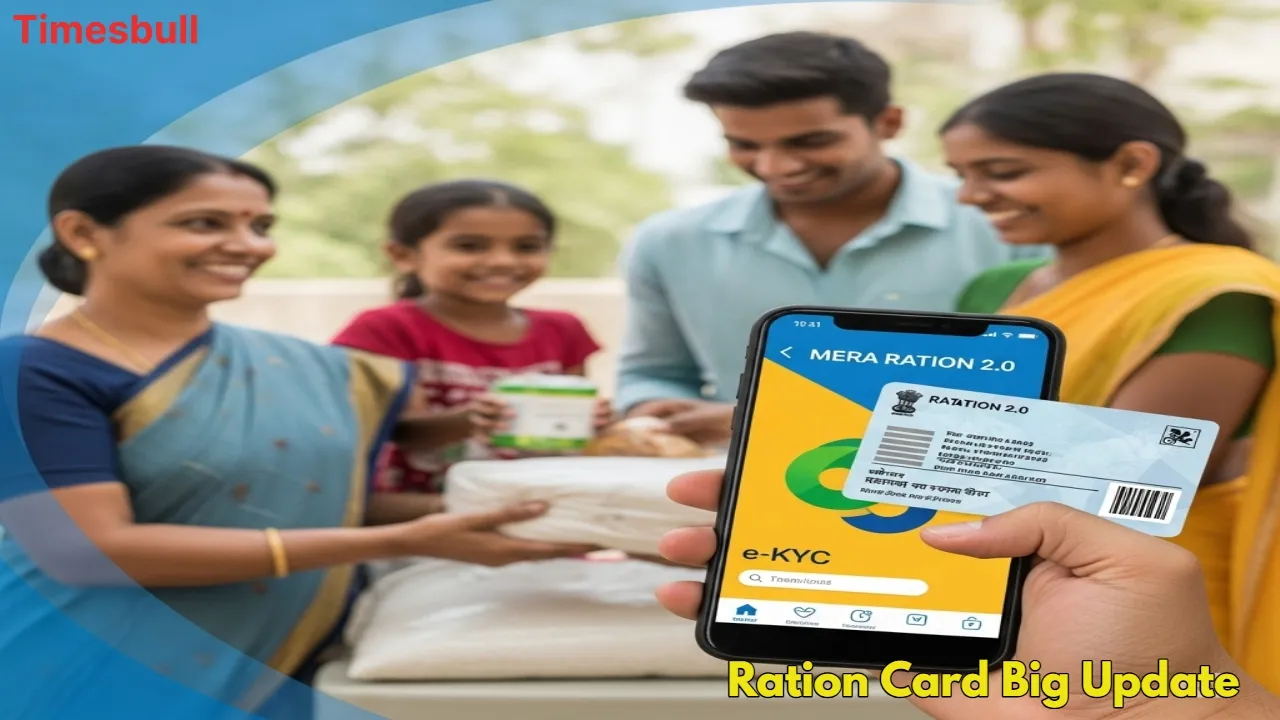
If you are receiving free or Business Idea: Start These 4 Businesses With Low Investment, Then Earn Big Every Month”/gas-cylinder-why-was-the-number-of-subsidized-cylinders-reduced-government-explains-the-reaso-750917.html" class="tb-related-post-link" rel="bookmark">Gas Cylinder: Why Was the Number of Subsidized Cylinders Reduced? Government Explains the Reaso rations under the National Food Security Act (NFSA), this is very important information from the government that you should pay attention to immediately. The central government has now implemented a strict rule that only ration card holders who have completed their e-KYC within the stipulated time will receive rations after October 2025.
This step has been taken to remove fraudulent beneficiaries from the system who are ineligible and are still receiving benefits from government schemes. The direct benefit of this will be that genuine and eligible people will be able to receive the full ration. If you have not yet completed e-KYC, you may face obstacles in receiving rations. Let’s learn how you can complete this important process from home, using your mobile phone or offline.
E-KYC is now mandatory every 5 years
This new rule has been introduced to make the ration distribution system completely transparent. The central government has made it clear that e-KYC of ration cards will now be mandatory every 5 years. Many beneficiaries last completed their e-KYC around 2013, so millions now urgently need to update it again. Fortunately, this crucial task has been simplified considerably. You can easily complete it using your smartphone.
An easy way to complete e-KYC from home using your mobile
With the help of technology, completing e-KYC for your ration card has become incredibly simple, and you don’t need to visit an office. You just need to use two government apps. First, download two important apps, MeraKYC and Aadhaar FaceRD, on your mobile phone.
Open the MeraKYC app and enter your current location. Next, enter your Aadhaar number and the captcha displayed on the screen. Verify your identity by entering the one-time password (OTP) that will be sent to your registered mobile number.
Your Aadhaar details will now appear on the screen. In this step, you’ll need to select the Face e-KYC option. The camera will automatically turn on once you’ve selected it. Click your photo as instructed and tap Submit. This simple process will complete your e-KYC process successfully.
Check e-KYC Status
After completing e-KYC, you must ensure your status has been updated. To do this, reopen the MeraKYC app, enter your location and Aadhaar number, and verify with an OTP. If “Status: Y” appears on the screen, you can rest assured—your e-KYC has been completed. If “Status: N” appears, the process is incomplete and you’ll need to repeat it.
Offline Option
If you’re experiencing technical difficulties completing e-KYC via the mobile app or the internet, there’s a simple offline option available. You can visit your nearest ration shop or Common Service Center (CSC) with your Aadhaar card and ration card. The officials there will verify your identity through your biometrics (fingerprint or iris) and complete the e-KYC process within minutes. To continue receiving free ration benefits without interruption, don’t wait for the deadline and complete your e-KYC as soon as possible.





