Free Image Generator: We have some free tools for you to use if you wish to use AI to create new pictures. The five AI solutions that provide this capability without paying you any money will be revealed to you today. This covers choices such as Gemini and Microsoft Copilot. Tell us about them.
The use of AI has taken over practically every field in recent months. In addition, a lot of AI-powered products make your life easier. In recent years, there have also been tools that can create graphics based on your description.
People’s lives are now easier and more enjoyable thanks to the proliferation of AI applications and websites, such as AI image generators. But the majority of these include this feature in their premium edition. But we will inform you about a few of these free tools here. Tell us about it.
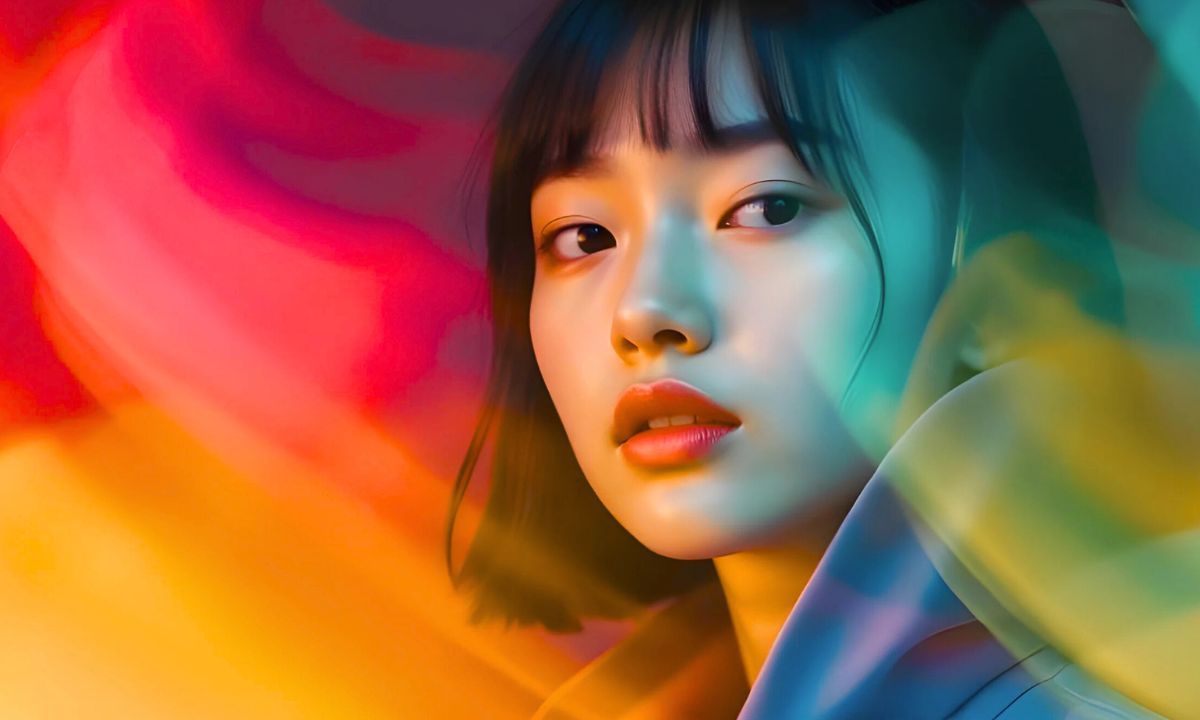
Google Gemini
Google’s chatbot, Gemini, was once called Bard. It utilizes Google’s picture generation tool, Imagen 2. This technology has received a great deal of training.
For every A prompt, it produces four distinct photos. You can select the option that best suits your needs.
Users of OnePlus Turbo 6X vs Turbo 6X Pro – Check Full Specification, Price-below-%e2%82%b910000-750926.html" class="tb-related-post-link" rel="bookmark">Vivo Y05e Spotted on NBTC Certification, 5,050mAh Battery, Android 16, Price Below ₹10,000 phones now have the choice to make Gemini their default assistant app thanks to Google.
With just a few descriptions, you may use it to create pictures at any time and from any location.
Microsoft Copilot
This is Copilot, a free AI picture generation tool from Microsoft. With just one instruction, its built-in image generator can produce four AI images simultaneously.
To put it simply, it utilizes OpenAI’s DALL-E 3 framework, which enables ChatGPT to generate graphics given any text input.
The greatest, highest-quality photos are produced in this way. In addition, you can choose an image style or topic, such as oil painting, digital art, anime, etc.
Photo.AI
Image Extender, Photoshoot, Text Art Generator, and Text-to-Image Creator are among the AI tools included in Photo.AI, an all-in-one image editor.
One can select the image style and kind, as well as the image ratio, via the Photo.AI image generation interface. This enables you to select the ideal image size based on your needs.
Your task will be completed if you just prompt it in accordance with your specifications.
Adobe Firefly
Based on the Adobe Sensei AI paradigm, Adobe Firefly is an AI tool. It has been trained on numerous copyright-free, open-source photos.
Adobe Firefly has an extremely user-friendly UI. Similar to Photo.AI, this also lets you choose the image aspect ratio and other settings like visual area and effects.
Simply provide a word prompt, and the program will display four images in accordance with your prompt.
In addition, you can use tools like generative fill, filter, and background removal to alter the image.
Canva Magic Media
When it comes to making banners, social media postings, or any other kind of creativity, this tool is quite helpful. Canva may be the most useful tool in such a circumstance.
Canva has also just developed an AI tool that includes a text-to-image creating option.
With 46 credits and four images every prompt, users can choose to utilize it for free. It is called Magic Media. This application can