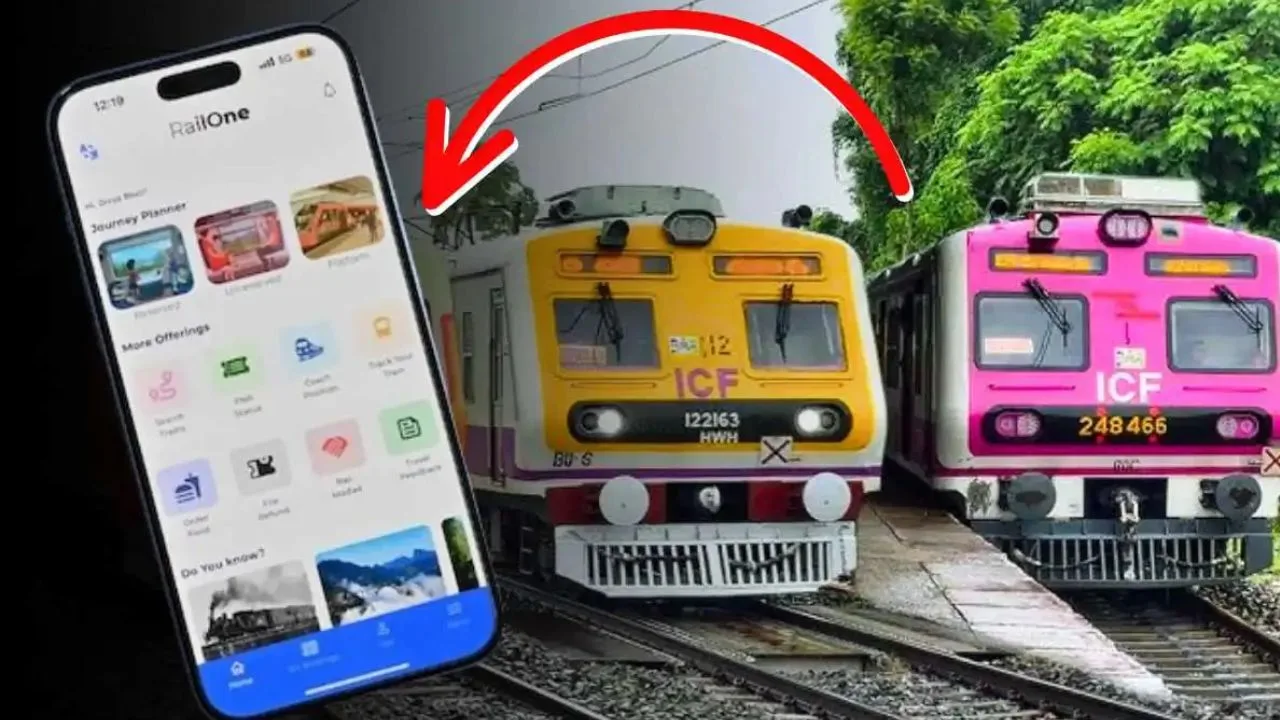
The popular UTS app of Indian Railways is being shut down from March 1. In short, train tickets will no longer be available from UTS after the end of this month. However, Indian Railways has already announced a special app, RailOne (RailOne App), as an alternative. If this app is installed on the passengers’ phones, they will be able to purchase tickets on one platform, from ordering food to tracking the location of the train and even seeing if there is a train delay. Monthly payments can also be made. But how to do that in the new app?
How to make monthly payments from RailOne?
Indian Railways has clearly informed the passengers that the UTS app will no longer work from March. Instead, they will have to use RailOne. However, despite all the buzz around the new app, many are not able to understand how to buy train tickets or monthly payments in the new app. In that vein, if you want to make monthly payments from the new RailOne app, first install the RailOne app on your smartphone.
Once the app is installed, complete the login process. It is necessary to say that a rail passenger can log in to this new app using the login ID and password of the IRCTC app. To buy your monthly ticket on this all-in-one app, click on the unreserved option from the homepage that appears and touch the session option. From there, select your source station and destination, click on the proceed to book option, choose the payment method and make the payment online. The monthly ticket will be booked.
UTS wallet money can be transferred
There are many people who have several thousand rupees in their UTS app wallet. The news that the app has been closed since March has practically made their heads spin. Many rail passengers have a question, will the money in the UTS wallet be lost? In this regard, the railways have made it clear that passengers who have money in their UTS wallet or balance can transfer that money by logging in to RailOne with their login ID and password.