PF Transfer: There is a big update for PF account holders. Did you transfer your old PF account to your new one after changing jobs? If not, this small mistake could cost you tax, PF withdrawal, and interest in the future. Many employees abandon their old PF account after joining a new job, but transferring it not only maintains your continuous service period but can also provide tax-free money.
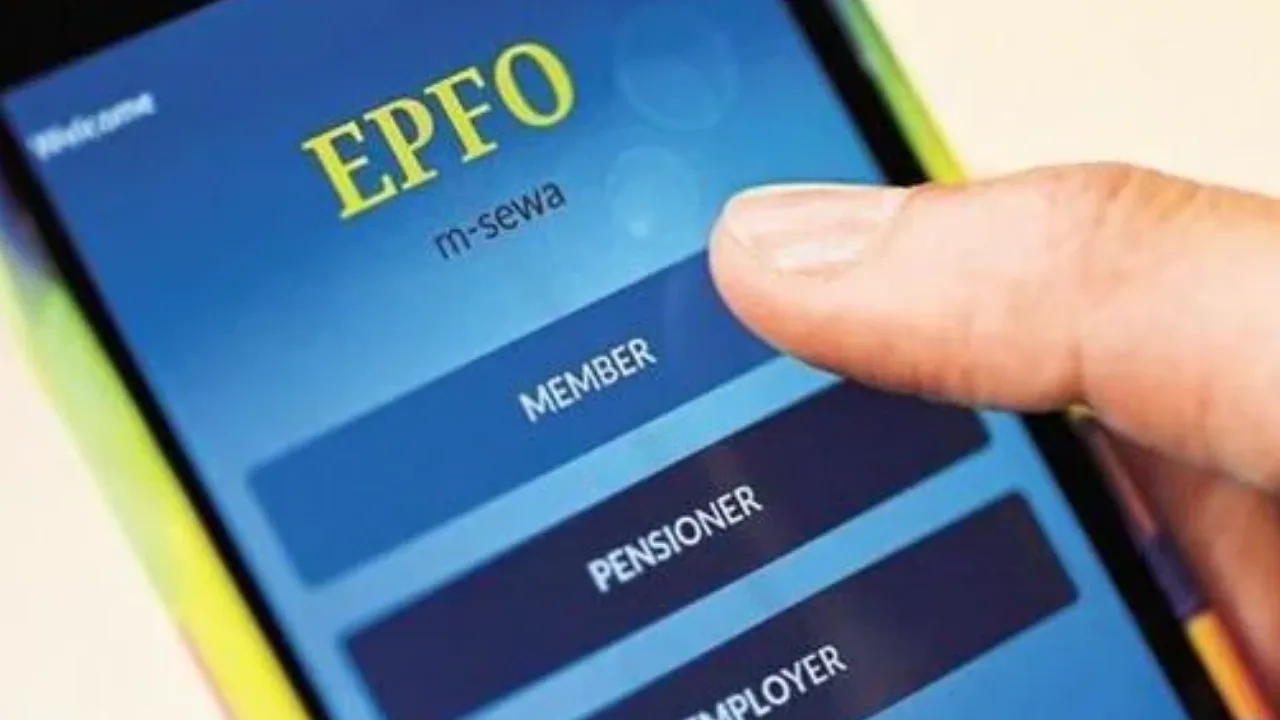
When an employee joins a new job, a new PF Member ID is created for them. However, their Universal Account Number (UAN) remains the same. Therefore, the funds from the old PF account are not automatically transferred to the new account. The employee must complete the transfer process by visiting the EPFO portal.
Why is PF transfer necessary?
The biggest advantage of PF transfer is that it ensures an employee’s continuous service. According to income tax rules, if an employee has completed five years of continuous service, PF withdrawals are not taxable. However, if the old PF account is not linked to the new account after changing jobs, the service period calculation may be affected. In such a situation, you may have to pay tax when withdrawing PF in the future.
Furthermore, under most EPFO rules, PF withdrawals or advances are only possible with an active member ID. If money remains in old, inactive accounts, it can be difficult to track and use. Experts say having multiple PF accounts also makes it difficult to accurately track total savings.
How can you merge your PF accounts?
The EPFO has made the PF transfer process much easier in recent years. Members now have the option to transfer their old PF account to a new one online.
- To start, visit the official EPFO website and log in using your UAN and password.
- Navigate to the Online Services section and choose the One Member – One EPF Account option.
- Here, you will see your personal information along with the details of your existing EPF account.
- Complete the required fields and provide your registered mobile number.
- Next, click on Generate OTP and input the OTP that you receive on your mobile.
- Following this, enter the details of the old EPF accounts that you wish to merge.
- Check the declaration box and submit your application.
What happens next?
Once you submit your online application, your current employer needs to approve the request. After approval, the EPFO will finalize the process and transfer the balance from your old PF account to your current one. It is generally more advantageous to transfer your PF balance after changing jobs instead of withdrawing it.