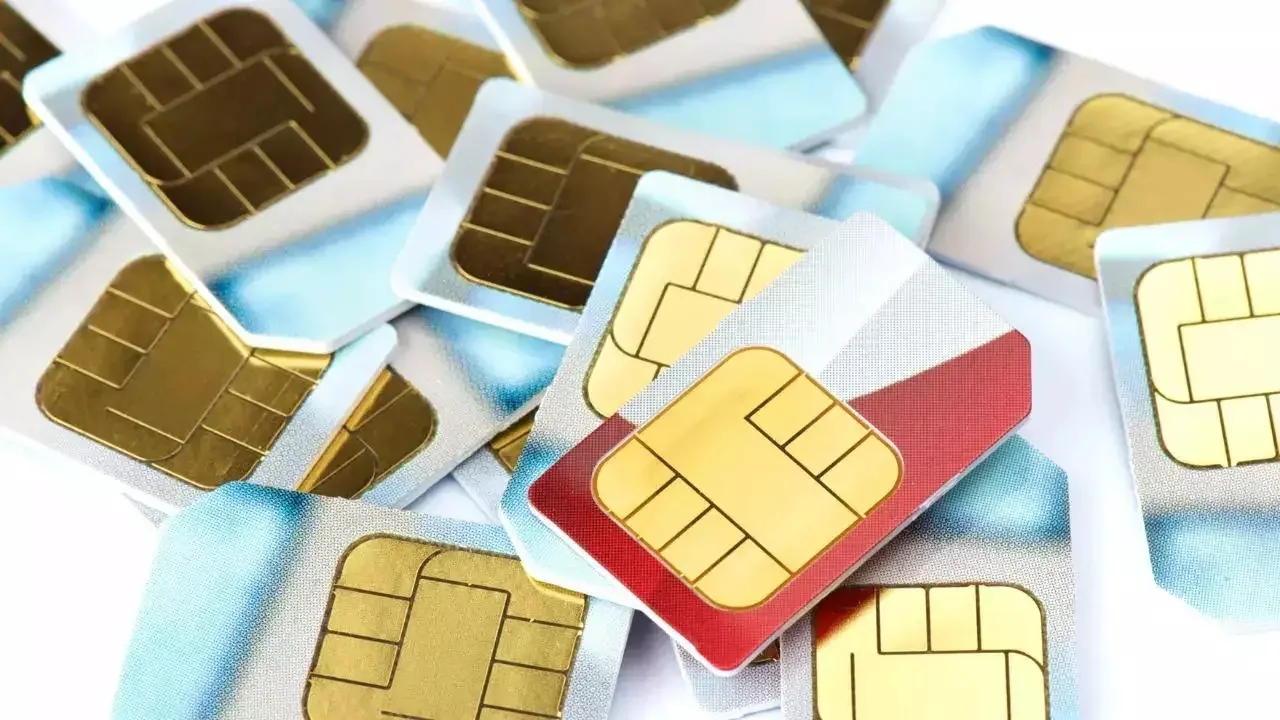
SIM Binding Rule: As of today, March 1st, the SIM binding rule is now in effect, which will have a significant impact on users of WhatsApp and Telegram. The government has made it clear that the SIM binding rule for applications such as WhatsApp, Telegram, and Signal will be enforced starting March 1st, with no further delays.
This implies that if you possess a second SIM card in your device and are using WhatsApp with a different number, your WhatsApp and other messaging applications may cease to function. This could lead to issues for those who utilize a second SIM card and access WhatsApp from a different number. However, under the new regulation, this will no longer be feasible. These applications will only operate when the SIM card associated with them is active in the device.
To avoid WhatsApp from shutting down
Following the implementation of SIM binding, users now have two choices. The first choice is to insert a SIM card that corresponds with the number you are using to access WhatsApp. This will guarantee that WhatsApp continues to operate without any issues. The second choice is to transfer your WhatsApp account from one number to another. This option is particularly beneficial when using a SIM card is not an option. WhatsApp provides a feature that enables users to transfer their account. If your WhatsApp account is currently linked to a secondary number, you can move it to your primary number.
How to transfer your WhatsApp account? Here’s a step-by-step guide
First, navigate to WhatsApp Settings.
Click on Account.
Next, go to Change Number.
Then, press Next and input your old number first, followed by your new number.
The old number is the one on which your WhatsApp is currently active but whose SIM is in another device.
The new number will be your primary number that you regularly use.
After that, you can decide whether to inform your contacts about your new number or not.
Finally, click Done. Once the verification process is complete, your WhatsApp account will be successfully transferred to your primary number.
Keep these things in mind
Before moving your WhatsApp account, be sure to back up your chats, including videos, so you don’t lose any of your chats or WhatsApp data. To shift your WhatsApp account, it is very important to keep both your numbers active. After shifting your WhatsApp account, do not forget to turn on chat backup on the new number also.