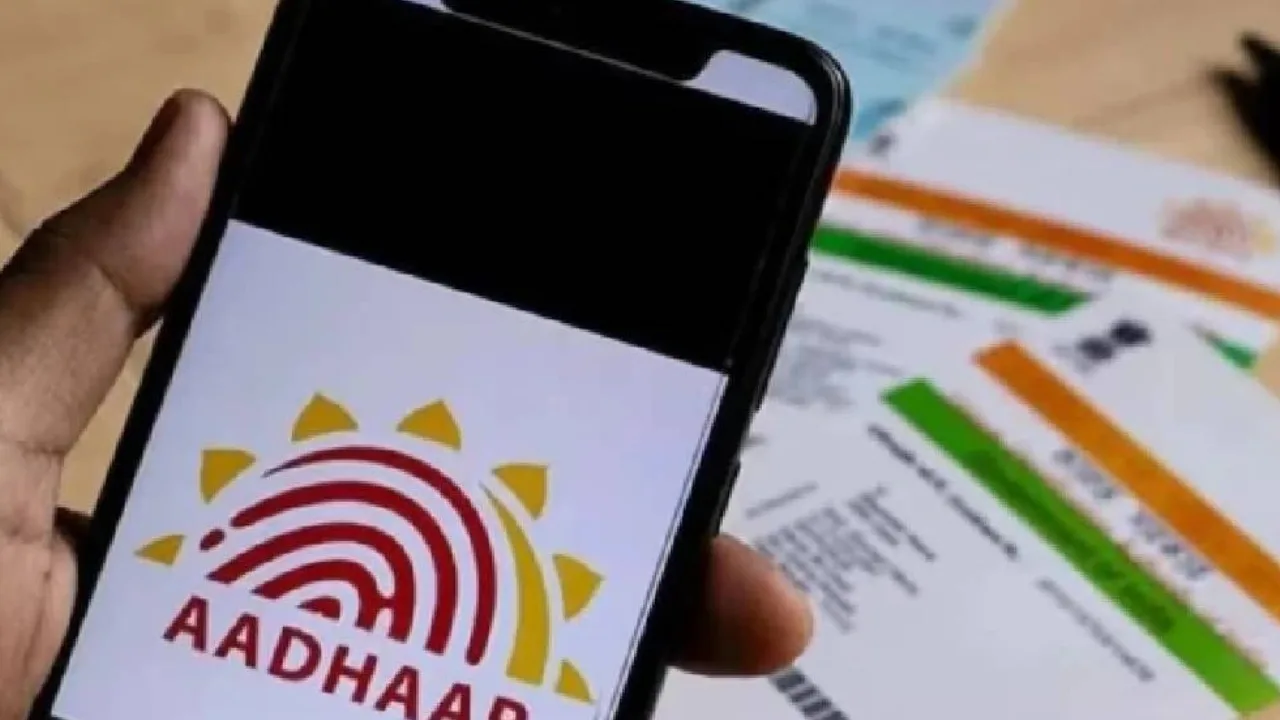
New Aadhaar App: The newly launched official Aadhaar app by the Unique Identification Authority of India (UIDAI) enables users to manage their digital identity securely, featuring options like face authentication, biometric locking, and QR code sharing. This app is set to replace the current mAadhaar app soon. Following the app’s launch, many Aadhaar users are curious about whether they need to transfer their data from the old mAadhaar app, create a new account, or undergo any specific procedures.
UIDAI announced on the social media platform X that the new Aadhaar app has been developed with improved features, a contemporary interface, and intelligent services to ensure a secure and user-friendly digital experience. As the mAadhaar app will be phased out shortly, users are encouraged to transition to the new Aadhaar app.
Features offered in the new Aadhaar app
The new Aadhaar app provides several essential services, including:
Updating mobile number
Address Update
Biometric locking and unlocking
Sharing Aadhaar Verifiable Credentials
Viewing Aadhaar Authentication History
Downloading e-Aadhaar
Sharing a Contact Card
Sharing information via QR code
Is it necessary to transfer data to the new Aadhaar app?
No, there is no need to transfer any data from the old mAadhaar app. Just download the new Aadhaar app and follow the steps outlined below.
Steps to download and register for the new Aadhaar app
Step 1: Download the new Aadhaar app from the official source.
Step 2: The app will prompt you to send an SMS from the mobile number associated with your Aadhaar.
Step 3: Next, complete the face authentication process.
Step 4: Create a 6-digit password (for example, 123456) for security purposes.
Step 5: The Aadhaar profile can only be downloaded on the mobile device where the mobile number linked to Aadhaar is active.
Only one Aadhaar profile active at a time
According to UIDAI, only one Aadhaar profile can be activated on a device at a time. If you activate a profile on a second device, the profile on the first device will automatically deactivate and be deleted the next time you use it.
Key features of the new Aadhaar app
- Users can add a maximum of 5 Aadhaar profiles in their profile section.
- This feature helps protect your biometric information. When Biometric Lock is enabled, no one will be able to access your fingerprints or other biometric data. It can be temporarily unlocked if needed.
- If you have updated any information in Aadhaar, the new information will be visible in the app after successful update.
- Users can share QR codes and digital Aadhaar information without showing physical documents, making verification easier.
- This app also provides the facility of offline verification by scanning the QR code present on the Aadhaar Card.