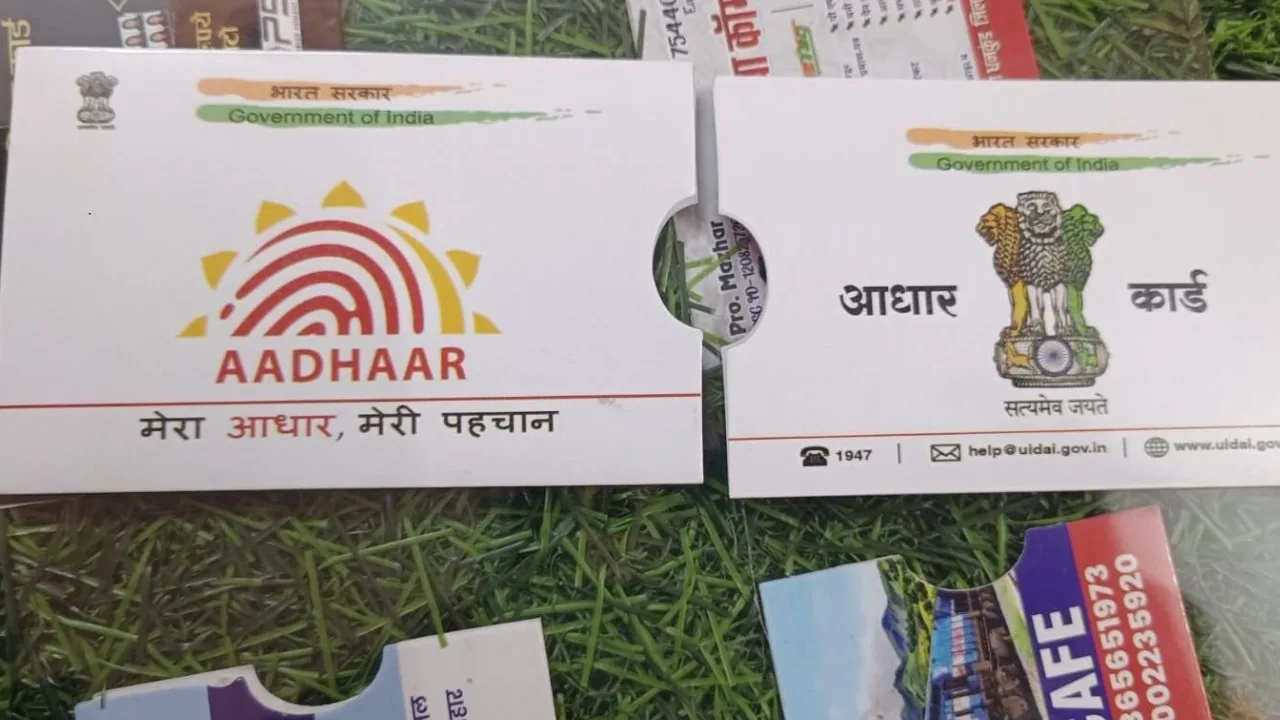
Aadhaar Card: Do you have Aadhaar Card? Wanna know if your Aadhaar Number Valid or not? Then this article is made for you. Few months back, More than 20 million Aadhaar numbers have been deactivated in the country. This is to keep the Aadhaar system clean, secure, and updated.
Why were so many Aadhaar numbers deactivated?
This is part of a larger clean-up campaign by the UIDAI. The government says that Aadhaar numbers of deceased individuals have now been deactivated to prevent misuse. According to the ministry, UIDAI has collated data with various agencies, such as the Registrar General of India (RGI), state governments, public distribution systems, and the National Social Assistance Program, to identify deceased individuals.
How do you know whether your Aadhaar is active or not?
1. UIDAI’s Verify Email/Mobile service
- Open the website: myaadhaar.uidai.gov.in/verify-email-mobile
- Enter Aadhaar number
- Enter your registered mobile number or email address
- Enter the captcha and “Submit OTP”.
- If the OTP comes immediately then your Aadhaar is active.
- If OTP does not come or ‘Aadhaar is deactivated’ is shown then your Aadhaar is closed.
2. Check with the mAadhaar app
- download app
- Login with Aadhaar number and OTP
- Aadhaar is activated once the profile is opened.
- Aadhaar deactivated if not logged in
3. UIDAI Resident Portal
- resident.uidai.gov.in/check-aadhaar-status
- Enter Aadhaar number and captcha
- Click on “Check Status”
- It will be clearly written here – Active or Deactivated
4. Call toll-free: 1947
- Select language
- Provide your Aadhaar number
- Customer care will tell you your status.
Nowadays, Aadhaar is essential for every small and big task, so it’s best to check your status once and be sure. The process is easy and only takes a few seconds.
#Call1947
Unsure about an #Aadhaar number?
Get it verified by calling 1947 #AadhaarHelpline.#UIDAI #AadhaarVerification#ValidAadhaar pic.twitter.com/hs3SJSAEO8— Aadhaar (@UIDAI) June 2, 2026
If you’re currently using the mAadhaar app, you’ll soon need to switch to the new Aadhaar App. UIDAI has announced that the old mAadhaar app will be discontinued in the future. It’s being replaced by the new Aadhaar app, which includes several new security and privacy features.
The most important feature of the new Aadhaar app is that it allows you to access your Aadhaar information offline. This feature works like a physical Aadhaar card, but with enhanced security. Users can share their information only when needed.
How to register in the new Aadhaar app?
Download the new Aadhaar app from the Play Store or App Store. After opening the app, grant the necessary permissions for camera, SMS, and calls. Then select “Begin Journey” and “Continue to Register.” Enter your Aadhaar number, confirm it, and accept the terms and conditions to proceed.