

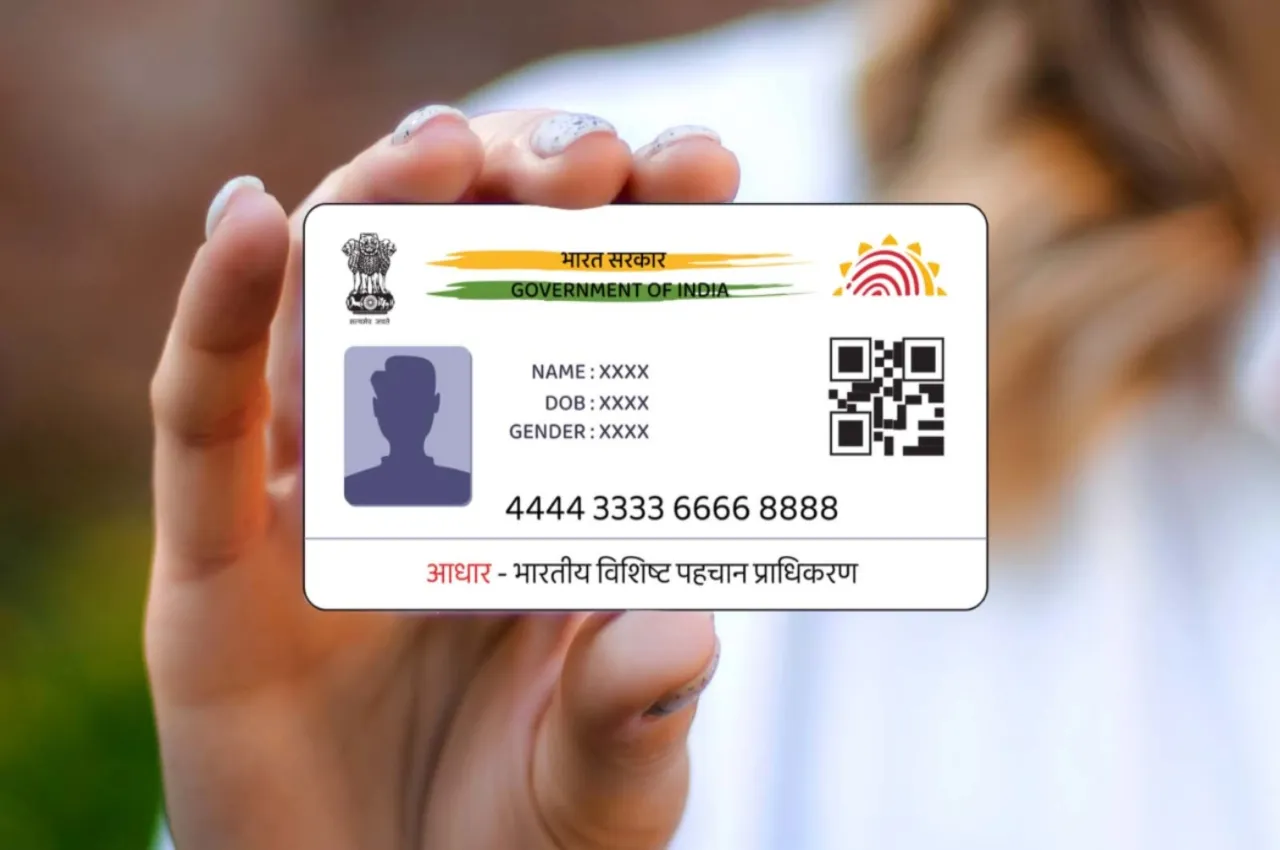
Aadhaar Card WhatsApp: The Aadhaar card has become a crucial part of our identity. Without it, completing any task is nearly impossible. If you urgently need to send your Aadhaar card but can’t locate the PDF you downloaded earlier, this article is just for you.
Today, we will explore how to download your Aadhaar card through WhatsApp. Once you master this method, you won’t need to visit any website to obtain your Aadhaar card. Instead, you’ll receive the Aadhaar card PDF directly on WhatsApp. Let’s get started!
How to download?
Step 1: First, save the Business Idea: Start These 4 Businesses With Low Investment, Then Earn Big Every Month”/gas-cylinder-why-was-the-number-of-subsidized-cylinders-reduced-government-explains-the-reaso-750917.html" class="tb-related-post-link" rel="bookmark">Gas Cylinder: Why Was the Number of Subsidized Cylinders Reduced? Government Explains the Reaso 9013151515 on your phone as My Gov Helpdesk for easy access.
Step 2: Now, send a Namaste or Hi via WhatsApp to this number.
Step 3: Next, select the Digi Locker option.
Step 4: Confirm your Digi Locker account; if you don’t have one, create it first.
Step 5: After that, enter your 12-digit Aadhaar number.
Step 6: Then, send the OTP you receive to the WhatsApp chat.
Step 7: Once the OTP is verified, you’ll see a list of documents available in DigiLocker. Choose your Aadhaar card from this list.
Step 8: Finally, you will receive the Aadhaar PDF on WhatsApp.
How to create an account in DigiLocker?
To set up an account in DigiLocker, visit the DigiLocker website or app.
For sign-up, you need to provide your mobile number.
An OTP will be sent to your phone; enter it.
Next, select your account name and password.
Now, link your Aadhaar with DigiLocker by entering your Aadhaar number and mobile number. Enter the OTP you receive on your mobile for verification.
You can now access your documents and link to other documents.
What is e-Aadhaar?
E-Aadhaar is basically a digital version of your physical Aadhaar card. This means you no longer need to carry the physical card with you. Instead, you can download it in PDF format. This digital version is also provided by UIDAI, the authority responsible for Aadhaar.
E-Aadhaar includes your name, address, and other important details, along with a QR code. Now, let’s explore how and where you can download it.
How to download?
If you wish to download e-Aadhaar, just follow the steps outlined below.
Step 1- First, visit the official UIDAI website.
Step 2- You will find the option to download Aadhaar here.
Step 3- To proceed with the download, you need to enter either your Aadhaar number, Enrollment ID, or Virtual ID (VID).
Step 4- Next, input the captcha code.
Step 5- After that, click on the Send OTP option.
Step 6: You will receive an OTP on your mobile number linked to your Aadhaar. Enter this OTP on the website.
Step 7: Your e-Aadhaar will then be downloaded. You can access it on your mobile phone by selecting the File option.





