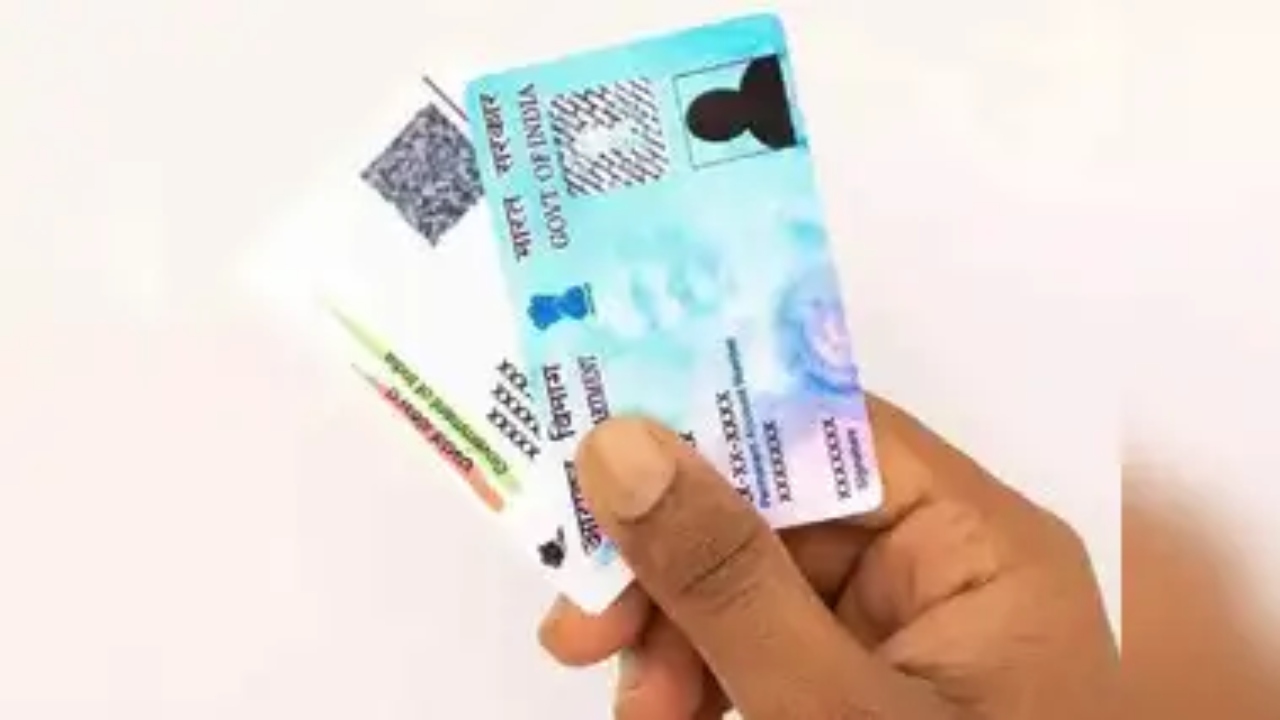
Aadhaar card, PAN card, and voter ID card are very important documents at present. All these documents must be with you at present. If you do not have all these documents, then you may have to face big trouble. On the other hand, if you need documents anywhere, then if you have forgotten any of these documents at home, you do not need to worry. You can download these documents anytime. Today, we will tell you how you can download all these documents online. Let’s know about them in detail.
Read Here: 8th Pay Commission: Central Employees Demand Reduction in Pension Commutation Period
How to download an Aadhaar card
- . First of all, visit the official website.
- After this, click on the option of My Aadhaar and click on the option of Download Aadhaar.
- Now you have to choose the option of Aadhaar number under the section I Have.
- Now enter your Aadhaar number and click on the option of Mask Aadhaar.
- After this, verify the captcha and click on the option to send OTP to the registered mobile number.
- Now you will receive an OTP, after which you have to enter this OTP.
- Now, to download the electronic copy of your Aadhaar, you have to approve and click to download.
How to download a PAN card instantly
- For this, visit the official website of Income Tax e-filing.
- After this, click on the option of instant PAN card under the service section.
- If you have not downloaded the e-PAN card earlier, then click on the option of a new PAN card.
- After this, click on the details of the Aadhaar card and submit.
- Now you will receive OTP on the registered mobile number, which has to be entered.
- Now all the information on the page will be visible. After checking all the information, enter your email.
- After this, you will receive your e-PAN in your email inbox.
Read Here: FASTag Annual Pass Activation: How to Activate Annual Fastag Pass, Know The Process Here
How to download a voter ID card
- . First of all, go to the official website of Voter ID.
- After this, click on the online application for registration of a new voter ID card.
- After this, the option to apply as a new voter will appear.
- Now you have to fill in the details of name, age, and gender, etc.
- Now you have to fill in all the necessary details and click on the submit option.
- Now you will get an application number on your phone and registered email ID.
- After it is uploaded to the website, you can click on the download button to get your new voter card.