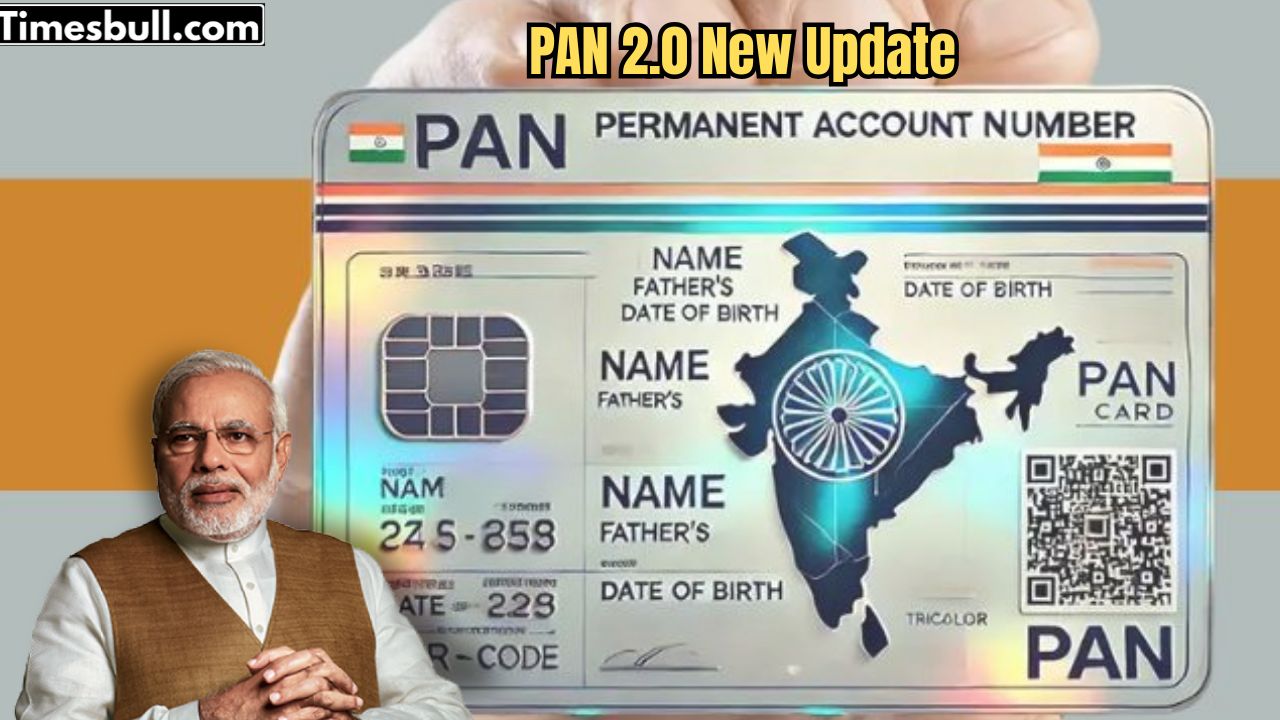
In India, the PAN card (Permanent Account Number) is a mandatory financial and identity document. In November last year, the central government approved the PAN 2.0 project. You might wonder why PAN 2.0 was needed when the PAN card already existed, and what the major differences are between the two?
PAN 2.0 can be considered a digital upgrade to your PAN card. It brings numerous conveniences and new security features for taxpayers. Its primary objective is to enhance security features and make PAN-related services completely online and paperless. Previously, PAN-related services were available on three separate portals, but with PAN 2.0, all services have been brought together on a single portal. This will make PAN creation, correction, Aadhaar linking, and e-PAN downloading much easier.
Key Benefits of PAN 2.0
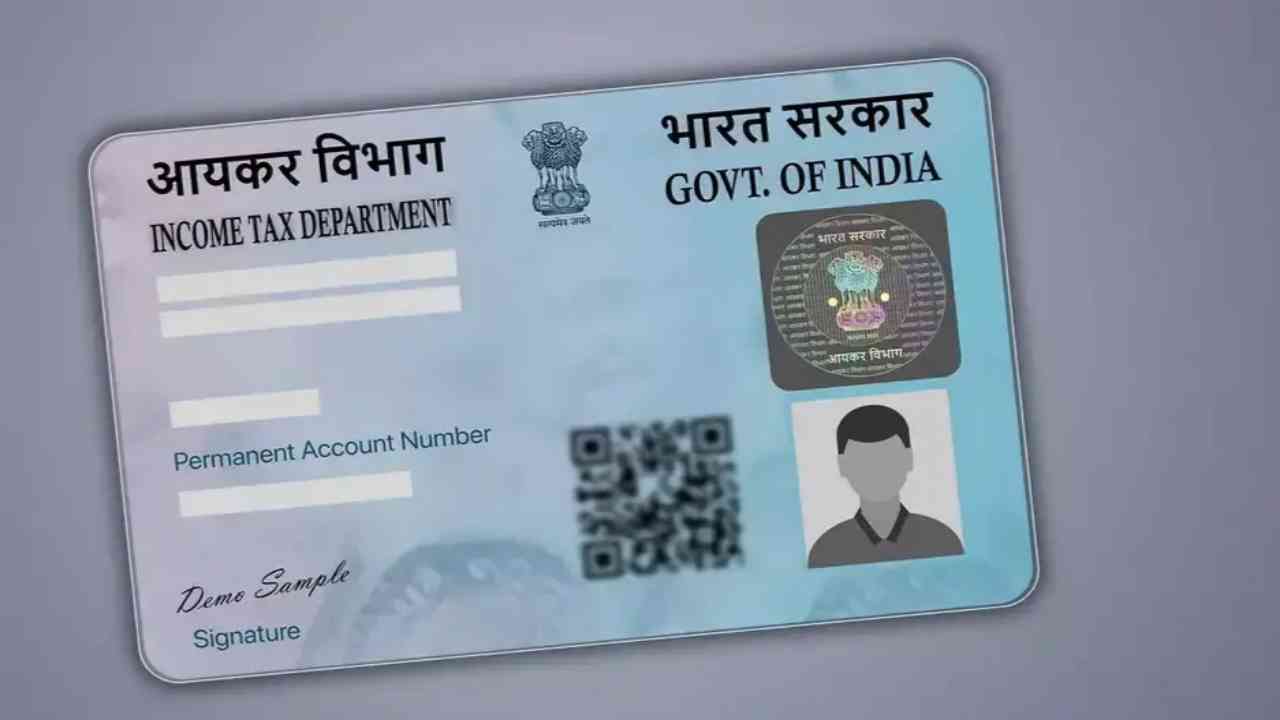
PAN 2.0 is not just a name, but an advanced version of the entire system. It has several significant advantages:
With PAN 2.0, the existing PAN system has been upgraded with advanced technology.
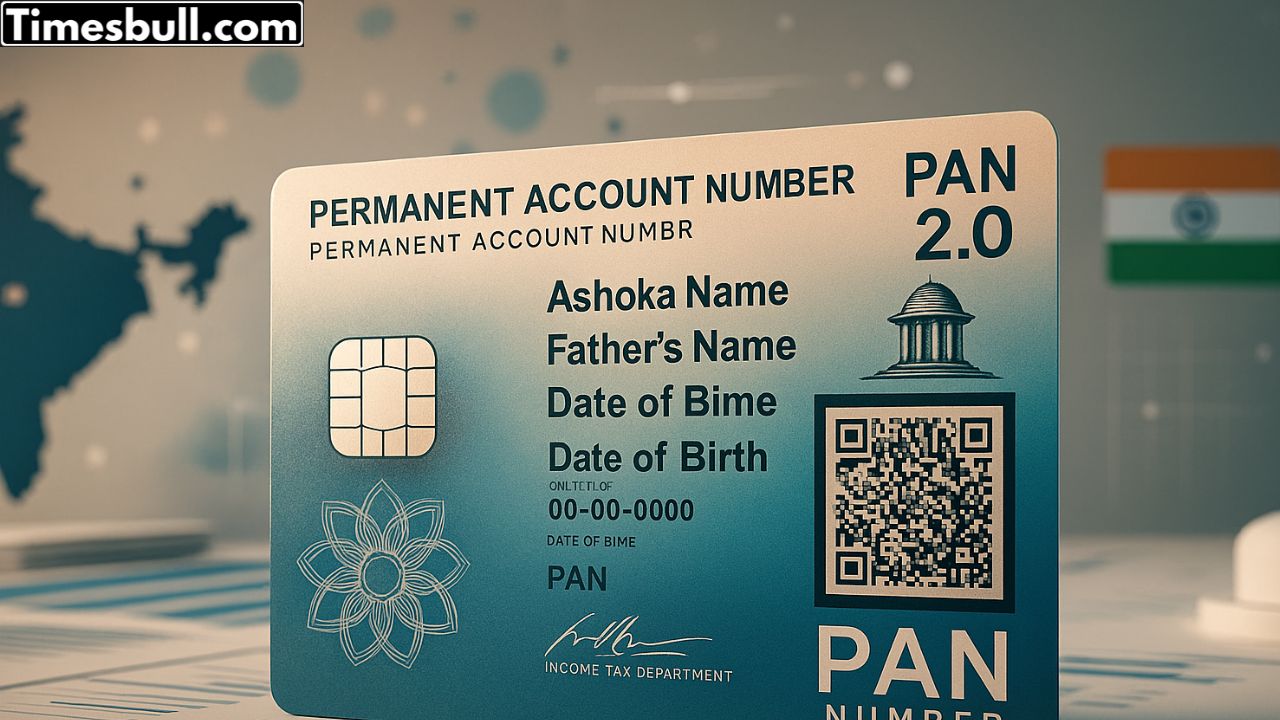
New PAN cards issued under PAN 2.0 will have a QR code. This code will allow instant verification of cardholder details.
With PAN 2.0, all services will be available on a unified digital portal.
Since the entire process will be digital, the need to print cards will be eliminated.
A major benefit of PAN 2.0 is that e-PAN will be generated instantly and free of charge using Aadhaar.
The biggest difference between the old PAN card and the new PAN 2.0 is the QR code, which will be available on the new cards. This dynamic QR code will instantly verify the cardholder’s identity and other details.
Note: This does not mean that your old PAN card will become invalid. You do not need to get a new PAN card; you can easily upgrade to PAN 2.0.
How to Upgrade Old PAN to PAN 2.0
If you want to upgrade your old PAN to PAN 2.0 with the QR code feature, the process is very simple.
First, visit the official NSDL website.
Enter your PAN number, Aadhaar number, and date of birth there.
Select the option to receive an OTP and enter the OTP within 10 minutes.
Accept the terms and conditions, select a payment method, and pay ₹8.26. (Note: If you request an upgrade within 30 days of PAN card issuance, it will be free. After 30 days, a fee of ₹8.26 will be charged.)
Your e-PAN will be sent to your email address within 30 minutes of making the payment.
How to print a new physical PAN card with a QR code
If you want to print a new physical PAN card with a QR code at your registered address, follow these steps:
First, visit the NSDL website.
Enter your PAN number, Aadhaar card number, and date of birth.
Tick the checkbox and click the Submit button. After verifying the information, select the mode of receiving the OTP. Then, accept the terms and click “Generate OTP.”
Select the payment mode and complete the payment. After payment, you will receive an Acknowledgement Receipt.
The new PAN card will reach your registered address within 15-20 days.