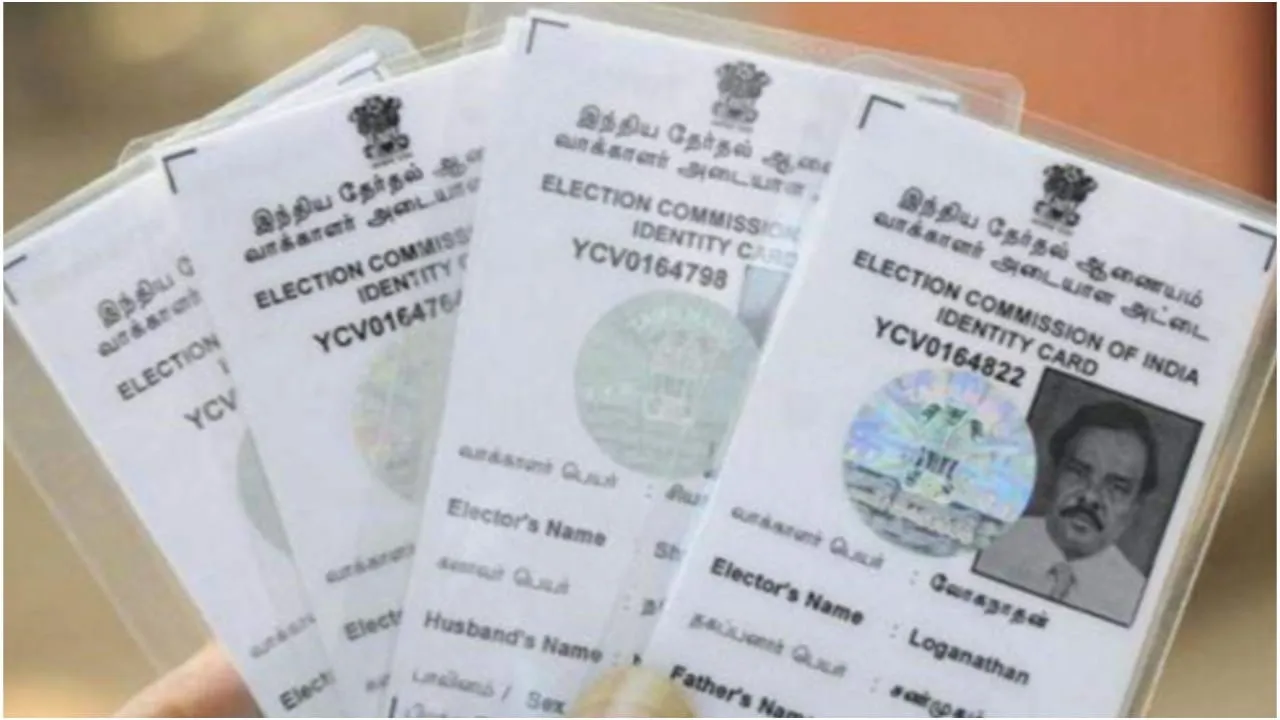
update voter ID online – If your voter ID card has an incorrect photograph, name, or address, you no longer need to visit a government office to correct it. In 2025, the Election Commission of India made the entire correction process entirely online. Through Form 8 on the official portal at voters.eci.gov.in, you can update or correct your details in just a few steps from home.
The Election Commission now provides a dedicated digital platform for all types of corrections, allowing citizens to update their photo, name, or address without paperwork. Below is the complete step-by-step process for all three updates.
How to Change Your Photo on the Voter ID Card?
- To begin, visit the official website voters.eci.gov.in and log in using your mobile number or email ID.
- Select Correction of Entries in Existing Electoral Roll and open Form 8.
Choose the “Photo” option under the correction section. - Upload your latest passport-size photo and apply.
- Once submitted, note the reference number to track progress later.
Process to Correct Your Name on Voter ID
- Log in to the Voter Services Portal and open Form 8 under the Correction of Entries section.
- Select the “Name” field and enter the correct spelling or updated name as required.
- Upload the required documents, such as an Aadhaar or a passport, for verification.
- After completing the form, submit it and save the reference number for tracking.
How to Update Your Address on the Voter ID Card?
- Visit the National Voters’ Service Portal and choose either Shifting of Residence or Correction of Entries, depending on whether the new address is within the same constituency or a different one.
- Enter your updated address and upload supporting documents, such as an electricity bill, a rent agreement, or a passport. Please apply and track the status using the provided reference number.