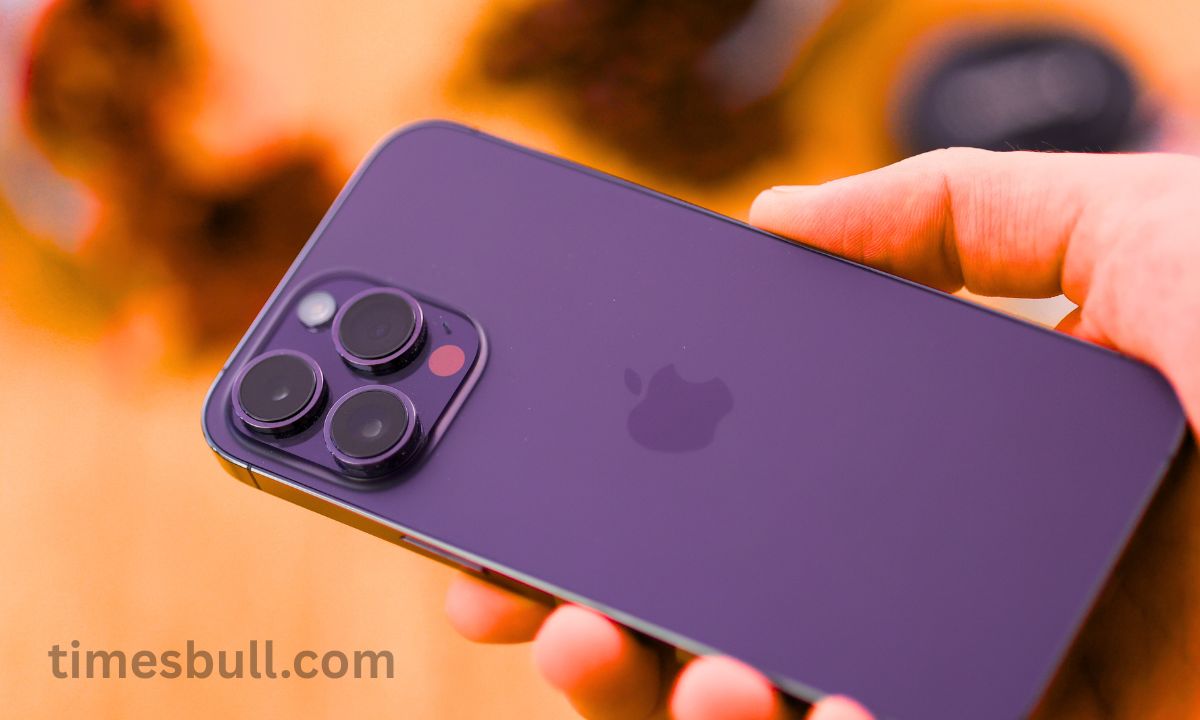
iPhone Battery: Apple launched the ‘Adaptive Power’ feature, which allays iPhone owners’ concerns about battery life. It extends battery life yet maintains functionality. Let us examine which models are compatible with this feature and how to activate it.
It seems like Apple is aware that one of the main issues iPhone consumers have is battery life. In order to allay iPhone customers’ worries about battery life, the Apple has added an amazing feature in iOS 26. We refer to this characteristic as Adaptive Power. Those who frequently worry about their phone’s battery dying before the end of the day will find this new option in iOS 26 useful.
How to Activate Adaptive Power on an iPhone
While adaptations are intended to boost iPhone Battery Life while maintaining performance, low power mode lowers performance and disables important features. You must switch to Power Mode in the Battery section of the phone’s settings in order to activate this feature.
Adaptive Power function operates as follows:
per the company, Adaptive Power automatically makes minor modifications, such lowering the display brightness and slowing down background operations, when the iPhone detects abnormally high power usage. This enables the phone to survive longer between charges.
Apple iPhone: These gadgets will be able to use this feature.
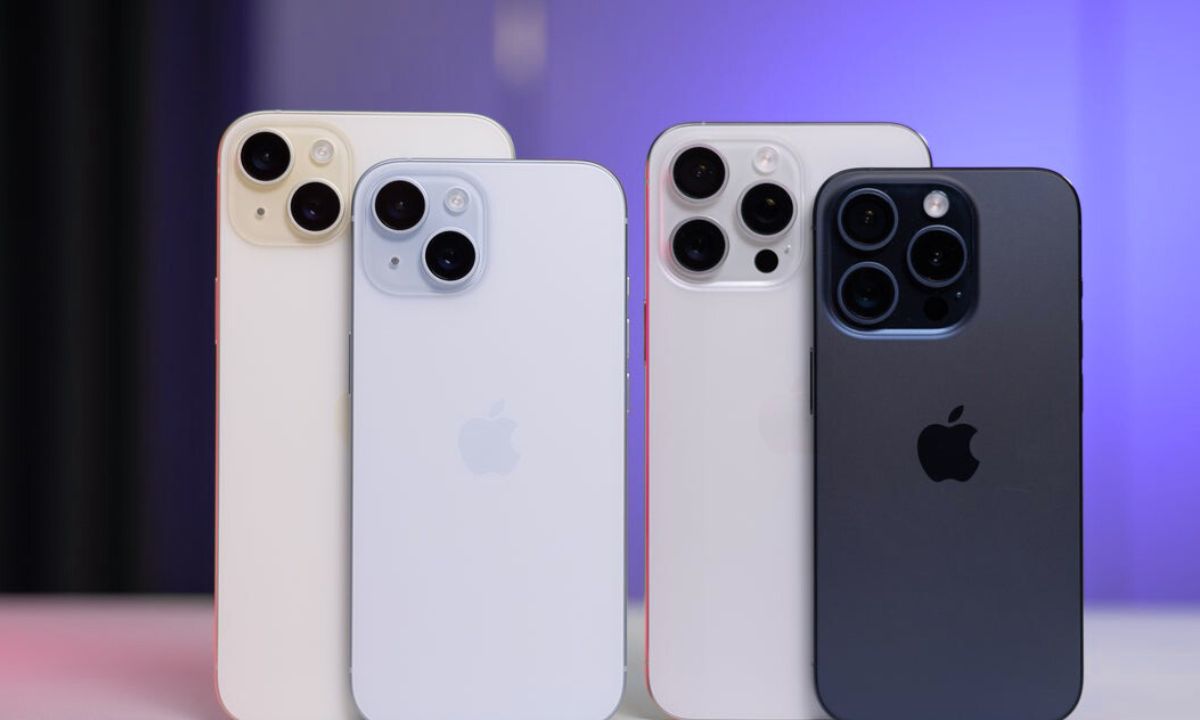
Not everyone has access to this new Apple feature yet. Only devices that enable Apple Intelligence can use Adaptive Power. Since all of these devices support Apple Intelligence, this function is available on the iPhone 15 Pro, iPhone 16, iPhone Air, and the forthcoming iPhone 17 series. Although it is merely a possibility, it is expected that the company would also add this capability to older models.