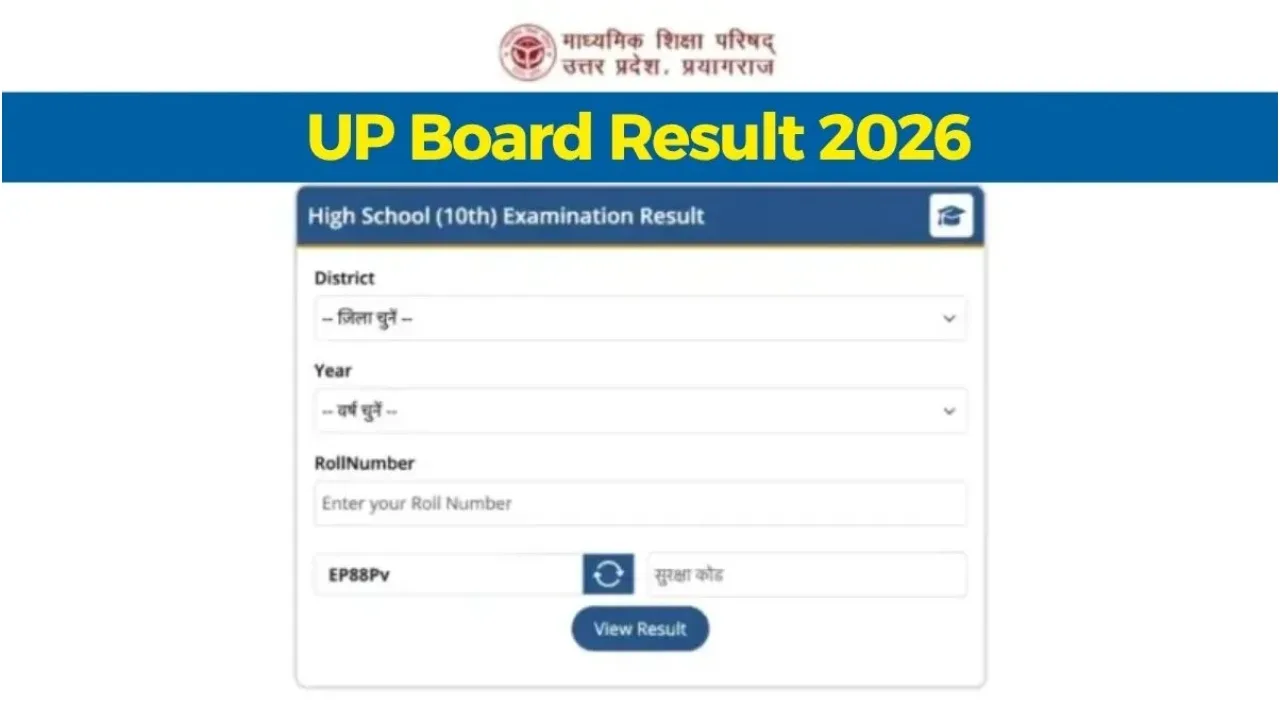
UP Board 10th & 12th Results: The evaluation process for the UP Board Class 10 and 12 answer sheets has concluded, and everyone is now eagerly awaiting the results. A common question on the minds of all students is: when will their UP Board results be released? It is expected that the UP Board Class 10 and 12 examination results could be released anytime between April 22 and April 25, 2026.
The examination results are expected to be excellent this year as well. The Uttar Pradesh Board of Secondary Education will release the list of toppers along with the overall pass percentage of the students. Students can easily check their examination results by visiting the official website. There is no need to be anxious regarding this process.
Read More: PM-SYM Scheme: Get Rs 3,000 Monthly Pension Without a Permanent Job, Know here.
 UP Board Result 2026 (1) | Times Bull" width="1280" height="720" srcset="https://www.timesbull.com/wp-content/uploads/2026/04/UP-BOARD-RESULT-2026-1-2.webp 1280w, https://www.timesbull.com/wp-content/uploads/2026/04/UP-BOARD-RESULT-2026-1-2-300x169.webp 300w, https://www.timesbull.com/wp-content/uploads/2026/04/UP-BOARD-RESULT-2026-1-2-1024x576.webp 1024w, https://www.timesbull.com/wp-content/uploads/2026/04/UP-BOARD-RESULT-2026-1-2-150x84.webp 150w, https://www.timesbull.com/wp-content/uploads/2026/04/UP-BOARD-RESULT-2026-1-2-768x432.webp 768w" sizes="auto, (max-width: 1280px) 100vw, 1280px" />
Where to Check the Results
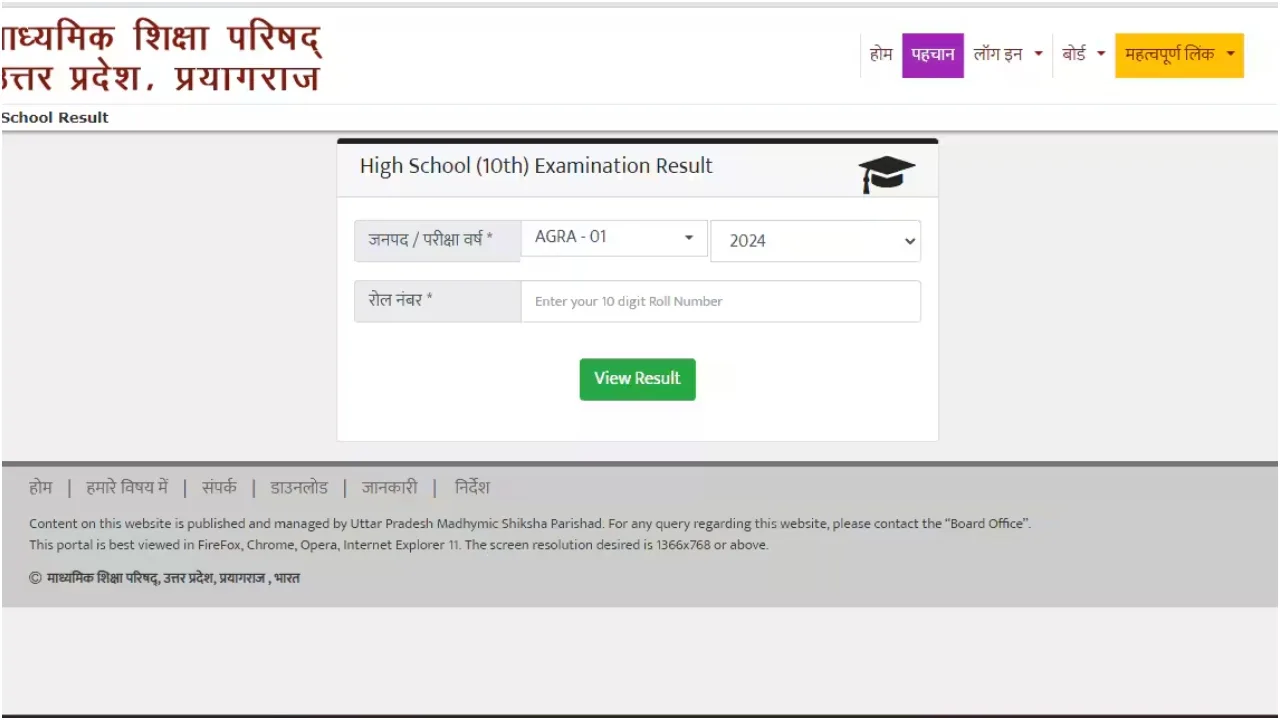
Students will face no difficulty in checking their UP Board Class 10 and 12 results. Once the results are declared, they can simply visit the official UP Board website to access their examination outcomes.
Students can check their results by visiting upmsp.edu.in, upresults.nic.in, or results.upmsp.edu.in. According to UP Board reports, approximately 5.8 million (58 lakh) students appeared for the Class 10 and 12 examinations.
 UP Board Result 2026 (2) | Times Bull" width="1280" height="720" srcset="https://www.timesbull.com/wp-content/uploads/2026/04/UP-BOARD-RESULT-2026-2-2.webp 1280w, https://www.timesbull.com/wp-content/uploads/2026/04/UP-BOARD-RESULT-2026-2-2-300x169.webp 300w, https://www.timesbull.com/wp-content/uploads/2026/04/UP-BOARD-RESULT-2026-2-2-1024x576.webp 1024w, https://www.timesbull.com/wp-content/uploads/2026/04/UP-BOARD-RESULT-2026-2-2-150x84.webp 150w, https://www.timesbull.com/wp-content/uploads/2026/04/UP-BOARD-RESULT-2026-2-2-768x432.webp 768w" sizes="auto, (max-width: 1280px) 100vw, 1280px" />
How Students Can Check Their Results
Students can easily check their UP Board results. To do so, they must visit the official website, where the process is straightforward and confusion-free.
First, you must click on the official website: upresults.nic.in or upmsp.edu.in.
Next, on the homepage, click on the link labelled “UP Board High School (Class X) Result 2026” or “UP Board Intermediate (Class XII) Result 2026.”
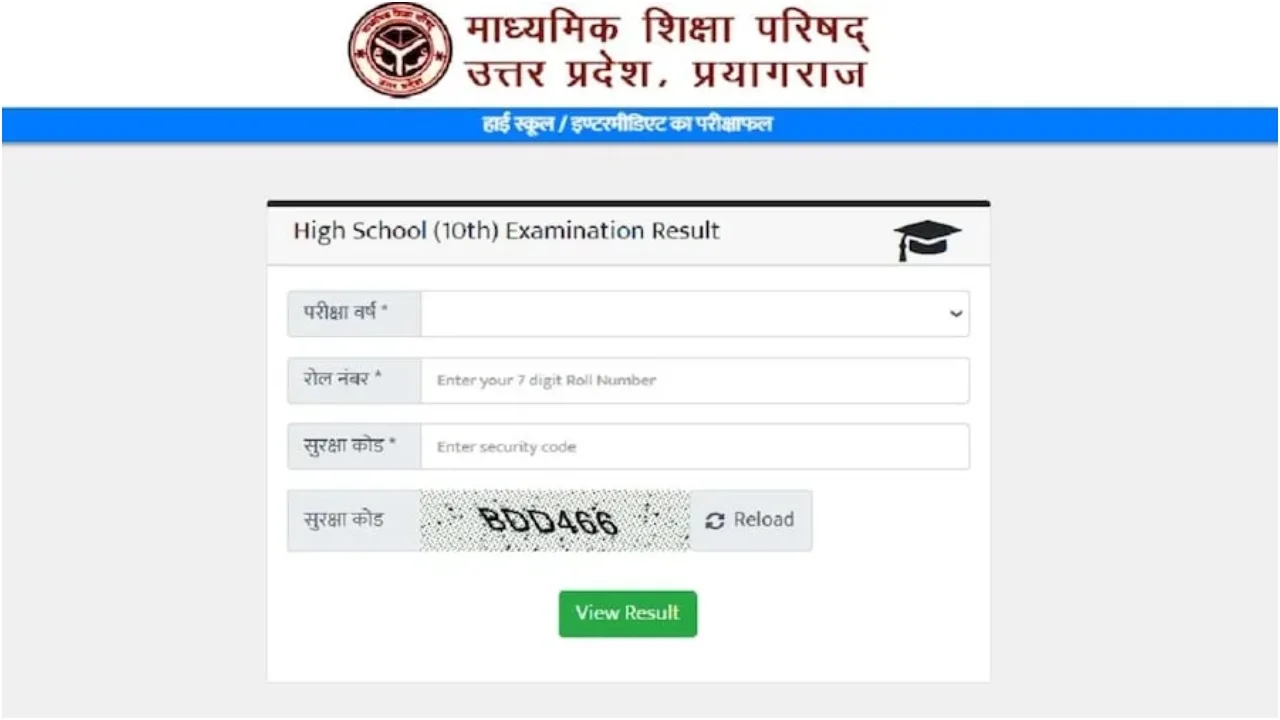
You will then need to enter your Roll Number and the School Code as provided on your Admit Card.
After that, enter the Captcha code and click on the ‘Submit’ button.
Your result will then appear on the screen. You may download it or take a printout for future reference.
Latest News
- इस तारीख तक किसानों का कर्ज होगा माफ! सरकार ने की बड़ी घोषणा

- Moto G37 Power Flipkart Sale Starts: Get Cheapest 7000mAh 5G Phone Now

- LPG Cylinder Price Today: पेट्रोल-डीजल के बाद कितनी बढ़ी गैस सिलेंडर की कीमत! शहर वाइज करें चेक

- Tata Punch EV Rival VinFast VF 5 Unveiled – Stylish Design And Long Range Detailed

- Petrol-Diesel Price Today: फिर लगा महंगाई का झटका, पेट्रोल-डीलज की कीमतों बढ़ोतरी, चेक करें रेट

- Maruti Suzuki Vision 3.0 Plan Revealed – 4 Powerful SUVs Coming In 2026-27

- EPFO Update: पीएफ से निकाले 5 लाख रुपये तो होगा कितना नुकसान? समझिए गणित

- DA Hike Update: इन कर्मचारियों की लगी लॉटरी, डीए में 5 फीसदी की बढ़ोतरी, जानें अपडेट

- Gold Price Today – Check 24K, 22K & 18K Gold Updated Rates in City – Wise

- CUET UG 2026 Exam Postponed – May 28 Exam Cancelled, New Date Announced Soon at cuet.nta.nic.in