New Delhi: If there is a student in your family or household currently studying in Class 12 under the CBSE Board, the wait for their results is finally coming to an end. The Central Board of Secondary Education (CBSE) is expected to release the examination results very soon. The CBSE Board has already released the Class 10 results. Much like the Class 10 results, the Class 12 examination results are also expected to be excellent.
Students will not face any difficulties in checking their results. They can conveniently check their examination outcomes by visiting the official websites: cbse.gov.in and results.cbse.nic.in. However, the exact date for the result declaration has not yet been officially announced. Claims regarding the release are currently circulating in various media reports.
key highlights
How to Access Your Results
Students can check their scores through multiple official digital platforms:
1. Official CBSE Portals
- Websites: cbse.gov.in and results.cbse.nic.in.
- Required Details: You will need your Roll Number, School Number, and Admit Card ID to log in and view the digital scorecard.
2. DigiLocker (For Digital Marksheets)
To download a legally valid digital copy of the marksheet:
- Log in to the DigiLocker website or mobile app.
- Use your registered mobile number or government-issued identification for authentication.
- Navigate to ‘Issued Documents’ and select ‘CBSE’.
- Choose ‘Class 12 Marksheet 2026’ and enter your Roll Number and Year of Passing.
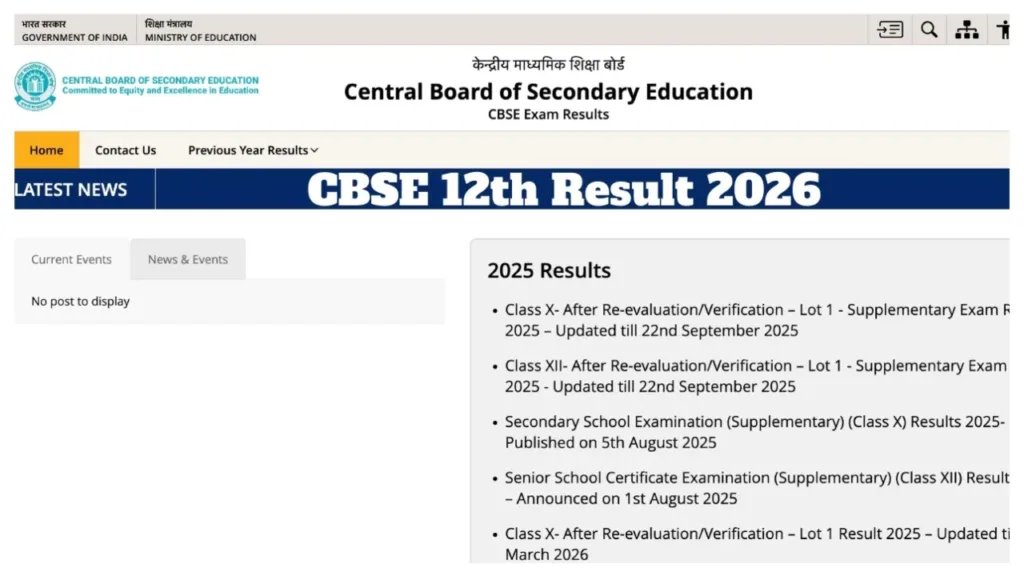
How to Check CBSE Class 12 Results
First, students must visit the official website.
Next, they need to click on the ‘CBSE 12th Result 2026’ link.
Subsequently, they must enter their Roll Number, School Number, and Admit Card ID.
The result will then appear on the screen.
Students can also download and print a copy of their results from this page.
Check Results via DigiLocker
To do this, first visit digilocker.gov.in or open the DigiLocker app on your mobile device.
You will then need to log in using your registered mobile number or Aadhaar number.
Next, navigate to the ‘Issued Documents’ section.
From there, select the ‘CBSE’ option.
Then, click on ‘Class 12 Marksheet 2026’.
Finally, enter your Roll Number and the Year of Passing.
You will then be able to download your digital marksheet.
Results Released Without Prior Notice
For your information, the Central Board of Secondary Education typically releases examination results without any prior announcement. This time, the Class 12 examination results are expected to be released during the first week of May. The Class 10 results have already been released.