

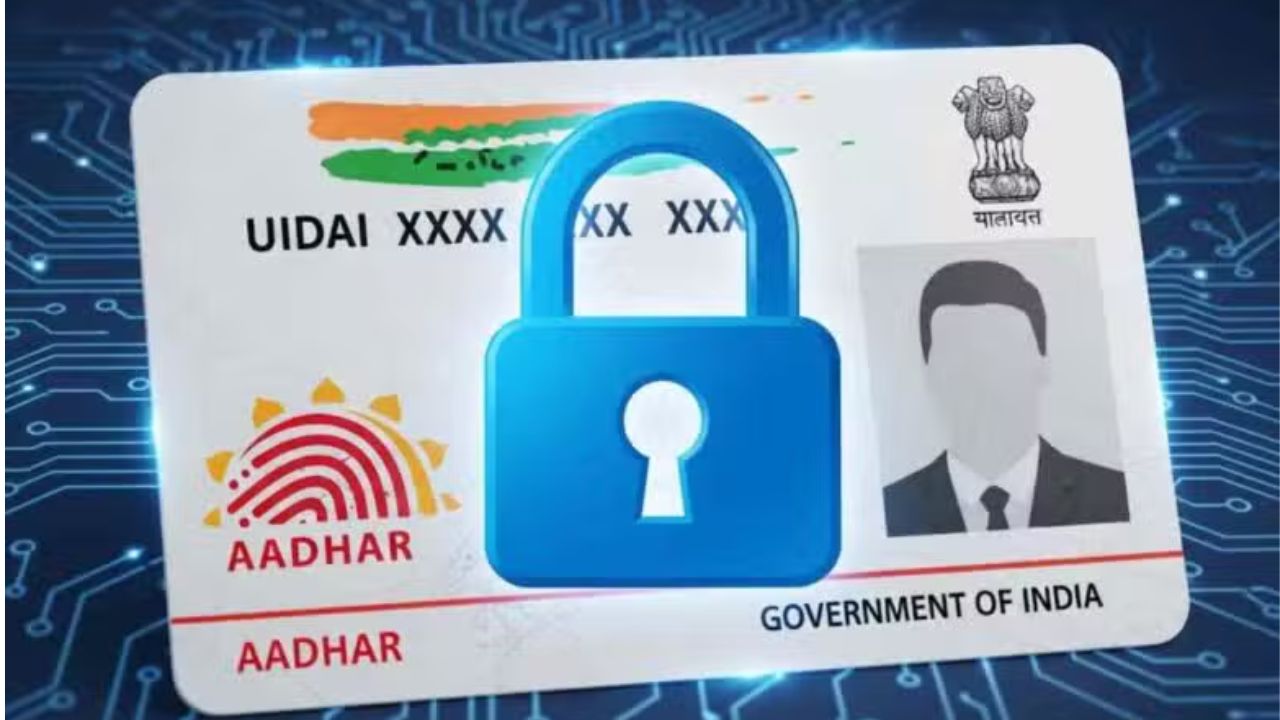
It is very important to keep your Aadhaar card safe. If your Aadhaar card is lost or stolen, someone can misuse it. To stop this, UIDAI lets you lock and unlock your Aadhaar card. This keeps your Aadhaar Business Idea: Start These 4 Businesses With Low Investment, Then Earn Big Every Month”/gas-cylinder-why-was-the-number-of-subsidized-cylinders-reduced-government-explains-the-reaso-750917.html" class="tb-related-post-link" rel="bookmark">Gas Cylinder: Why Was the Number of Subsidized Cylinders Reduced? Government Explains the Reaso and fingerprints safe. Here, we will tell you how to lock your Aadhaar card from home.
How to Lock Aadhaar Card
Aadhaar card is used for bank accounts, government schemes, and many other things. If your Aadhaar card is lost or stolen, someone can misuse your personal information. By locking your Aadhaar, you can keep your fingerprints, eyes, and other personal data safe. When it is locked, no one can use your Aadhaar without your permission.
You can lock your Aadhaar card at home in two ways. One way is using the UIDAI website. First, go to the UIDAI website and click on ‘My Aadhaar’. Then choose ‘Aadhaar Lock/Unlock’. Select ‘Lock UID’ and enter your 12-digit Aadhaar number, full name, and PIN code. Enter the code shown on the screen and click ‘Send OTP’. You will get an OTP on your registered mobile number. Enter the OTP and submit. Your Aadhaar card will now be locked.
The second way is by SMS. From your registered mobile number, type GETOTP and the last four digits of your Aadhaar number. Send it to 1947. You will get an OTP. Then type LOCKUID, the last four digits of your Aadhaar number, and the OTP. Send it to 1947. Your Aadhaar card will be locked, and you will get a confirmation message.
If you need to use your Aadhaar, you can unlock it easily with your Virtual ID (VID). You can unlock it on the UIDAI website or by SMS. Locking your Aadhaar is a simple way to keep your personal information safe. If you do not need it, it is better to keep it locked.





