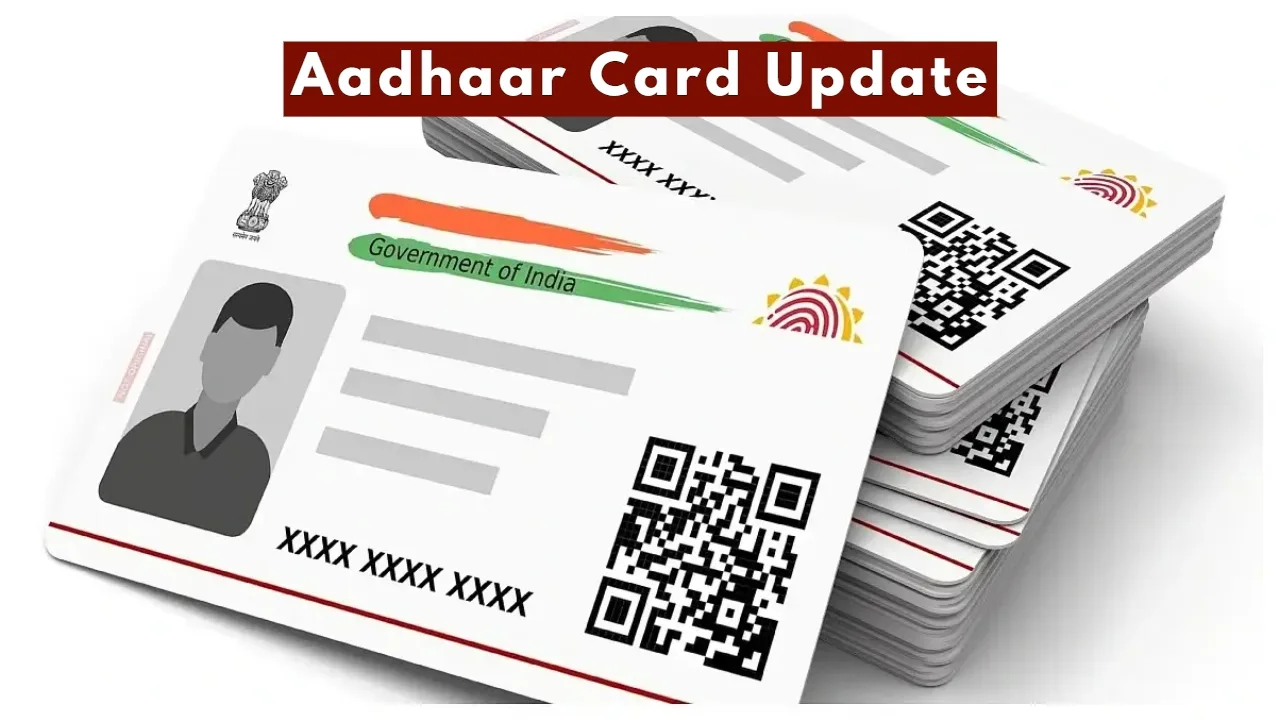
Aadhaar App Update: Did you know that an Aadhaar card is not merely a piece of paper, but a crucial element linked to our identity? If you do not have your Aadhaar card with you, numerous essential tasks can get stalled, causing significant inconvenience to people. Furthermore, if you haven’t updated the necessary information on your Aadhaar card, various processes may come to a standstill.
Therefore, you should regularly update your details on your Aadhaar card; otherwise, you may encounter difficulties. Did you know that you can easily update any detail using the Aadhaar app without having to go through any hassle? Read on to understand the essential steps for changing various details using the Aadhaar app.
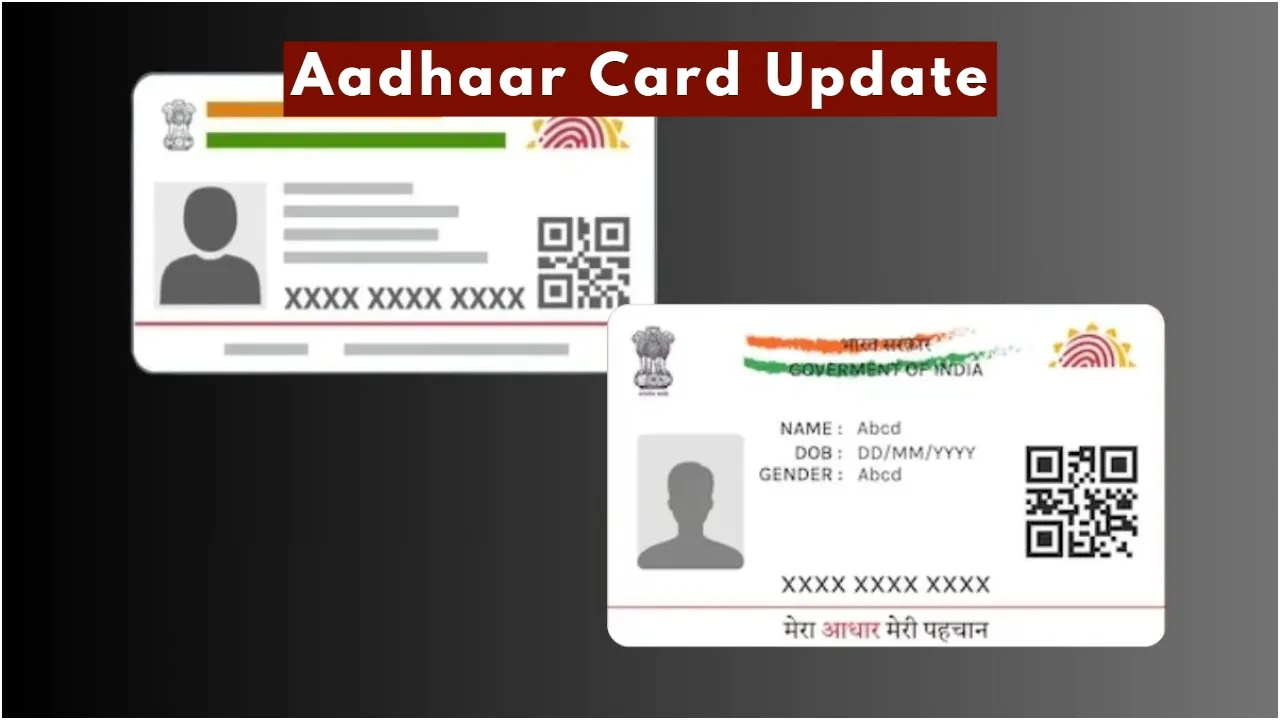
Learn How to Change Your Name on the Aadhaar App
The Aadhaar app is proving to be an extremely valuable tool. You can download it directly from the Play Store. Once downloaded, you will need to register and log in to the application.
To begin, you will first need to log in using your Aadhaar number and a One-Time Password (OTP).
Next, click on the “Update Aadhaar Online” option.
From there, select the “Name” option.
You will then need to enter the required details and upload the supporting documents requested.
Finally, pay the applicable update fee and submit the form.
How to Change Your Mobile Number on the Aadhaar App
To change your mobile number, you must first navigate to and click on the “Update Aadhaar Online” option.
Next, you will need to complete the verification process using either a face scan or an OTP.
Once the verification is complete, you will be prompted to enter your new mobile number.
If any additional details are requested, you must fill them in as well.
Finally, pay the required fee and submit the form.
Change Your Address Using the Aadhaar App
First, you must navigate to the “Update Address Online” option.
Here, you will find the option to change your address; click on it to proceed.
Subsequently, you will need to submit the supporting documents requested.
Once the documents and details have been provided, you must pay the applicable fee.
Latest News
- PAN Card–From Banking to Property Deals, Major PAN rules changed

- New Triumph Street Triple 765 RX Is Here – Limited Edition Track Monster Unveiled

- Best Budget Tablets for Students 2026 Under 20,000

- Free Bus Travel for Women Starts June 1, Know ID Rules and Many More

- How to Replace Siri with ChatGPT on iPhone: Step-by-Step iOS Setup

- Petrol-Diesel Price Today: 24 मई को कितना बदला पेट्रोल-डीजल का भाव, चेक करें 1 लीटर की कीमत

- White House Firing: व्हाइट हाउस के दरवाजे पर 25 राउंड फायरिंग से मची खलबली, संदिग्ध हमलावर की मौत

- Tata Tiago Facelift Launching Soon – Aggressive Design And High-Tech Cabin Revealed

- LPG Gas Connection Transfer Made Easy, Learn the Complete Process

- New Honda City Facelift 2026 Launched – Sporty Coupe Look And ADAS Safety Revealed