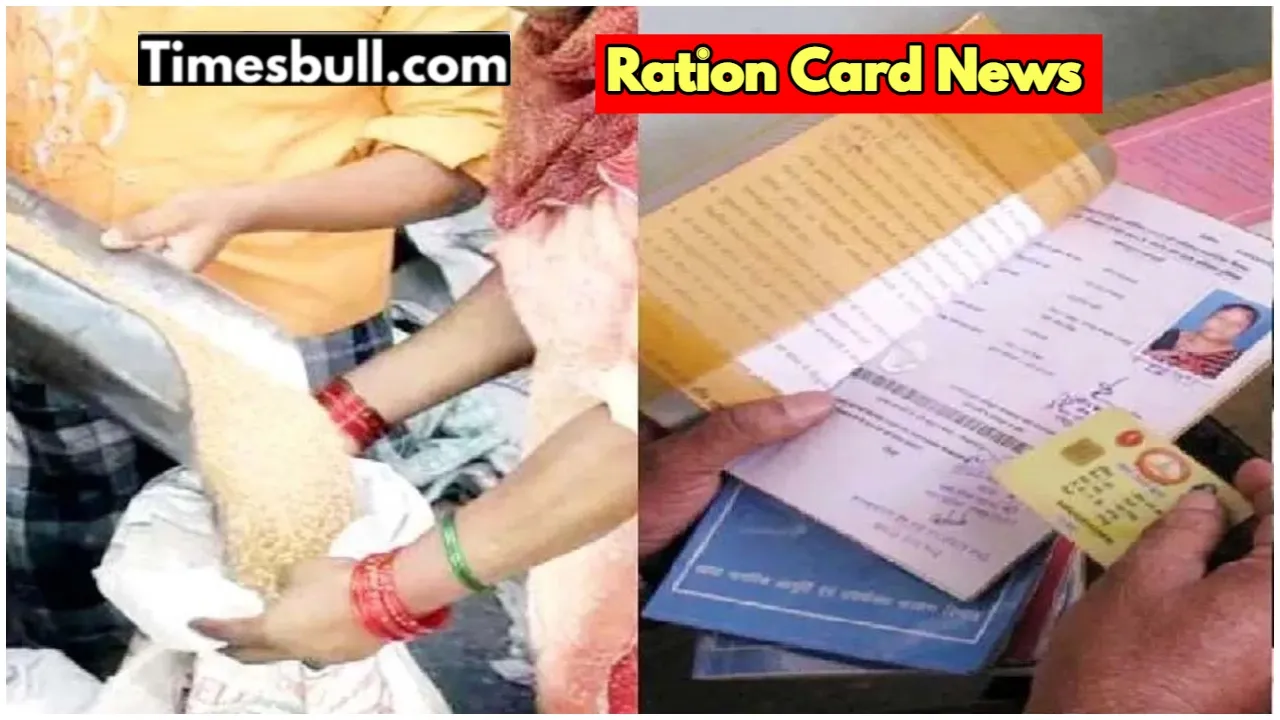
If you want to take advantage of any scheme in the country, then a ration card is one of the list of essential documents. Crores of people are associated with the Aadhaar card. Therefore, every update of the government related to the ration card should be kept a close watch. At present, the work of E-KYC of the ration card is going on. If it is not done, then the cardholders may face big problems. The government wants to collect data from E-KYC. So that the list of ration cards can be updated and the ineligible can be weeded out.
At present, the Modi government is giving free ration to crores of citizens under the National Food Security Act. If you want to get continuous benefits on your ration card, then get E-KYC done. Let us tell you that a ration card is not only useful for your ration, but it also works as your ID. With which you can also get your identity verified. It is easy for the government to give benefits from the ration card, because the names of the family members are mentioned on it.
Read More: How can you update your address in your Aadhaar card? Know this very easy way.
Read More: PM Fasal Bima Scheme– Which farmers get the benefit of this Scheme, and know the rules.
E-KYC will weed out ineligible people
The government fears that ineligible people are taking benefits under the National Food Security Act. Due tothish, it has become very important to get E-KYC done to avail the ration card benefits. Every member has to get E-KYC done in the ration card. Let us tell you that you do not need to worry muchaboutr E-KYC for the ration card. This work can be done easily on your phone,e sitting at home.
Do E-KYC from phone, sitting at home like this
At present, everyone has a smartphone. You can also get E-KYC of your ration card done through your phone.
First of all, install the Mera eKYC app and the Aadhaar FaceRD app on your smartphone.
Now open these apps. Fill in the required information here.
After this, fill in your Aadhaar number and captcha code.
An OTP will come to the registered number, and verify it
Aadhaar-related information will be visible on the phone screen.
Then you have to select the option of Face e-KYC.
Now your phone’s camera will turn on.
In this process, click a photo and click on the submit button.
In this process, your E-KYC will be completed.
The thing to note for people is that if there are many members in your family, then according to the rules, each member will have to do their e-KYC. If any member does not do e-KYC, then his name will be removed from the ration card. Due to which he can be deprived of government schemes.
Latest News
- Weather warning – Heavy Rain, thunderstorms, lightning Alerts for 13 States Over Next 3 Days

- UP TGT Exam City Slip 2026 Released – Download at upessc.up.gov.in, Exam June 3-4

- ATM Alert: एटीएम में फंस जाए डेबिट कार्ड तो घबराएं नहीं, फटाफट यह काम करने से होगा समाधान

- Post Office Scheme – 7.5% Interest Rate, ₹5 Lakh Becomes ₹7,24,974 in 5 Years, Start with Just ₹1,000

- Best AI Video Editing Laptops Under 60,000 INR: Top Picks Her

- Best CNG Cars: पेट्रोल के बढ़ते दाम के बीच ये सीएनजी गाड़ी खरीदकर खर्च करें कम, माइलेज भी जबरदस्त

- Samsung Stable One UI 8.5 Update to Galaxy Tab S10 FE and Tab S10 FE+

- बुढ़ापे की लाठी बनेंगी ये तीन स्कीम्स, निवेश से पहले जानिए कितना मिल रहा ब्याज

- OnePlus Nord CE 6 vs Samsung Galaxy A57: Which Mid-Range 5G Phone Wins?

- Lenovo LOQ 15 Gen 11 Review: Best Budget Gaming Laptop?