

The Indian Railway Catering and Tourism Corporation (IRCTC) online portal is the most popular, convenient, and time-saving way to book train tickets! If you don’t have an IRCTC account, you can now create your unique account in just minutes and book train tickets from the comfort of your home. Learn the simple, step-by-step process for creating an IRCTC account and booking tickets online, making your travels completely easy and convenient.
Simple Process to Create a New IRCTC Account
To book train tickets online through the IRCTC website or mobile app, you must have a registered IRCTC account.
Register on the IRCTC Portal
To create a new IRCTC account, first visit the official IRCTC website (www.irctc.co.in). Click the ‘Register’ button in the upper right corner of the website’s homepage. Next, enter your personal information, such as your name, date of birth, email ID, mobile Business Idea: Start These 4 Businesses With Low Investment, Then Earn Big Every Month”/gas-cylinder-why-was-the-number-of-subsidized-cylinders-reduced-government-explains-the-reaso-750917.html" class="tb-related-post-link" rel="bookmark">Gas Cylinder: Why Was the Number of Subsidized Cylinders Reduced? Government Explains the Reaso, and create a strong password. It is essential to fill in this crucial information completely correctly.
Mobile and Email Verification
After entering your personal details, fill in the captcha code displayed on the screen and click ‘Submit’. After submitting the form, you will receive an OTP (One-Time Password) on your registered mobile number and email ID. You will need to verify your mobile number and email ID by entering the OTP in the provided fields. Upon successful verification, you will be redirected to the ‘My Profile’ page. Here, you will need to fill in all the required details, such as your address, gender, and nationality.
Booking Train Tickets Online with an IRCTC Account
Once your IRCTC account is created, you can immediately begin booking train tickets. To book train tickets, you must first add passengers to your account. To do this, click on the ‘Master List’ tab and enter details such as passenger name, age, gender, and ID proof. Once passengers are added, you can begin searching for trains.
Search for a Train and Book a Ticket
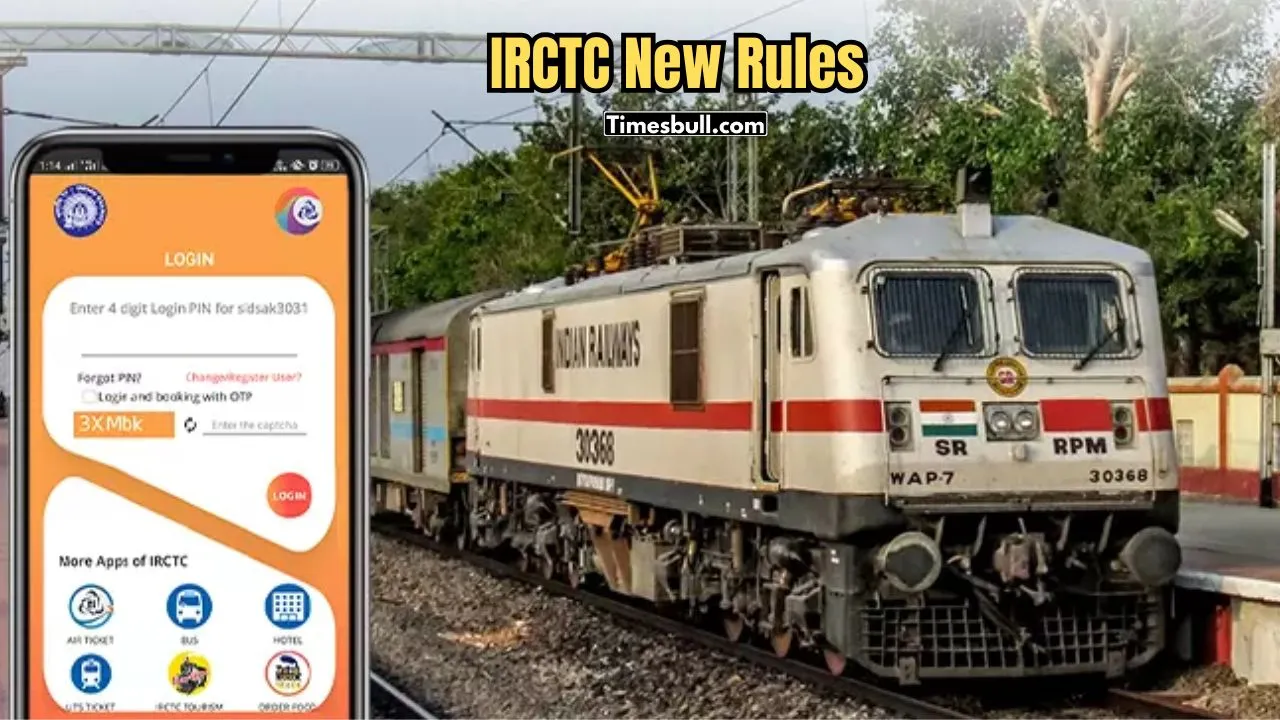
Enter the source station and destination station, then select your travel date and travel class. Select the train and class, and then click the ‘Book Now’ button. Next, enter your passenger’s details (name, age, and ID proof). Choose your preferred payment method and make the payment.
Confirmation and E-Ticket
Once the payment is successful, you will receive a confirmation message on your mobile number and email ID. You can print the e-ticket or save it on your phone. You can show the printed ticket or the saved ticket during your journey. You can also book train tickets through other online travel websites like GoIbibo, MakeMyTrip, and PayTM, but IRCTC is the most official medium.





