PNR (Passenger Name Record) is one of the most important identifications in Indian Railways travel! This unique number not only shows the status of your ticket but also contains your entire travel history. Learn how this magical 10-digit number works, who issues it, and how you can confirm your travel status by checking your PNR Status step-by-step on the official website.
What is a PNR number and how does it work?
A PNR number is crucial for every passenger traveling by train. It is a 10-digit unique number that is assigned to each passenger or group of passengers when they book tickets through IRCTC or a private travel website.

The Importance of PNR Number
PNR (Passenger Name Record) is a record containing passenger information. This number is clearly written on the ticket. This 10-digit code contains all the important information, such as the passenger’s name, address, age, and travel time. When you book a ticket, this PNR number is issued by the Central Railway Information System (CRIS).
Its main function is to securely enter passenger details into the railway database. This number helps you know the status of your ticket booking (confirmed, RAC, or waiting list) before your journey, eliminating travel uncertainty.
How to Check PNR Number Status Online
Checking the status of your ticket has now become extremely easy, ensuring a stress-free journey. You don’t need to travel anywhere to check your PNR number status; the process is completely online:
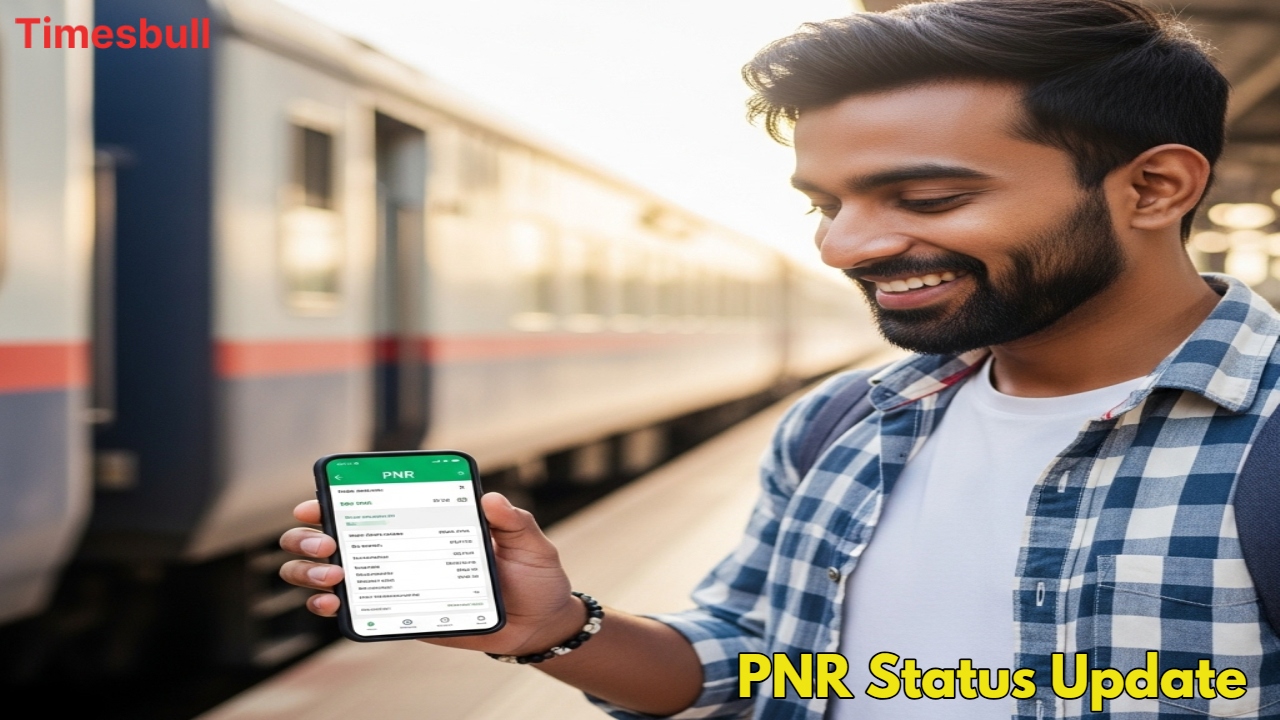
First, you need to visit the official website of Indian Railways or the IRCTC portal.
As soon as the website opens, you will see an option labeled Pnr enquiry or PNR Status.
Click on this PNR option.
After clicking on the option, an empty box will appear on your screen.
In this box, you must accurately enter the 10-digit PNR number printed on your ticket.
Next, you must fill in the captcha code written below the box.
After entering the captcha code, you must click on the Submit button.
Upon submission, all information related to your ticket booking status (such as confirmed, coach number, seat number, or current waitlist status) will be instantly displayed on your mobile or computer screen.