

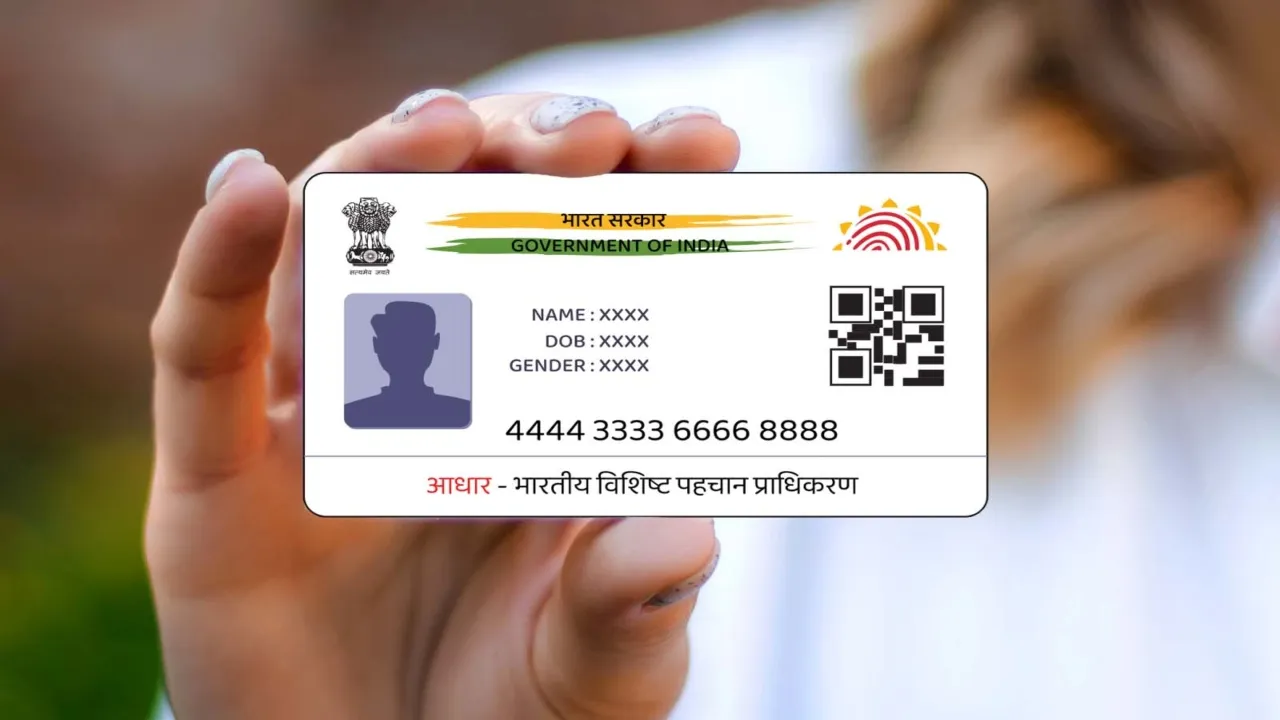
Aadhaar Card: Big relief for Aadhaar Card holders. Anyone, from babies to seniors, can get an Aadhaar card. It’s seen as a must-have for Business Idea: Start These 4 Businesses With Low Investment, Then Earn Big Every Month” Indian citizen. The card acts as both an ID and proof of where you live, so it’s super important to keep the details accurate and current. When you show your Aadhaar card for ID at a place, people often wonder how to check if it’s real.
According to the UIDAI (Unique Identification Authority of India), you can verify Aadhaar both online and offline. The Ministry of Electronics and Information Technology (MeitY) and the PIB have shared the following ways to verify Aadhaar:
What’s the online method?
You can check the Aadhaar holder’s age group, gender, state, and the last 3 digits of their mobile Gas Cylinder: Why Was the Number of Subsidized Cylinders Reduced? Government Explains the Reaso by entering the Aadhaar number. Just head over to the website: https://myaadhaar.uidai.gov.in/verifyAadhaar
What about the offline method?
Every Aadhaar card, Aadhaar letter, and e-Aadhaar has a secure QR code. This QR code includes the person’s name, gender, date of birth, address, and photo, among other things. UIDAI digitally signs this info, so even if the photo changes, the QR code still shows the original details.
You can verify the QR code using the ‘Aadhaar QR Scanner’ app, which you can find on the Play Store and App Store. The PIB mentions that UIDAI suggests verifying Aadhaar before hiring someone, whether it’s an employee, domestic help, driver, or when renting a place. People can also check Aadhaar if they need to confirm someone’s background.





