

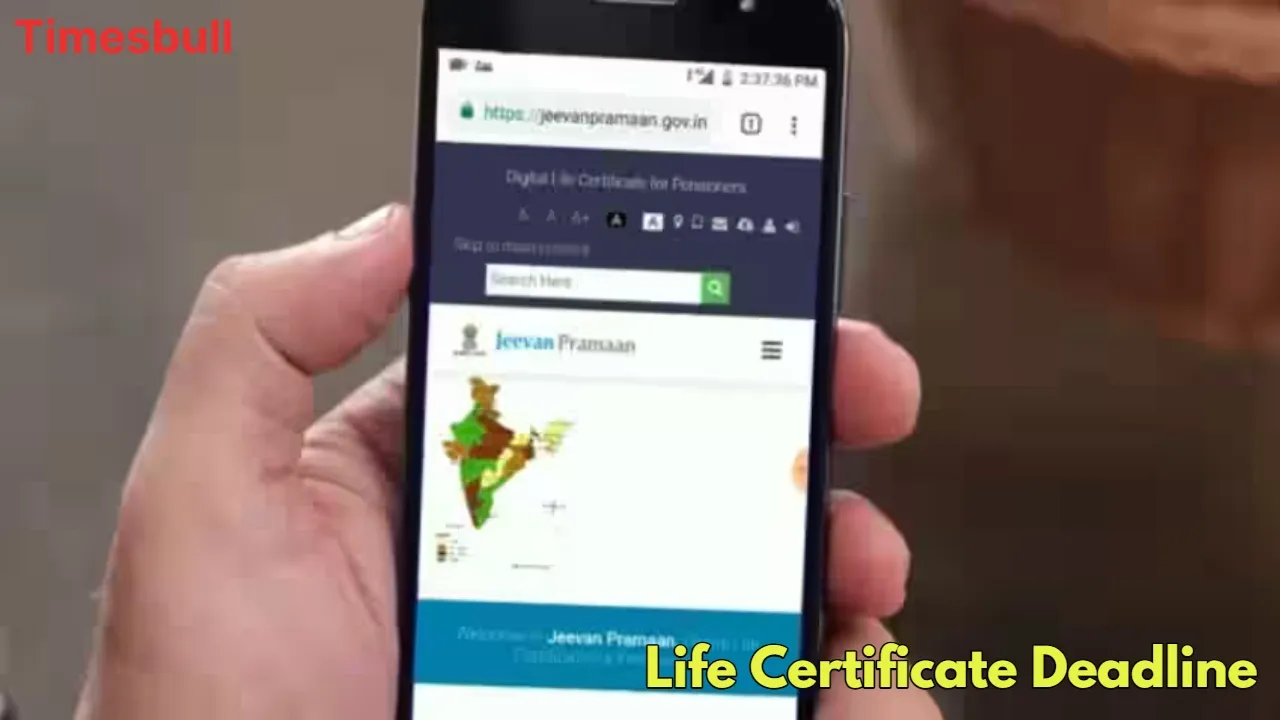
EPFO update: The Employees Provident Fund Organisation (EPFO) has given a big relief to crores of pensioners of the country. Now there will be no charge for getting a Digital Life Certificate i.e. ‘Jeevan Pramaan’ made, because now the EPFO will bear the entire cost itself. Earlier this service was available in banks or post offices, where a fee had to be paid for getting the certificate made.
But now in partnership with India Post Payments Bank (IPPB), EPFO has made this service completely free. With this new facility, senior citizens will no longer need to visit banks or offices. They will be able to get a Digital Life Certificate made through biometric authentication while sitting at their homes.
Pensioners will also receive a confirmation SMS after the certificate is generated, ensuring that their pension will remain uninterrupted. This move advances the Prime Minister’s Digital India and ‘Ease of Living’ missions by simplifying and making Business Idea: Start These 4 Businesses With Low Investment, Then Earn Big Every Month”/gas-cylinder-why-was-the-number-of-subsidized-cylinders-reduced-government-explains-the-reaso-750917.html" class="tb-related-post-link" rel="bookmark">Gas Cylinder: Why Was the Number of Subsidized Cylinders Reduced? Government Explains the Reaso processes more transparent. Experts say this initiative will be a game-changer, especially for pensioners living in rural areas, who will no longer have to visit banks or e-Mitra centers. This partnership between EPFO and IPPB is a significant step towards increasing access to digital services in the country.
How to submit life certificate online from home?
1. Open the government’s ‘Jeevan Pramaan’ portal (jeevanpramaan.gov.in) on your mobile or laptop, which is connected to a biometric device.
2. Click on ‘Get a Certificate’ on the website, and then download the application by selecting PC or Mobile option.
3. Fill in the required details in the application including Aadhaar and PPO number.
4. Provide your biometric information (fingerprint or iris scan).
5. Once successfully confirmed, your Digital Life Certificate will be saved in the ‘Life Certificate Depository’.
6. Your pension disbursing agency (bank or post office) will be able to access it easily.
Using the ‘UMANG’ app
1. Download and open the UMANG app (a platform that provides digital access to Government of India services).
2. Select ‘Jeevan Pramaan’ option and click on ‘Generate Life Certificate’.
3. Fill in the required details (like Aadhaar and PPO number) and complete the biometric verification.
4. The app will then generate the life certificate and store it for use by the pension disbursing authority.





