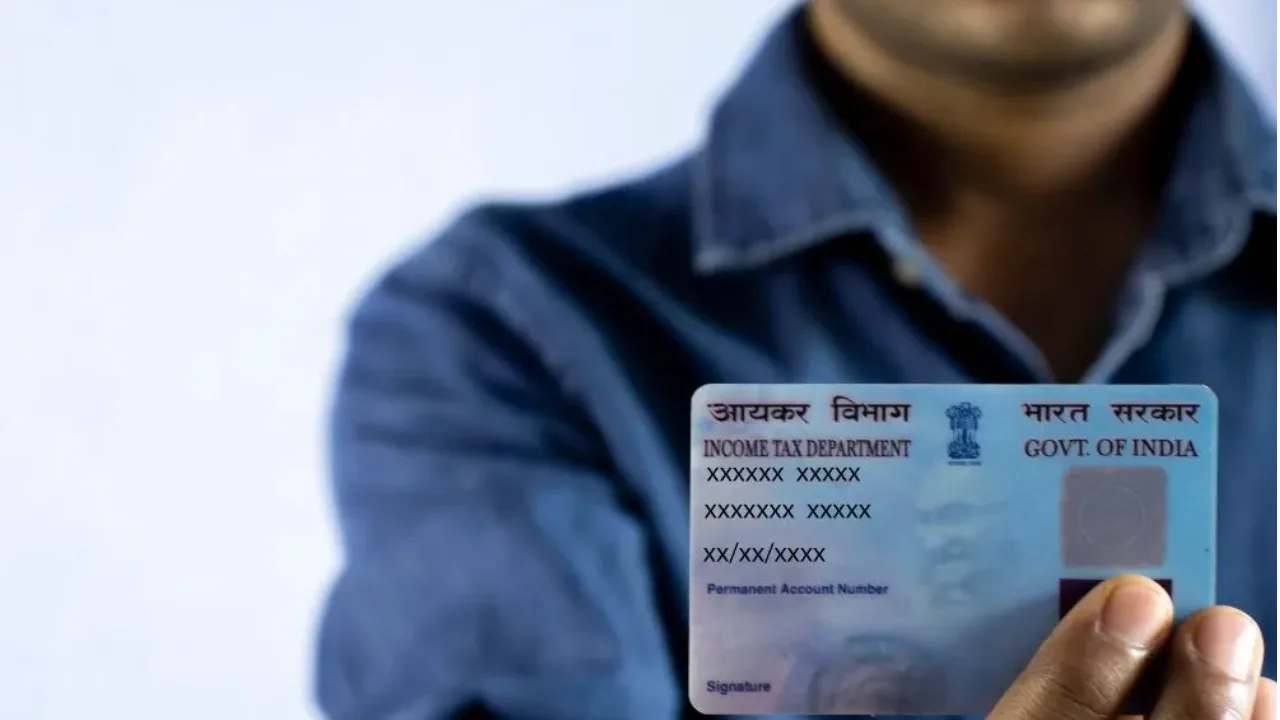
e-PAN: The PAN (Permanent Account Number) card is considered an important document in India, issued by the Income Tax Department. It is used for various financial transactions and tax-related purposes. A PAN CARD is required for tasks such as opening a bank account, filing income tax returns, and obtaining a loan. Today, the process of obtaining one has become easier, and people can apply online from the comfort of their homes.
Why is PAN card necessary?
A PAN card is a vital document used for identification and financial transactions. Banks and government offices access it to verify your tax and financial information. It is used for opening a bank account, obtaining a loan, and filing income taxes. It helps keep your financial information accurately recorded. There is no strict age limit for obtaining a PAN card, so even young people can apply.
Discover the simple method to obtain an e-PAN
If you require a PAN card urgently, you can easily apply for an e-PAN from your home. The process is conducted entirely online through the Income Tax Department’s website, and your e-PAN will be generated in just a few minutes.
• Start by visiting the official Income Tax website.
• Next, select the “Instant e-PAN” option. Then, click on “Get New e-PAN” and input your Aadhaar number.
• An OTP will be sent to the mobile number associated with your Aadhaar. Enter this OTP to verify your identity.
• The system will automatically fill in your basic information, which you should review.
• If everything looks correct, you can proceed to submit your application.
• Once submitted, you will receive an acknowledgement number. Your e-PAN will be ready in a matter of minutes, and you can download it online.
You can also apply through the Protean website
• First, go to the official Protean website (previously known as NSDL).
• There, select the “New PAN – Indian Citizen (Form 49A)” option.
• Then, choose the “Individual” category.
• Carefully fill out all the required information in the application form.
• Next, complete the verification by entering the captcha code.
• Now, decide how you want to submit your application.
• If you prefer to receive a physical PAN card at your home, make sure to pay the required fee.
• Complete the Aadhaar number and OTP verification.
• After making the payment, you will receive an acknowledgement number.
• You can use this number to track your application status.
• Additionally, you can download your digital PAN card (e-PAN).
You can also apply from the Protean website
• First, visit the official website of Protean (formerly NSDL).
• Select the “New PAN – Indian Citizen (Form 49A)” option there.
• After this, select the “Individual” category.
• Fill in all the necessary information carefully in the application form.
• After this, complete the verification by entering the captcha code.
• Now you have to choose the process of submitting the application.
• If you want to get a physical PAN card delivered to your home, then pay the prescribed fee.
• Complete the Aadhaar number and OTP verification.
• After payment, you will get an acknowledgement number.
• With the help of this number, you can track the status of your application.
• You can also download your digital PAN card (e-PAN).