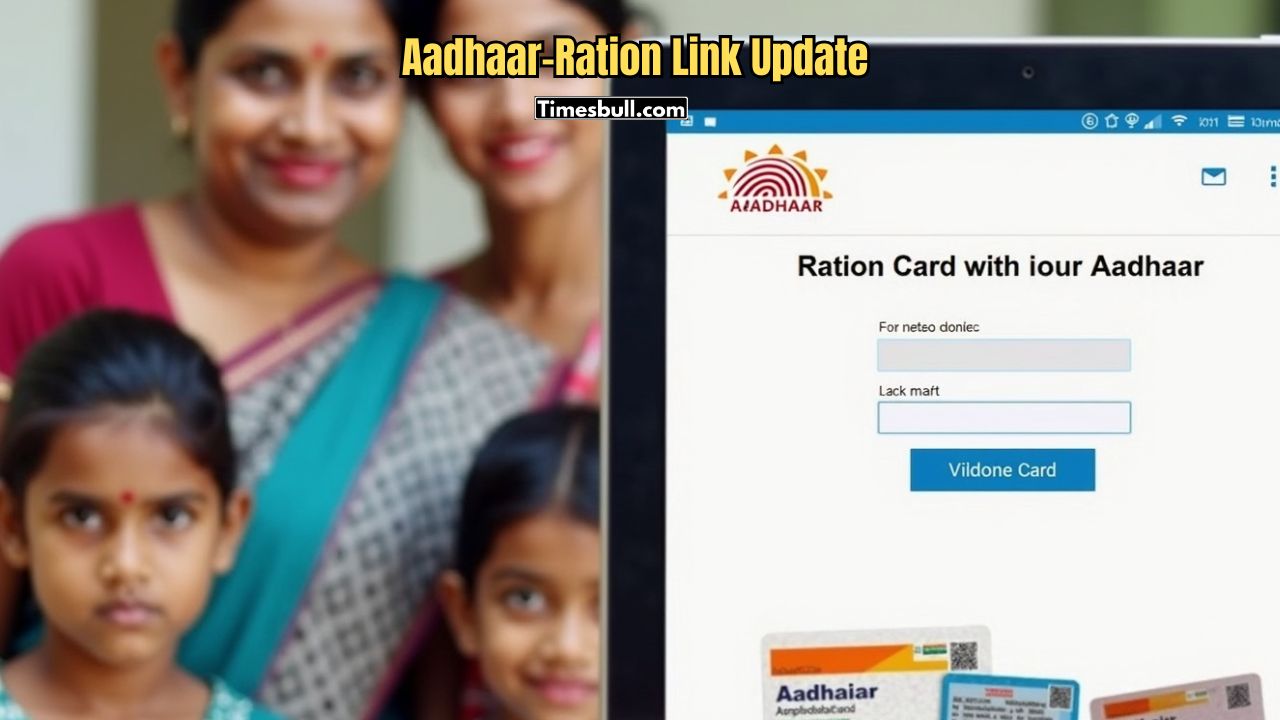
You can link your Aadhar card with your ration card from home. The State Food and Supplies Department has given this great opportunity to consumers. You can link your Aadhar with your ration card by following a few simple steps.
To link your Aadhar card with your ration card from home, you need an internet connection. First, visit http://food.wb.gov.in/. Then, click on ‘Link Aadhar Card with RC’. In the next step, register your ration card category and number. If you want to update your Aadhar and mobile number, select that option. If you only want to update your mobile number, you can choose that option too.
How to Confirm Aadhaar Linking
In the Second step, when your enter your Aadhaar number or mobile number. After that, you must confirm the process using the OTP sent to your mobile number linked with Aadhaar. You can link Aadhaar through the ‘Khadyasathi-Amar Ration’ mobile app or WhatsApp chatbot. You can also call 1967 / 1800 345 5505 (toll-free) or use 9903055505 (WhatsApp chatbot) for more information. ( this process are only for west bengal residents, other can followed the same process to their state’s food department website)
Many people get confused about the Aadhaar linking process with their ration card and do not know where to go and how to link it. Also, many of them are busy and do not find time for this essential task. To solve this issue, the West Bengal Food and Supplies Department has allowed you to link your Aadhaar with your ration card at home.
Documents Needed for Aadhaar Linking with Ration Card
You need the following documents:
1. Photocopy of your ration card and original ration card for verification
2. Aadhaar photocopy for every family member
3. Aadhaar photocopy of the head of the family
4. Passport-sized photo of the head of the family
5. Bank passbook copy in case your bank account is not linked with Aadhaar