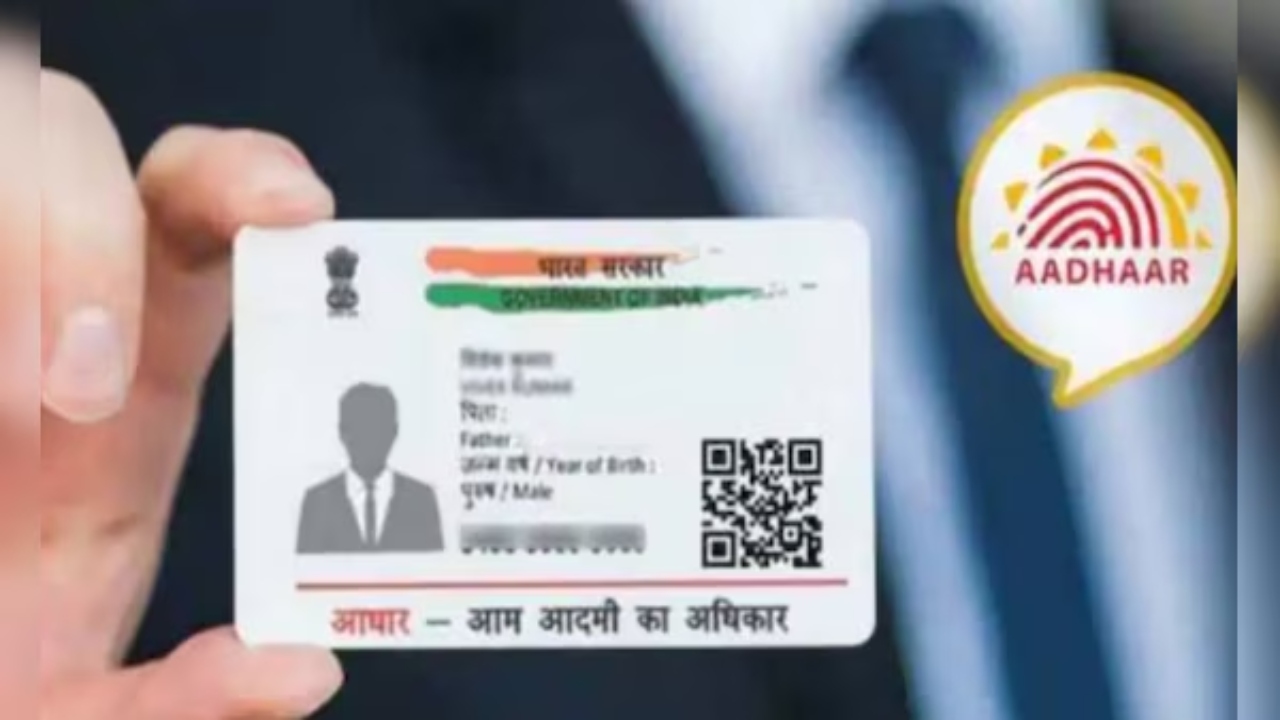
Have you moved to a new place for work? Or have you started living in your husband’s house after marriage? Now it is very easy to change the old address in your Aadhaar card.
After marriage, many people want to change their father’s address and add their husband’s address. They may also want to replace their father’s name with their husband’s name in the Aadhaar card. The good news is that now you can change your address in Aadhaar card without any documents. You can also change your father’s name and add your husband’s name using the Head of Family (HoF) mode.
How to Change Aadhaar Card Address and Add Husband’s Name Online
You can change the address in your Aadhaar card online in two ways. First, you can upload the required documents that show the new address. Second, you can change the address and father’s name online without any documents by using the HoF (Head of Family) mode and adding the new address.
Follow these steps to update your Aadhaar card and add your husband’s name:
- Visit the official Aadhaar card website.
- Click on Log In using the Aadhaar number of the person whose address or name will be updated.
- Click on Address Update, then select Head of Family (HoF) Based Address Update.
- On the next page, enter the Aadhaar number of the person whose name and address you want to add (father/mother/husband).
- Select Self Declaration – HoF under Document Type, fill out the HoF form, and upload it.
- Pay ₹50 and download the acknowledgement slip after completing the application.
- Note down the SRN Number on the application receipt.
- Return to the Aadhaar website and log in with the Aadhaar number of the person you mentioned (husband/father/mother/guardian).
- Click on My Head of Family Request and submit the application by entering the SRN Number.
- Once the application is complete, your Aadhaar card will be updated within 30 to 90 days. You can download the new Aadhaar card online, and it will also be delivered to your address via post.