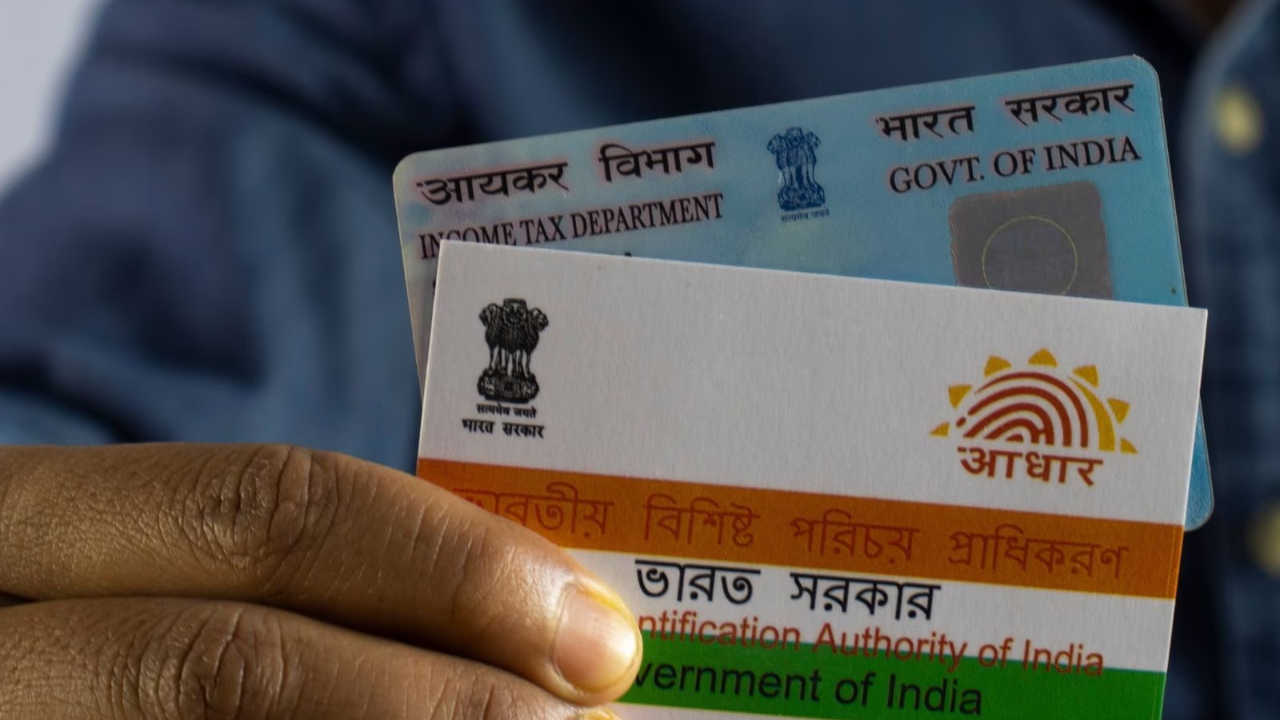
Aadhaar, PAN Address Change: Aadhaar and PAN cards are not just documents, but essential. Aadhaar cards are linked to our identity. Therefore, it’s crucial to keep current details updated in both so you don’t face any problems when using them. If you have recently moved house and want to change the address in Aadhaar and PAN CARD, then follow the process given below.
How to change address in Aadhaar ?
You can use the Aadhaar app to change any details in your Aadhaar. Let’s explore how you can change your address using the Aadhaar app.
How to update address in Aadhaar App?
Step 1- For this you have to go to the Aadhaar app.
Step 2- Now go to Update Address Online here.
Step 3- Now enter the documents that you will submit for proof here also.
Step 4- After filling the documents and details, pay the required fee.
Step 5- After payment, submit the request.
How to change address in PAN Card?
First of all go to the website of NSDL or UTIITSL.
Now click on the option of Changes/Correction in PAN.
After this you will have to enter some basic details here like PAN number, name, date of birth and email.
Now a 15 digit token number will be generated for you.
Then select the details you want to change and correct them.
After this, upload documents like address proof, proof of date of birth, photo etc.
Finally you have to pay the fees and submit it.
Finally, don’t forget to download the acknowledgement slip. You can check your status later using this slip.