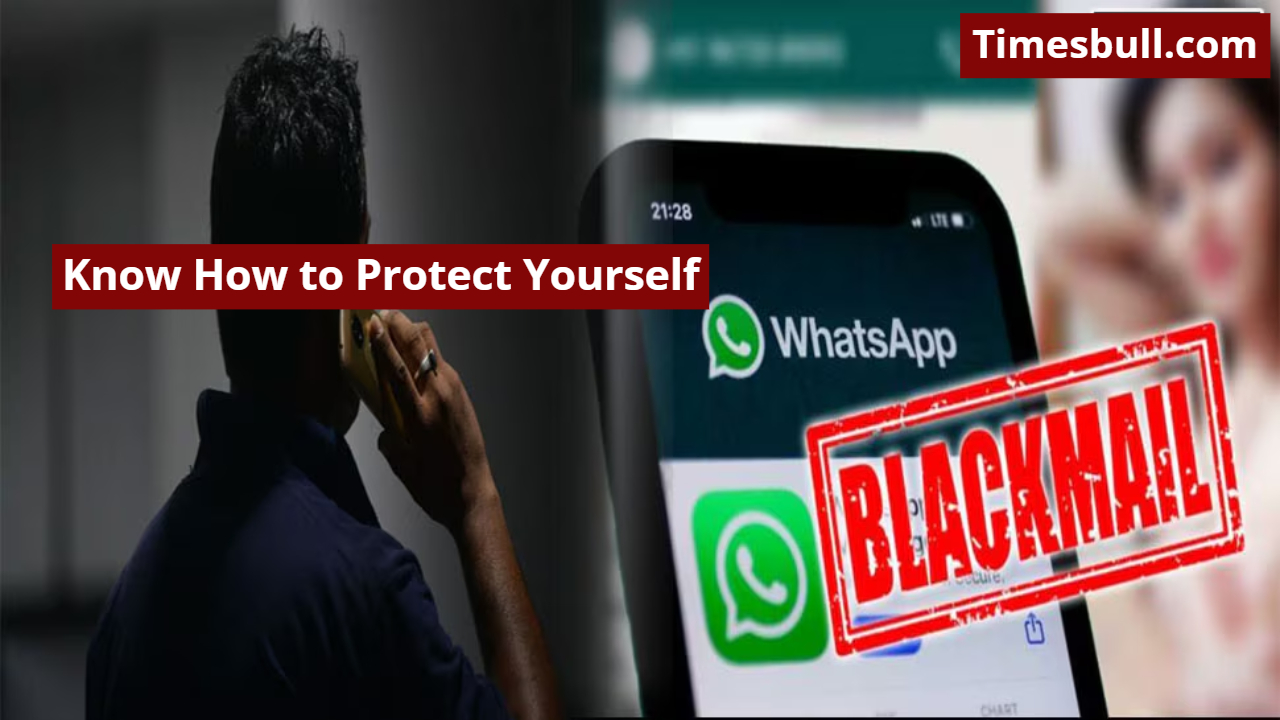
The digital age has transformed our lives, jobs, education, and communication. Today, people can connect anytime, anywhere via WhatsApp. The availability of messages, audio calls, and video calls has made communication extremely easy. However, this same convenience has also become an opportunity for criminals. In recent times, numerous cases have surfaced where WhatsApp has been used for malicious purposes, leaving people vulnerable to blackmail.
Read More- Nothing Phone (3a) Pro: A new flagship with sleek design and powerful performance
Why is WhatsApp blackmailing on the rise?
Fake accounts can be created without any identity proof. Fraudsters use inappropriate screen recording, photo editing, and video mixing to deceive people. They demand money by threatening to make private photos or chats viral. The biggest mistake people make during such times is to panic and give in to the blackmailer’s demands, which only leads to increased threats.
What to do first if you’re blackmailed
If you receive a threatening message from an unknown number or someone tries to blackmail you using personal photos and videos, don’t panic. Preserve chats, photos, audio, call records, or other evidence, as these will be most helpful in your complaint. Immediately block the blackmailer’s number to prevent further contact.
Immediately file a complaint with the 1930 Cyber Helpline
In cases of blackmail, a timely report strengthens your security. Immediately call the cyber helpline number 1930 and provide details of the incident. You can also file a complaint online by visiting your city’s cyber cell website. Cyber teams work daily on such cases and provide full support to victims.
Seek help from family and trusted people
Most people don’t disclose their experiences of blackmail due to shame or fear, leaving them to suffer the mental stress alone. But this is not the time to remain silent. Tell your situation to a trusted friend, sibling, or family member. They will help you make more informed decisions and avoid missteps.
Read More- OG Tata Sierra vs New Sierra: Full Details About the Engine Differences Revealed
Strengthen your phone’s security settings
Enable security settings on your phone, such as two-step verification, app locks, screen locks, and media sharing controls. This reduces the risk of your device’s data being misused. Using technology wisely is crucial for everyone today, as even the slightest carelessness can create opportunities for cybercriminals.