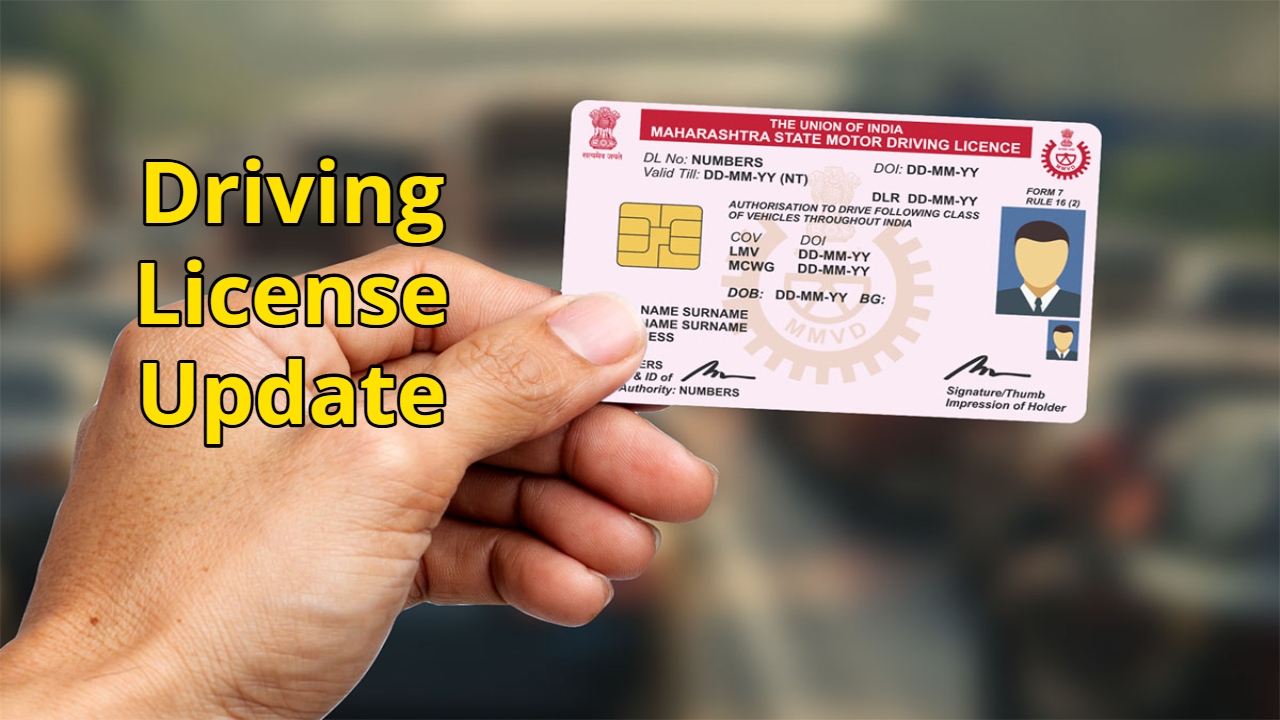
Driving License Update: A driving license is a mandatory document for every driver. It not only proves your identity but also indicates the type of vehicle you can drive. Over time, if you move to a new city or your address changes, you will need to update your driver’s license with your new address.
Now you can easily update your driving license online, eliminating the need to visit the RTO office. In this article, we will explain how to change the address on your driving license online and explain the process in detail.
Read Here: Why Are People Still Buying the iPhone 16 Pro Even After the iPhone 17 Launch? Here Are 5 Reasons
Update your driving license online
To update your driving license online, you must first visit the official website of the Ministry of Transport. Here, you will need to upload your details and required documents, and after a few simple steps, your address will be updated.
Let’s understand the process
First, visit the official Parivahan Sarathi website, https://sarathi.parivahan.gov.in.
Select the drop-down menu displayed on the homepage.
Click on the “Apply for Change of Address” option.
After applying, a new page will appear.
After that, carefully read all the instructions and click on the “Continue” option.
A new page will open, where you will enter your DA number, date of birth, and captcha code.
After entering the captcha code, click on the “Get DL Details” option.
After completing all this, your personal information will be displayed on the next page.
Confirm the details by checking all the details and selecting “Yes.”
Read Here: Must Try This Delicious Bihari-Style Fish Curry Recipe- Healthy, Flavorful and So Tasty…
Learn the next process
Select your driving license category and enter the PIN code of your current address to auto-pick up your RTO in your area.
After this, click on the “Continue” option. The option to edit your details will open. Enter your new address and captcha code. Click “Continue.”
After this, print out your application number. Upload the required documents and pay the fees. After the payment is successful, print the receipt for future reference.