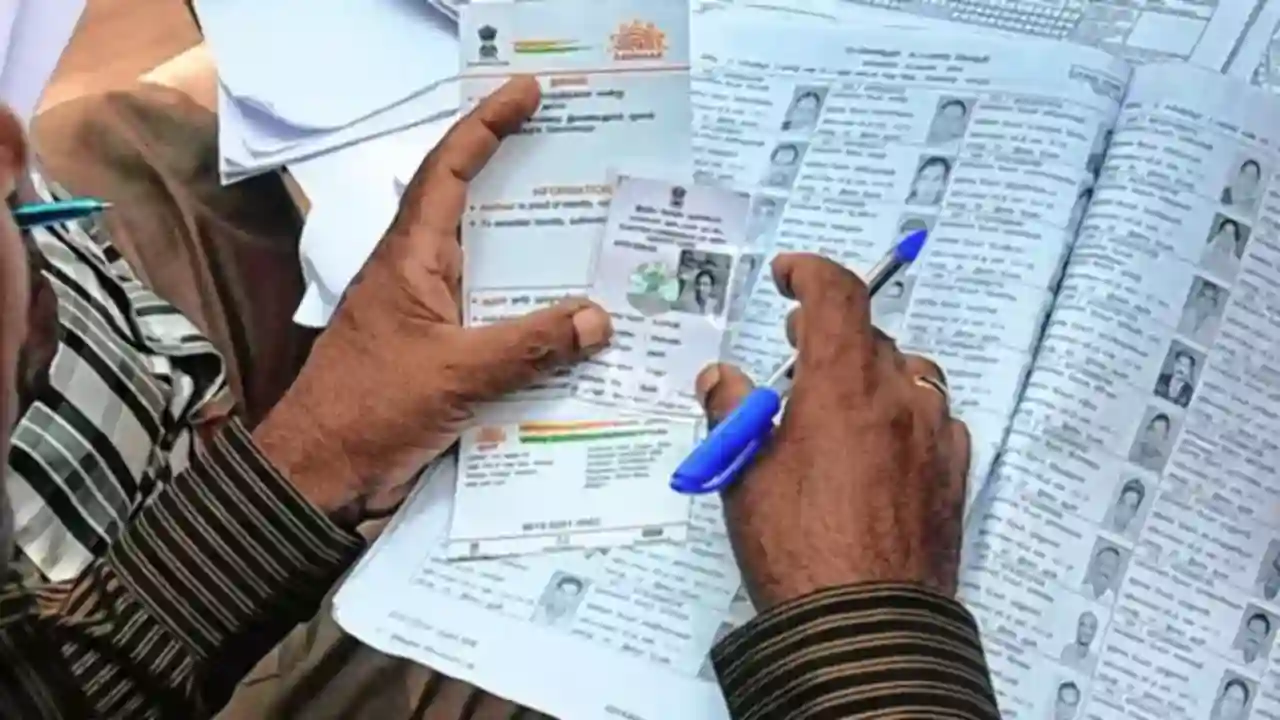
Election 2025: The first phase of voting for the Bihar Assembly elections is done. It’s thought that the fate of several key leaders, including two deputy chief ministers, is now in the hands of the public during this phase. A total of 37.5 million voters are set to cast their votes in the first phase of voting in Bihar. Remember, you need a voter information slip to vote. So, if you don’t have this slip, you might run into trouble when trying to cast your vote.
Actually, if you plan to vote, having a Voter Information Slip is a must. This slip is provided by the Election Commission and contains all the necessary details about the voter’s name, age, gender, assembly constituency, and polling station. Without this slip, voting can be quite challenging. Today, we’ll guide you on how to download your Voter Information Slip for voting.
How to download your voter slip
How to download from the mobile app
Step 1. If you own a smartphone, you can get your voter slip using the Voter Helpline app. First, download the Voter Helpline app from the Google Play Store.
Step 2. Next, you’ll need to register or log in using your mobile number and password.
Step 3. Click on Search Your Name in Electoral Roll.
Step 4. After that, you can search using your EPIC number, QR code, or mobile number.
Step 5. Once you fill in the details, hit search.
Step 6. After you click on Search, your details will show up on the screen, along with a Download icon.
Step 7. Your voter slip will be downloaded via the download icon.
How to download voter slip from the website
Step 1. To get your voter slip from the website, first go to https://voters.eci.gov.in.
Step 2. Then click on Search in Electoral Roll.
Step 3. Now you can search using your EPIC number, name, or mobile number.
Step 4. After that, enter your state, language, and captcha, then proceed.
Step 5. All your details will be displayed on the screen.
Step 6. Finally, you can download your voter slip by clicking on Print Voter Information.
How to get your E-EPIC
Step 1. To download your EPIC (digital voter card), start by visiting https://voters.eci.gov.in
Step 2. Next, click on the EPIC download option that you’ll find on the right side.
Step 3. Now, input the mobile number associated with your voter ID and complete the captcha.
Step 4. After that, an OTP will be sent to your mobile; enter it to log in.
Step 5. Then, type in your voter ID card number and hit search.
Step 6. Once your details are verified, click on Download Voter Slip.
Step 7. You can print the slip you downloaded and bring it with you on voting day.