
Aadhaar Card: The e-Aadhaar app, which UIDAI will soon launch, will replace your Aadhaar card’s address, phone number, and other details in a matter of minutes, doing away with the need to go to the office. Learn how it will operate and when it will arrive.
Aadhaar Update Protocol Will Be Modified by the e-Aadhaar App
Your Aadhaar card is more than simply an identity card in the current digital era; it is also necessary for mobile connections, banking, and subsidies. In response to this issue, UIDAI has declared the release of e-Aadhaar, a new mobile application that will be accessible on both the iOS and Android operating systems. Without going to an enrollment center, you can use this app on your smartphone to update your Aadhaar card’s address, registered mobile number, name, and birthdate.
When will we get e-Aadhaar?
This streamlines the process and improves identity security because you may update your Aadhaar in a matter of minutes from the comfort of your home. Learn what makes this app unique, when it will be available, and how it may help you. By the end of 2025, the new e-Aadhaar app is expected to be available on both the iOS and Android operating systems.
What benefits do you think the new e-Aadhaar will provide?
Sitting in line at a service facility is no longer needed. Time will be saved as updates will be finished in a matter of minutes. Identity fraud risk will be decreased by digital processes. Current data will facilitate the management of government programs, mobile SIM cards, and bank transactions.
How to Use the e-Aadhaar App to Update Your Aadhaar
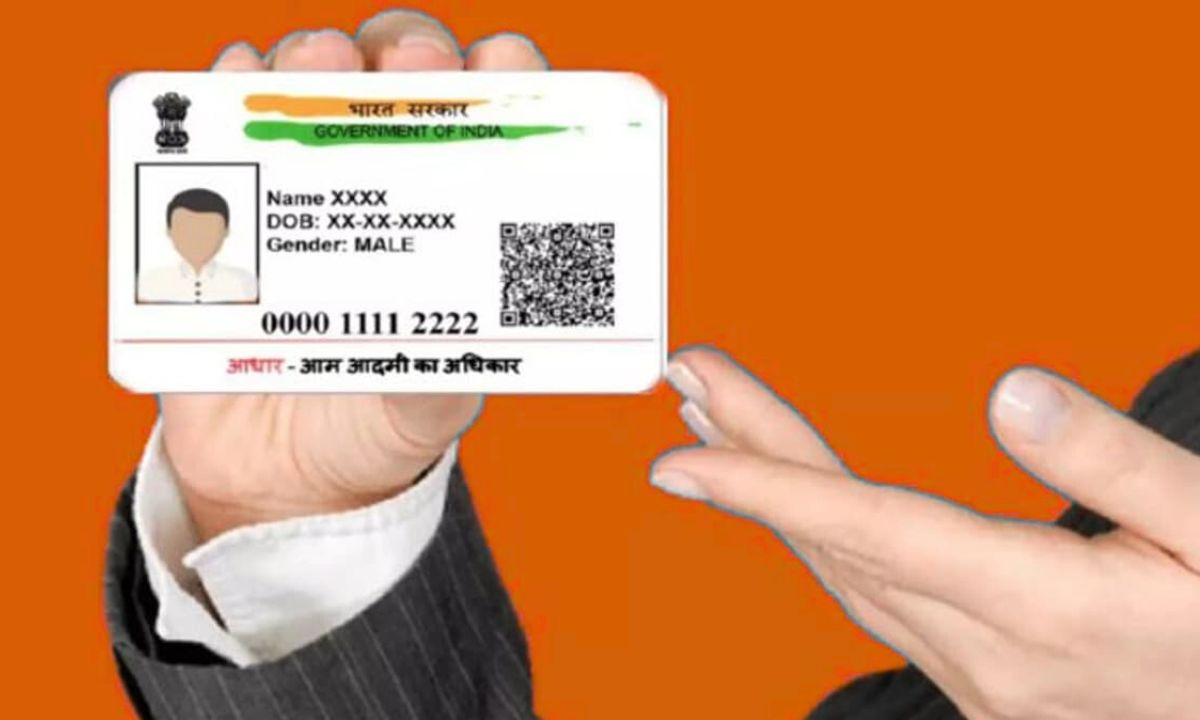
Step 1:
The Aadhaar Card update process has been made simpler by UIDAI. Minor changes like updating one’s name, address, or mobile number used to require going to an Aadhaar Seva Kendra (Service Center) or bank. With the e-Aadhaar App, you may now accomplish this from the comfort of your own home. This is the official UIDAI mobile app, which can be downloaded for free from the Apple App Store or Google Play Store.
Step 2:
Installing the e-Aadhaar App on your phone is the first step. The “Update Aadhaar” option will appear when you first launch the app. After clicking on it, input your Virtual ID (VID) or Aadhaar number. Your registered mobile number will receive an OTP, which you can use to log in. You can now choose whatever details, including name, address, birthdate, or mobile number, you wish to alter.
Step 3:
You must enter your new address and attach a legitimate proof of address (such as a ration card, bank passbook, power bill, etc.) if you wish to change your address. You must input the new number and have it validated with an OTP in order to update your email address or mobile number. After making sure all the information is correct, click “Submit.” After that, your request will move on to the UIDAI verification procedure.
Step 4:
After examining the data and documents you submitted, the UIDAI team authorizes the change. You will be notified by email or SMS when your application is accepted. Usually, this procedure takes from three to five working days. Your revised e-Aadhaar card is available for download via the e-Aadhaar app or the UIDAI website.
Step 5:
To update your Aadhaar, you do not have to go to a location or stand in line. To update your Aadhaar without any hassles or intermediaries, just download the e-Aadhaar app to your phone.