

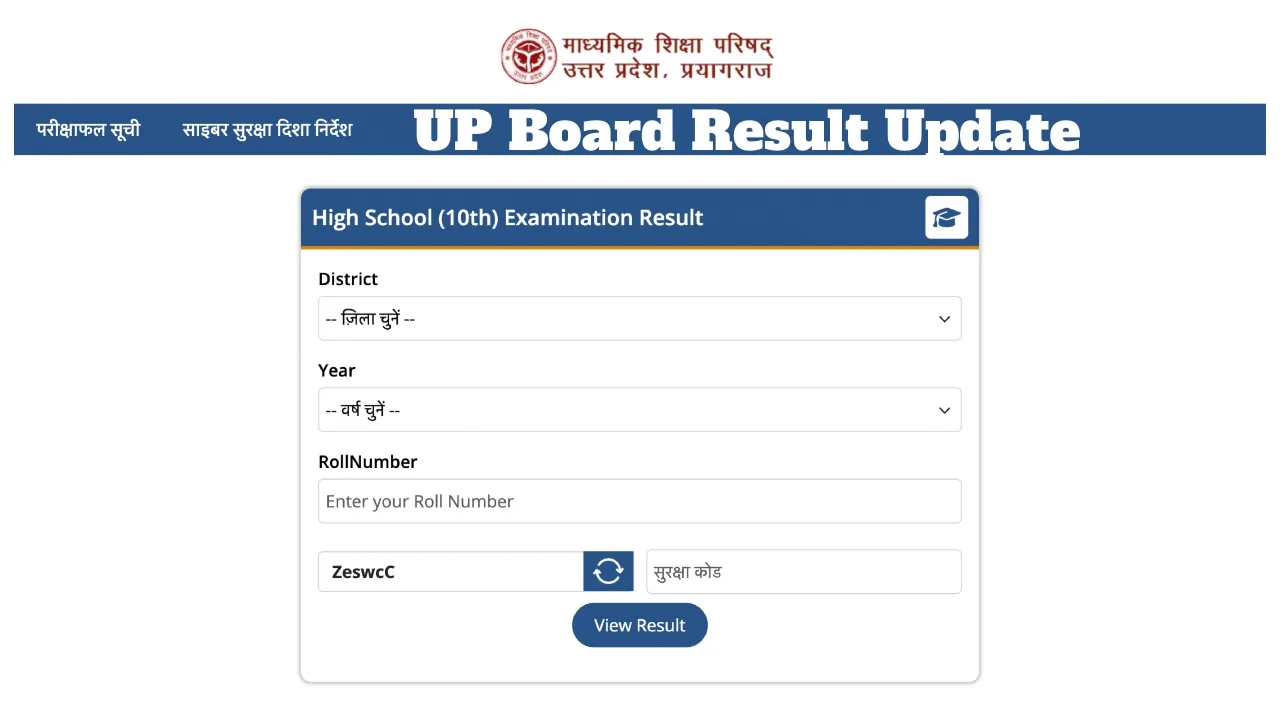
UP Board 10th & 12th Result 2026 Date to be Announced Soon: Approximately 5.2 million students of the UP Board’s Class 10 and 12 are eagerly awaiting their results. This time, the UPMSP is expediting the evaluation of answer sheets. The UP Board aims to complete the assessment of all answer sheets by April 1, 2026. Following the evaluation of the Class 10 and 12 answer sheets, the date and time for the result declaration will be announced very shortly.
UP Board Result 2026: When Can the Results Be Expected?
The date and time for the UP Board Class 10 and 12 2026 results have not yet been officially announced. In previous years, the board typically completed the evaluation of answer sheets within 15 to 20 days of the examinations concluding. Subsequently, the results were prepared within a similar timeframe. Consequently, if the evaluation of answer sheets is completed by April 1 this year, the UP Board Class 10 and 12 results could be declared between April 15 and April 20, 2026. Last year, the UP Board results were declared on April 25.
Where to Check the UP Board Result 2026?
The results for the UP Board Class 10 and 12 examinations will be made available for download on the official websites: upmsp.edu.in and upresults.nic.in. Students who appeared for the examinations can view their UP Board Class 10 Result 2026 and UP Board Class 12 Result 2026 using their Roll Number and School Code. Additionally, students can also check their results via SMS.
How to Check UP Board Class 10 Results 2026
Visit the official UP Board websites: upmsp.edu.in and upresults.upmsp.edu.in.
Click on the ‘UP Board Class 10 Exam Results 2026’ link.
Next, enter your Roll Number.
Your UP Board Class 10 result will then appear on the screen.
Finally, download the Scorecard and take a printout for future use.
Official Websites: upresults.upmsp.edu.in, upmsp.edu.in
How to Check UP Board 10th Result by Name?
Visit the website IndiaResults.com
Now, select the state “Uttar Pradesh.”
Click on the “UP Board 10th Result 2026” link.
Enter the student’s name and click the submit button.
Select the correct name based on the parents’ names.
Your result will appear on the screen.
Latest News
- Weather warning – Heavy Rain, thunderstorms, lightning Alerts for 13 States Over Next 3 Days

- UP TGT Exam City Slip 2026 Released – Download at upessc.up.gov.in, Exam June 3-4

- ATM Alert: एटीएम में फंस जाए डेबिट कार्ड तो घबराएं नहीं, फटाफट यह काम करने से होगा समाधान

- Post Office Scheme – 7.5% Interest Rate, ₹5 Lakh Becomes ₹7,24,974 in 5 Years, Start with Just ₹1,000

- Best AI Video Editing Laptops Under 60,000 INR: Top Picks Her

- Best CNG Cars: पेट्रोल के बढ़ते दाम के बीच ये सीएनजी गाड़ी खरीदकर खर्च करें कम, माइलेज भी जबरदस्त

- Samsung Stable One UI 8.5 Update to Galaxy Tab S10 FE and Tab S10 FE+

- बुढ़ापे की लाठी बनेंगी ये तीन स्कीम्स, निवेश से पहले जानिए कितना मिल रहा ब्याज

- OnePlus Nord CE 6 vs Samsung Galaxy A57: Which Mid-Range 5G Phone Wins?

- Lenovo LOQ 15 Gen 11 Review: Best Budget Gaming Laptop?

