

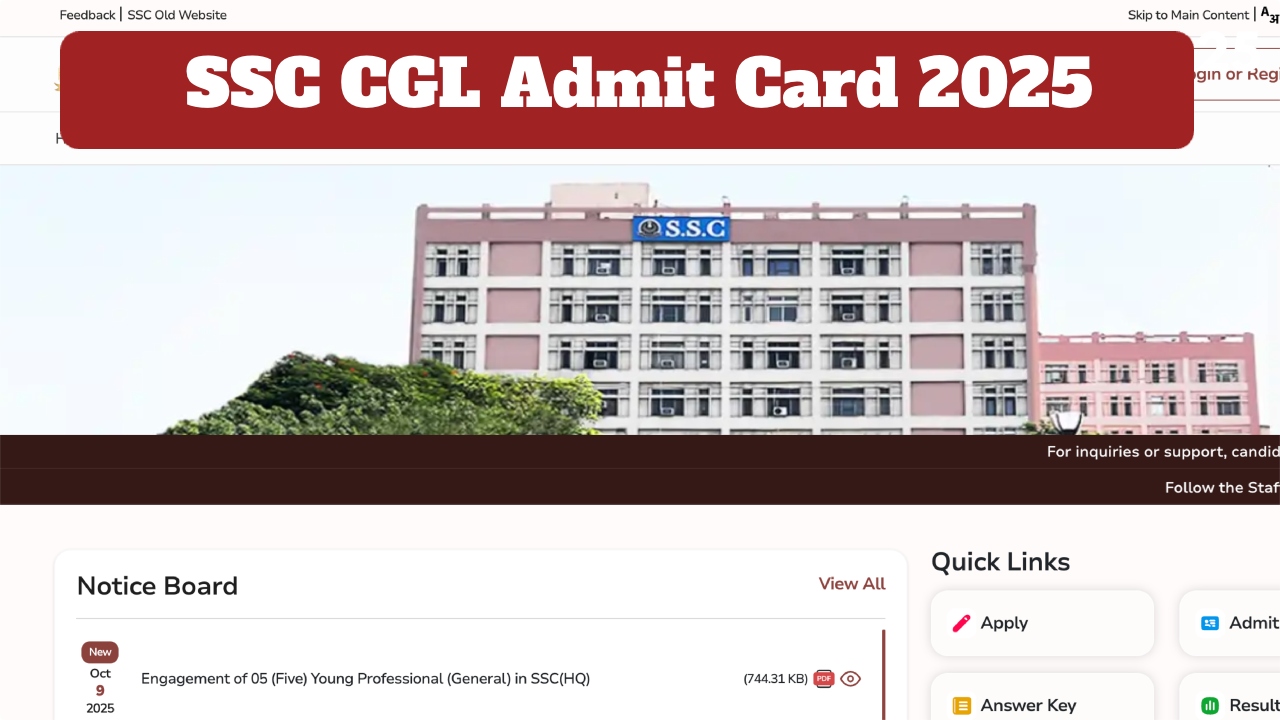
SSC CGL Admit Card 2025 Out: The Staff Selection Commission has released the admit card for the SSC CGL Tier 1 exam. Candidates appearing for the SSC CGL re-exam can download their admit card through the official website, ssc.gov.in. To download the admit card, candidates will need to enter their registration number, password, and captcha code. Let’s learn how to download your admit card:
SSC CGL admit card 2025: How to Download Via Online
Must visit the official website, ssc.gov.in.
Click on the ‘SSC CGL Admit Card 2025’ link on the website homepage.
Enter your login credentials, such as registration number, password, and captcha code.
After entering your login details, the admit card will open on your screen.
Now download the admit card and take a printout for future use.
The exam will be held on this day
The SSC CGL Tier 1 exam will be conducted by the SSC on October 14th at various exam centres. The exam will be conducted for one hour. Candidates will be asked 100 questions worth 200 marks in the CGL exam. There will be a negative marking of 0.50 marks for each wrong answer.
Carry These Items
Candidates appearing for the SSC CGL exam must bring their admit card, a valid ID proof, and a passport-size photograph with them. Because candidates without an admit card will not be allowed to enter the exam centre. Try to arrive before the scheduled time on the exam day.
Latest News
- Tata Punch EV Rival VinFast VF 5 Unveiled – Stylish Design And Long Range Detailed

- Petrol-Diesel Price Today: फिर लगा महंगाई का झटका, पेट्रोल-डीलज की कीमतों बढ़ोतरी, चेक करें रेट

- Maruti Suzuki Vision 3.0 Plan Revealed – 4 Powerful SUVs Coming In 2026-27

- EPFO Update: पीएफ से निकाले 5 लाख रुपये तो होगा कितना नुकसान? समझिए गणित

- DA Hike Update: इन कर्मचारियों की लगी लॉटरी, डीए में 5 फीसदी की बढ़ोतरी, जानें अपडेट

- Gold Price Today – Check 24K, 22K & 18K Gold Updated Rates in City – Wise

- CUET UG 2026 Exam Postponed – May 28 Exam Cancelled, New Date Announced Soon at cuet.nta.nic.in
- Weather Warning Delhi-NCR – Rain Alert & Dust Storm in Next 2-3 Hours, IMD Issues Yellow Alert

- PM Kisan Samman Nidhi Yojana: नहीं मिल रही 2000 रुपये की किस्त तो किसान तुरंत करवा लें यह काम

- Aadhaar Card Update Rules – How Many Times Can You Change Address, DOB & Number?

