New Delhi: The announcement of the UP Board Class 10 and 12 examination results is imminent, and considerable excitement is visible on the faces of the students. The results will be declared by the Uttar Pradesh Board of Secondary Education today—April 23—at 4:00 PM. The results are expected to be excellent this time as well.
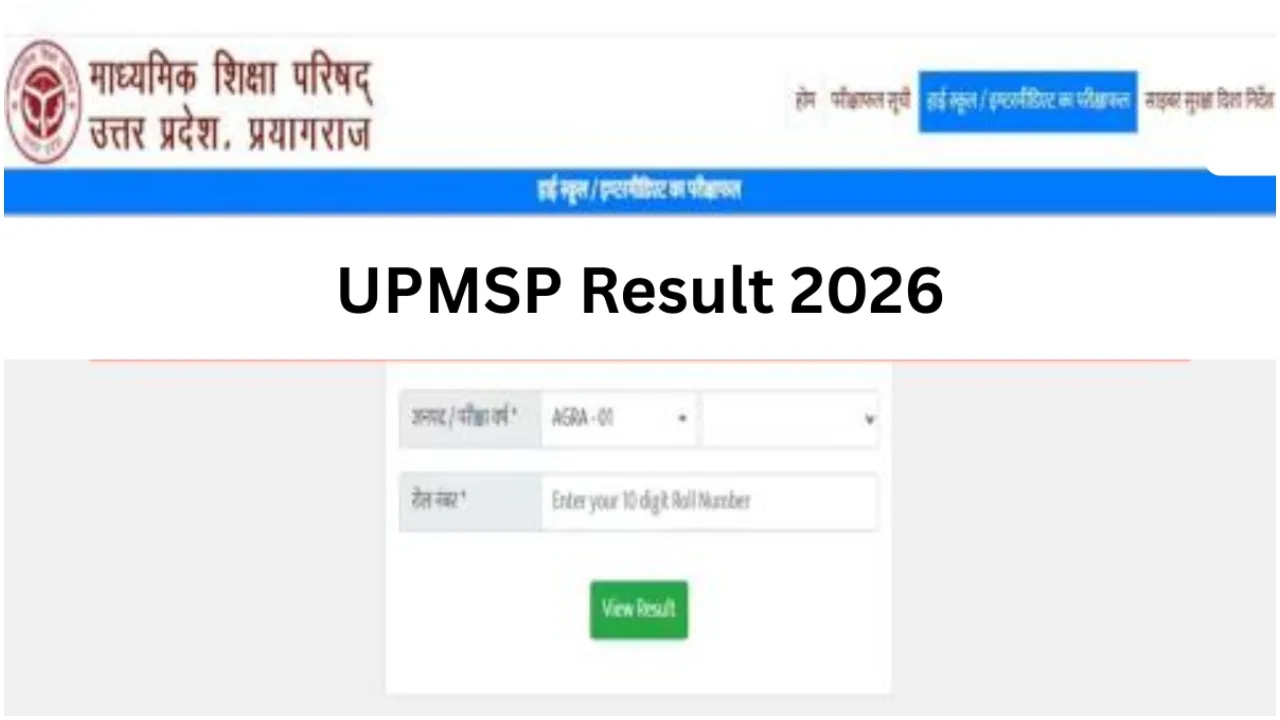
Students will not face any difficulties in checking their UP Board results. They can access the official website to check their examination outcomes. Students can verify their results by entering their roll numbers on the official website, upmsp.edu.in. Students can enter their Roll Numbers to check and download their online mark sheets.
1. Results Schedule
2. Official Websites for Checking Results
To avoid server delays, students can check their results on any of these official portals:
3. Step-by-Step Guide to Download Marksheet
How Students Can Check Their Results
To do this, students must first visit the official UP Board websites: upmsp.edu.in or upresults.nic.in.
Next, on the homepage, they will find links labelled “UP Board Class 10th Result 2026” or “UP Board Class 12th Result 2026” within the results section.
Following this, they will need to enter their roll numbers and other required details.
A CAPTCHA code will also appear; this must be entered into the designated box and submitted.
Subsequently, the UP Board result will be displayed on the screen.
You can download the result as a PDF file or take a printout for safekeeping.
Learn How to Check Results Online
First, you must visit the official UP Board websites: upmsp.edu.in or upresults.upmsp.edu.in.
Once the window opens, click on the “UP Board Class 12th Result 2026” link.
Next, students must enter their roll numbers according to their respective classes.
Your UP Board Class 12 result will then appear on the screen.
After viewing the result, you may also take a printout of the screen for your records.