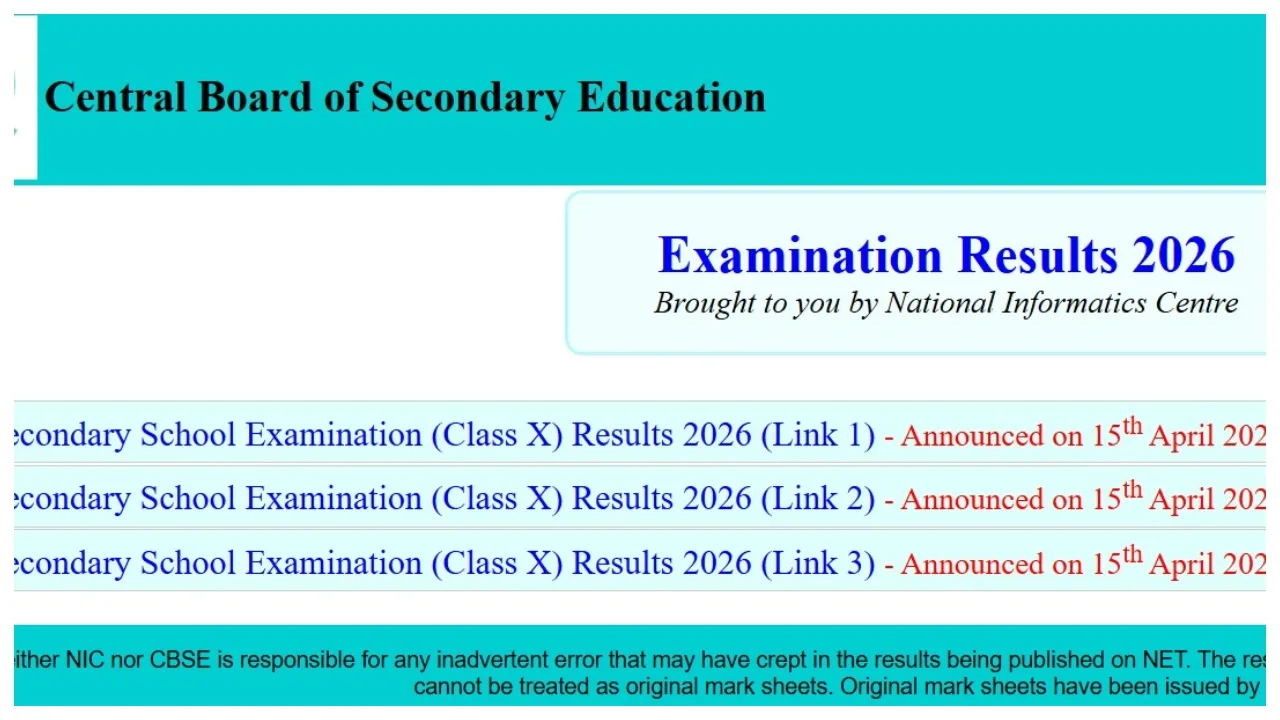
CBSE 10th Result 2026 Declared: The Central Board of Secondary Education (CBSE) has released the Class 10 examination results today, April 15. This year, student performance in the CBSE Class 10 results has been outstanding. Students of the CBSE Board can now check their results by visiting the official board websites: results.cbse.nic.in and cbse.gov.in. The pass percentage among girls has been better than that of boys. However, the Board has not announced an official list of toppers this year.
Following the release of the results, the website has slowed down; however, students need not be concerned. Students can immediately download their digital mark sheets via DigiLocker and the UMANG app.
The CBSE Class 10 result for 2026 can be checked on the official portal at cbseresults.nic.in. The download link has been activated on the website. Students can visit the website and view their scorecards using their login credentials.
CBSE Class 10 Result 2026: Details Mentioned on the Marksheet
Candidate Name
Roll Number
Name of Examination
Board Details
Subjects and Marks Scored
Total Marks
Qualifying Status
How to Check CBSE 10th Result 2025 Using Roll Number
Visit the CBSE result portal: results.cbse.nic.in.
Click on the “CBSE Class 10 Result 2025” link located on the website’s homepage.
Enter your Roll Number, School Number, Admit Card ID, Date of Birth (DOB), and Security Pin.
Submit the complete details to check your result.
How to Check CBSE 10th Result 2025 Using DigiLocker
Visit cbse.digitallocker.gov.in.
Click on the “Digital Documents” tab.
Click on the link for the CBSE Class 10 Marksheet.
Enter your Roll Number and other login credentials.
(Note: You must be registered on DigiLocker beforehand to access the result.
How to Check CBSE Class 10 Results via the UMANG App?
Open the UMANG app and log in using your mobile number.
Search for “CBSE” under the ‘Education’ category. Select the CBSE board option.
Click on the “Class 10 result” link.
Enter the credentials. Click on “Submit” to view and download the result.