

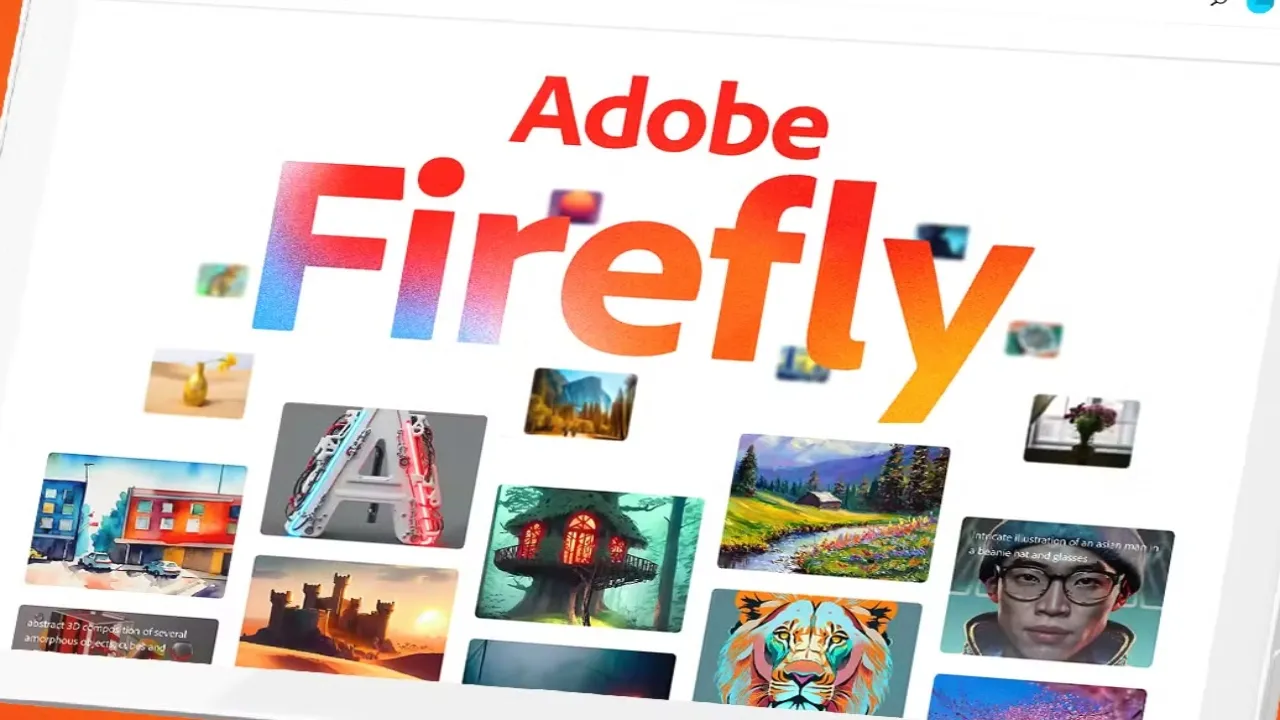
Generative AI has been everywhere since it was made mainstream a couple of years ago. And while there are hundreds of options out there, not all tools are created equally. Some feel experimental, some feel a tad risky to use, and some will have you asking where the training data even came from. Adobe Firefly, on the other hand, is in a league of its own.
When you create with Adobe Firefly, the experience is designed to feel more grounded, more transparent and a lot more creative. This is because Adobe’s unique generative AI platform has been trained and tailored to offer practical tools that fit into real life projects, not random outputs that you need to fight with.
Here’s how Firefly is helping to change the way that people are working with generative AI.
-
Make Creativity Fast Without Feeling Chaotic
There are plenty of AI tools that look shiny and impressive, but they’re not always useful. Firefly, in contrast, is all about results you can actually use. Whether you’re building visuals for a pitch, scoping out a concept for a client, or experimenting for bigger projects, you can bring your ideas to life and see them in action in minutes.
What sets it apart is how consistent the workflow is. You don’t have to spend ages wrestling with the tool to generate high-quality outputs that are fit for purpose and align with your prompt, so the creative process stays fun instead of frustrating. This also makes Adobe Firefly a great option for beginners who may feel intimidated by other less refined tools like Midjourney, and equally useful for those who are experienced because it offers a quick and easy way to produce impressive results every single time.
-
Ethical Training Data That Sets a New Standard
One of the biggest questions (and concerns) about generative AI is where the training data came from. Is it pulling from real artists’ hard work? Is it even ethical? This is where Firefly has shaken things up. Its core models are trained on licensed, safe-to-use data that includes public domain assets as well as the Adobe Stock photo library. This means that Firefly’s generated outputs are much safer to use in commercial and personal work – which is also what led to Adobe coining the term ‘commercially safe’ or ‘brand-safe AI’ when describing their Firefly models.
For people looking to things the right way, this commercially safe, and copyright safety inclusion is a big part of Firefly’s allure. Creators don’t have to be bogged down by the nagging fear that they might be stealing someone else’s work and passing it off as their own.
-
A Clean UI that’s Uber Accessible for Non-Designers
The Firefly user interface is built to feel natural from the instant users open the program, even if they’ve never dabbled in generative AI before. You don’t have to come from a design background or any technical training to produce amazing results, and that’s half of why it’s so popular. The prompts are straightforward, the layout is clear, and the controls make sense without the need for a lengthy tutorial. It’s a tool that feels like it was made to help, not one you have to spend ages learning before you can make full use of it.
As a NEET UG Result 2026 – How to Check Scorecard Online at neet.nta.nic.in, even newcomers are able to surprise themselves with what they can produce. People who usually steer clear of creative software find themselves experimenting with it, testing new ideas and having a lot of fun in the process. There’s no pressure, no guesswork, and you can focus all your attention on what you want to create.
Ultimately, it’s clear to see even with minimal use that Firefly has been designed to support the idea, not dictate the end results. This is exactly why this gen AI platform is becoming such a favourite across both professional designers as well as everyday AI users.
-
Visual AI Styles That Feel More Natural
You’ve probably noticed that some AI tools have a tendency to create images that look a little artificial, making them difficult to use in real projects. Firefly works around that problem. The results feel natural and much easier to blend into what you’re working on, whether that’s a social post, a product mockup or something more polished.
It also does a great job of matching the mood or style you’re aiming for. You can tweak colours, lighting, or overall vibe and Firefly usually follows along without much fuss. That’s a lot of the pressure off for content creators, small businesses and designers. Rather than tweaking an image endlessly until it fits your brand, you get something that’s immediately usable and on-brand. Spend more time being creative, and less time getting frustrated with the tool.
-
Integrate Firefly Into Real Workflows
Firefly doesn’t feel like a tool you have to cram into your process. It slots seamlessly into Photoshop, Illustrator and the other Adobe apps, so you can take your designs between them without any awkward exporting or strange formatting problems. You generate an idea, drop it directly into your editing software, and keep going without losing any momentum.
This is a huge benefit when you’re multitasking different projects or trying to meet deadlines. You’re not bouncing between random platforms or trying to get different tools to talk to each other. Everything is in one place, leading to a smooth workflow that can get you to the final result much quicker.
-
Focus on Your Own Style with Adobe Firefly
Firefly isn’t here to force you into specific styles or aesthetics. Instead, it offers space to experiment and craft images that are truly yours. You can try out different moods, switch up styles, or dial in on tiny details until the end result matches what you’re envisioning in your mind.
This freedom is what a lot of users appreciate. Instead of fighting with a tool that keeps overriding your ideas without permission, with Firefly, you get to stay in control.
And this extends to brand control as well, thanks to Firefly’s content credentials system that helps you maintain total copyright and ownership status of all content generated using Adobe’s AI tools. So the next time you use Firefly to make a logo or icon, remember that that asset is yours to keep forever now.
Regardless of which direction you’re going in, Firefly has your back. It guides instead of taking over, and as a result, the creative process feels much more fulfilling.
Final Thoughts
Adobe Firefly has made working with AI feel a lot more down-to-earth and natural. It doesn’t try to take over or steer you in any one direction. It just makes it a little easier to get ideas out and move on with the rest of your process a lot faster. You still make the creative calls, and Firefly gives you the tools to bring things together without the usual stress.
What users really seem to enjoy about Firefly is how natural the platform feels to use. You can try things, change your mind, fix little details and keep moving without getting stuck. If you’re looking for an AI tool to facilitate your creativity rather than confuse it, Firefly is one of the few which truly strikes that balance.

