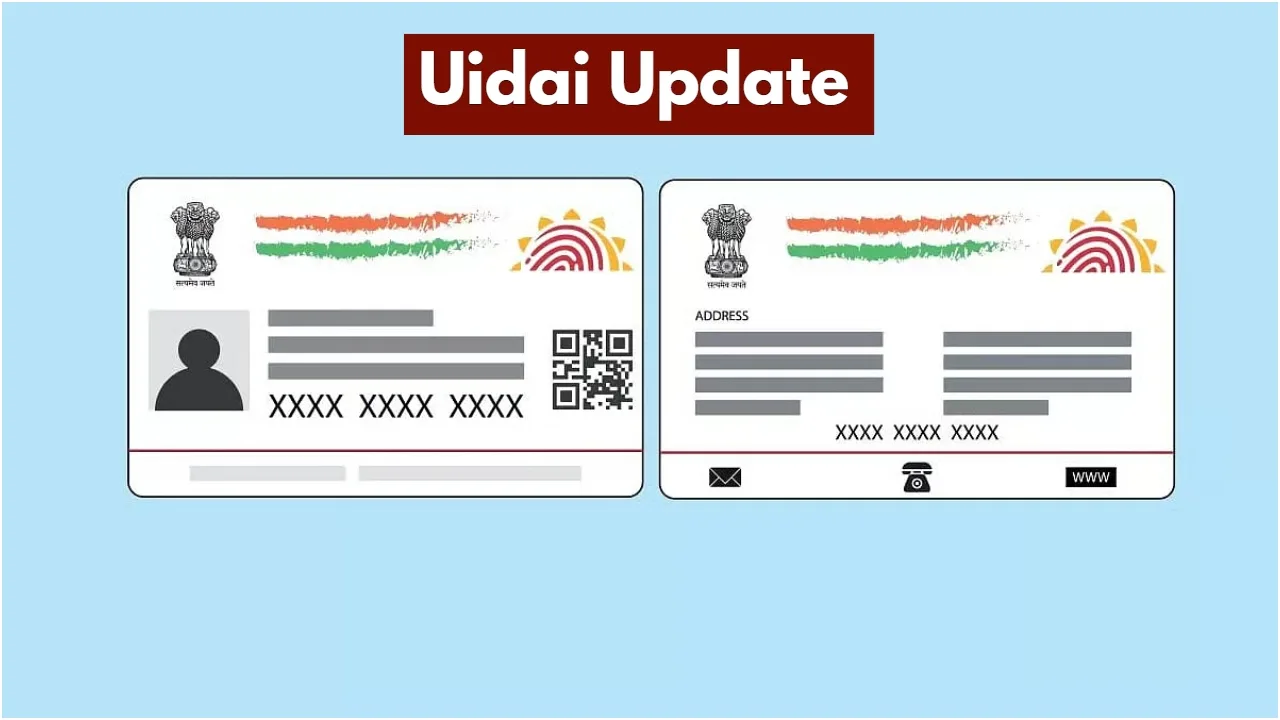
New Delhi: The Aadhaar Card is a crucial document, without which many tasks are hampered. From government schemes to children’s admissions, it’s required. Even a single error in the Aadhaar card can cause problems. If your mobile number isn’t linked to your Aadhaar card for some reason, it can be problematic.
Notifications often appear regarding Aadhaar-related tasks. If your active mobile number isn’t linked to your Aadhaar card, it can be problematic. Don’t delay in linking your mobile number to your Aadhaar card. We’re going to tell you an easy way to do this. You can easily do this through the online process. Learning the essentials in the news below can help alleviate confusion.
Why is it important to link your mobile number to your Aadhaar card?
Did you know that the UIDAI has launched a new Aadhaar mobile application? It has added several new features. This app is very simple and easy to use. Linking your Aadhaar card to your mobile number is crucial. If you get a new SIM card or lose your old one, updating your mobile number is essential.
Due to the important information contained in Aadhaar, updating your mobile number becomes a priority. You can easily update your mobile number by going to the Services section of this app.
Do you have to pay a fee for linking?
You might be surprised to know that updating your mobile number or address through the app also incurs a small fee. Users will be charged ₹75. However, changes made through the app typically take 10 to 15 days, or sometimes even a month, to be reflected in your Aadhaar card. You can link your mobile number to your Aadhaar card step by step.
Learn about the process of linking your mobile number.
To do this, open the Aadhaar app on your mobile phone.
Then, log in using Aadhaar-based authentication.
After this, click on the Services tab on the homepage.
You will then see the option to Update Mobile Number.
You can click on it once you reach there.
The app will then show you your currently registered mobile number.
Next, enter the new mobile number you need to link.
An OTP will then appear on the new mobile number.
You will then need to enter the OTP and verify it.
You will then need to complete the authentication process.
Once the OTP is verified, your update request can be sent to UIDAI.