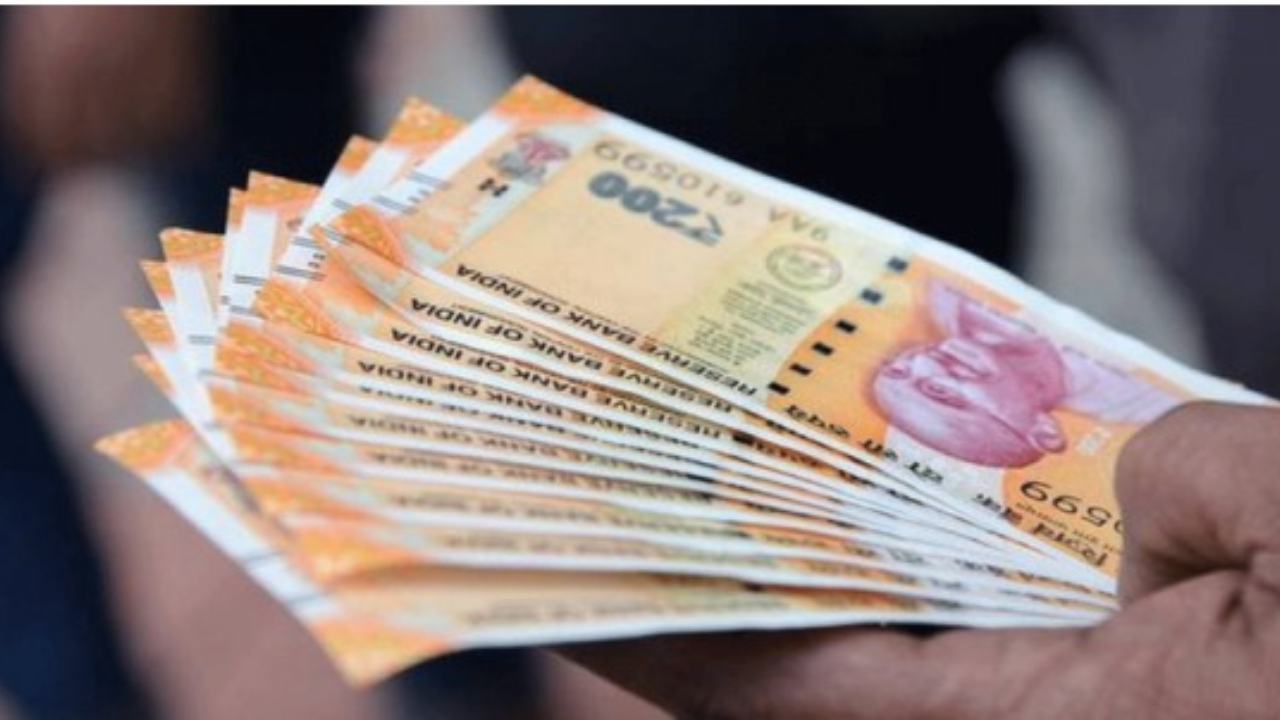
PF Claim: To secure employees’ futures, money is deposited into the Provident Fund ( PF) every month. However, when needed, many people are troubled by delays in withdrawing PF . Now, this process has become easier than ever. Your PF funds will be deposited into your bank account within 10 days. Here’s how you can withdraw money from your PF account using the Umang APP. Learn how here.
According to Mohammad Shoaib Shaikh, Regional Commissioner of the Indore Provident Fund Organization, the PF withdrawal process is now almost completely online. He explained that employees can now submit claims online simply by using their UAN number . After submitting a claim on the UMANG app, the funds are usually disbursed within 10 days.
Along with online facility, offline help will also be available
Those who don’t have digital access or have trouble using the app can visit their nearest PF office. Staff there will help you fill out the correct forms and submit the necessary documents.
Which form is used when?
It is important to choose the correct form to withdraw PF .
Form 31 – For partial withdrawals. This can be used for medical expenses, home construction, marriage, or education.
Form 10C – For full PF withdrawal after leaving a job . This form can be filed after two months of unemployment.
Cyber frauds related to PF are on the rise
Avinash Jaiswal, Assistant Director of the Indore PF Office, said that many people fall prey to fake websites or fraudulent calls. He warned that people should always visit the UMANG app or the EPFO ‘s official website. Never share your OTP or personal information with strangers.
When will you get the money?
By using the official digital platform and properly activating the UAN , the PF amount is credited to the account within 10 days. This amount proves very useful in case of medical emergencies, buying a home, purchasing a car, or other needs.
Step-by-step process to withdraw PF from UMANG app
- Download UMANG app on your mobile .
- Go to All Services and select EPFO .
- Go to Employee Centric Services and select ‘ Raise Claim’ or the required form (10 C, 19, 31) .
- Enter your UAN number and verify it with OTP .
- Fill in the required information and select the Type of Withdrawal .
- Submit the form and you will get an Acknowledgement Number , through which you can track the claim status .