

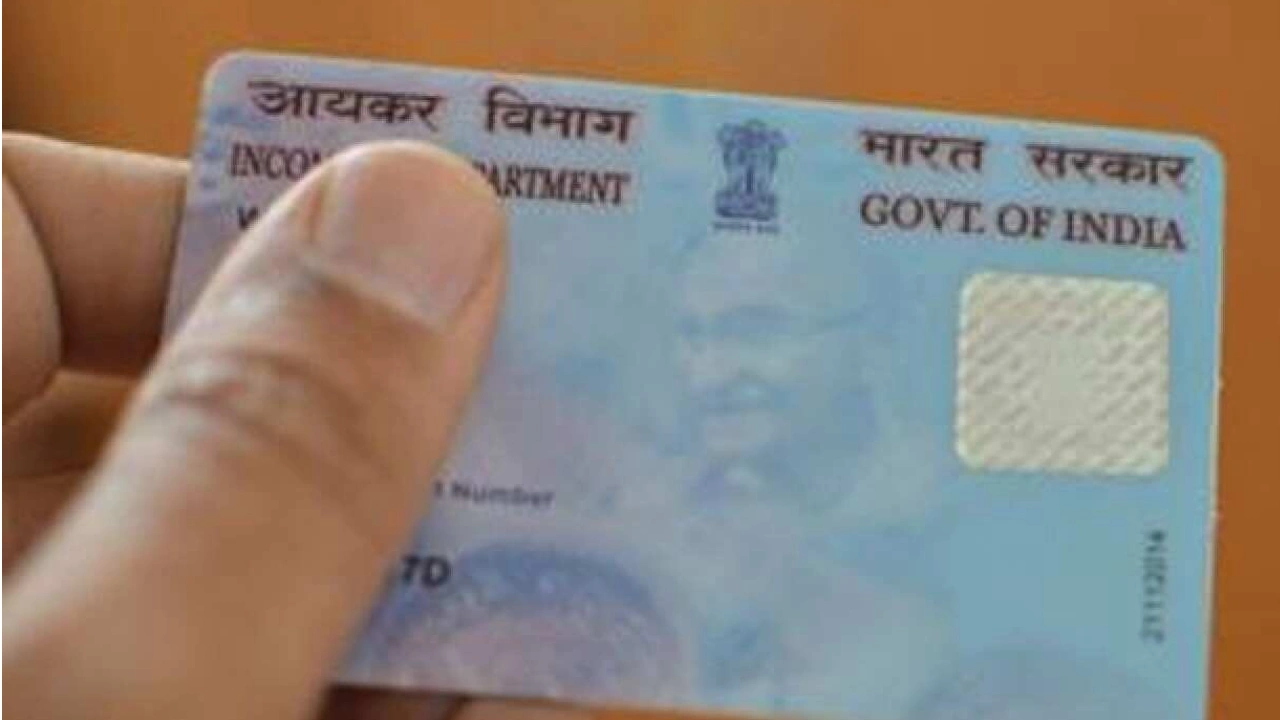
PAN CARD: When it comes to PAN Card Correction, it is common for photos on official documents to be less than ideal, and PAN cards are no exception. Fortunately, you can easily update your photo or signature on your PAN card using your phone for a fee of 107 rupees. This update will eliminate the need to hide your PAN card photo from others.
If your signature is incorrect or has been changed, you can promptly correct it through online services.
Prepare the following documents:
– Aadhaar card or driving license for identity verification.
– A new passport size photo.
– A clear image of your new signature or autograph.
– Keep your Aadhaar-linked phone number handy, as you will need to enter your Aadhaar number and receive an OTP on that number.

Steps to update your PAN card:
1. Visit the official NSDL PAN website.
2. Choose “Changes or Correction in existing PAN Data” under Apply Online.
3. Select the Individual category.
4. Enter your basic details like name, date of birth, etc., and submit.
5. Note the token number generated and proceed to the PAN Application Form.
6. Opt to “Submit scanned images through e-Sign.”
7. If you require a new card, select “Yes” for ‘Whether Physical PAN Card is required?’
8. Provide your parents’ details, choose whose name to enroll on the PAN card, and proceed.
9. Select your proof of identity document and upload your new photo and signature following the specified size and format.
10. Pay the fee of Rs 107 upon form completion.
11. Enter your Aadhaar number and OTP received on your mobile after payment.
12. Upon OTP verification, you will receive an Acknowledgement Receipt.
Keep these things in mind
When updating your PAN card, keep a few things in mind. First, when uploading your photo and signature, have your documents ready in the size and format specified on the website. While filling the form, provide your active email ID so that you can get correct information about digital PAN card and status tracking. Keep your mobile number linked with the Aadhaar card because after making the payment, you will need to enter the Aadhaar number and get an OTP, which will come on the number linked to Aadhaar.