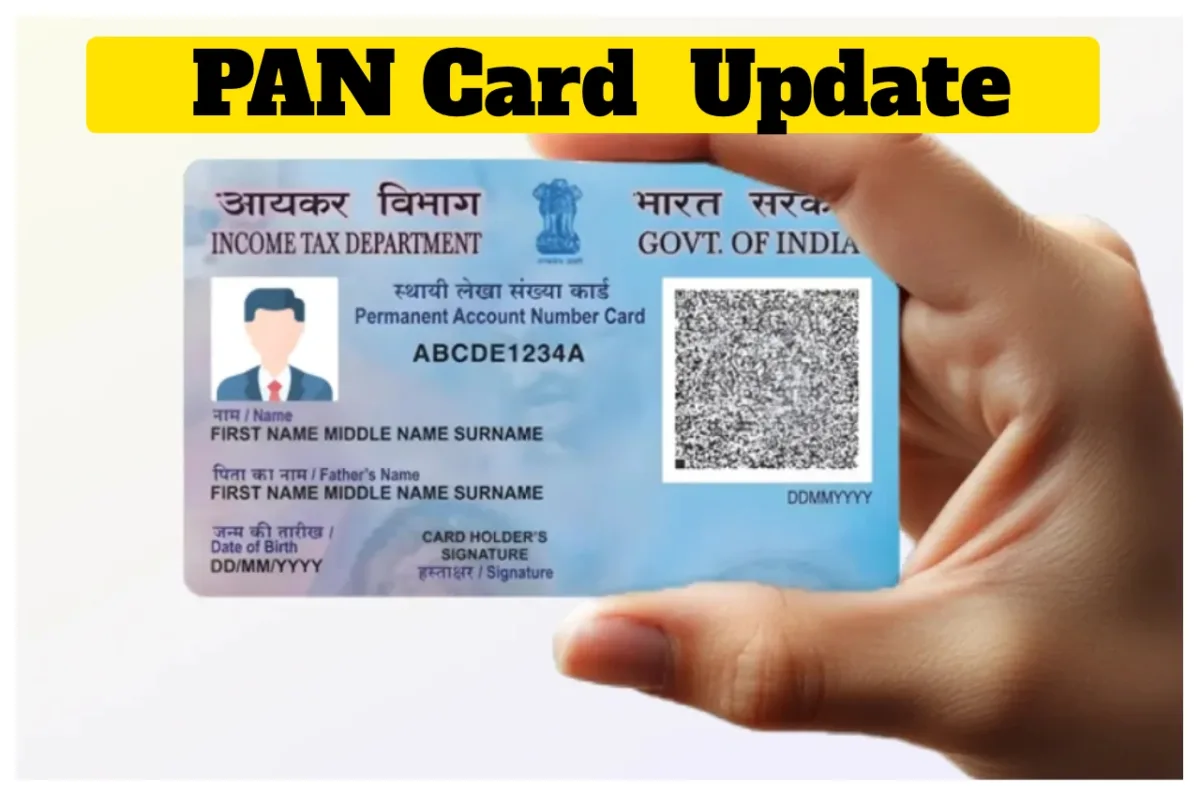
PAN CARD: A PAN card is required for a wide variety of tasks. It has become an extremely important document. The PAN card serves not only as an essential financial document but is also utilized as a valid form of identity proof. Without a PAN card, individuals face difficulties in performing tasks such as opening a bank account, buying or selling property, and filing Income Tax Returns.
Today, we will learn how to update details such as your name, address, and date of birth on your PAN card. So, let’s explore the entire process.
How to Change Name, Address, and Date of Birth on a PAN Card?
– First, visit the official website of NSDL or UTIITSL.
Now, click on the option labelled “Changes/Correction in PAN.”
Here, you will need to enter some basic details, such as your PAN number, name, date of birth, and email address.
A 15-digit token number will be generated.
Now, select the specific details you wish to change or correct, and update them accordingly.
Upload the necessary supporting documents, such as proof of address, proof of date of birth, and a photograph.
Finally, you must pay the applicable fee and submit the application.
Lastly, ensure that you download the Acknowledgement Slip.
You can use this slip to check the status of your application later.
Which Documents Are Required?
For Identity and Address Proof: Aadhaar Card, Voter ID, Driving License, or Passport.
Proof of Date of Birth: Birth Certificate or Class 10th Marksheet.
For Name Change: Marriage Certificate or a Government Gazette Notification.
How to Check the Status?
After filling out the form, you will receive a 15-digit acknowledgement number. Using this number, you can check the status of your application under the “Track PAN Status” section on the Protean (formerly NSDL) or UTIITSL websites. Additionally, you can check the status via SMS from your mobile phone by typing “NSDLPAN <15-digit number>” and sending it to 57575.
Latest News
- PAN Card – How to Change Name, Address & DOB Online, Check Here Simple Steps

- Realme P3 Pro 5G: Fast Performance with 120Hz Display & 5G Connectivity at Cheap Price!

- Huawei Nova 16 Series Launching June 1: Design and Key Features Teased

- Vaibhav Suryavanshi: वैभव सूर्यवंशी जैसा कोई नहीं! मुंबई इंडियंस के खिलाफ नाम किया यह अनोखा रिकॉर्ड

- Bank Holiday – Banks Closed for Next 3 Days in These States, Check Complete List

- Bank Holiday: मंगलवार को बैंकों का कहां रहेगा अवकाश? चेक करें लिस्ट

- Bakra Eid 2026 Mehndi Special – Stunning & Most Beautiful Classic Mehndi Designs Steal the Spotlight, Must Try

- IPL 2026 Update: प्लेऑफ की तस्वीर हुई साफ, इन टीमों की होगी भिड़ंत, चेक करें शेड्यूल

- Gold Rate Live Today – What is 24K, 22K & 18K Gold Price May 25, 2026? Check All Carat

- Watch Akshay Kumar & Akshara Singh Desi Thumke Ka Bhaukal On”Ghis Ghis Ghis” Song, Video Break Internet