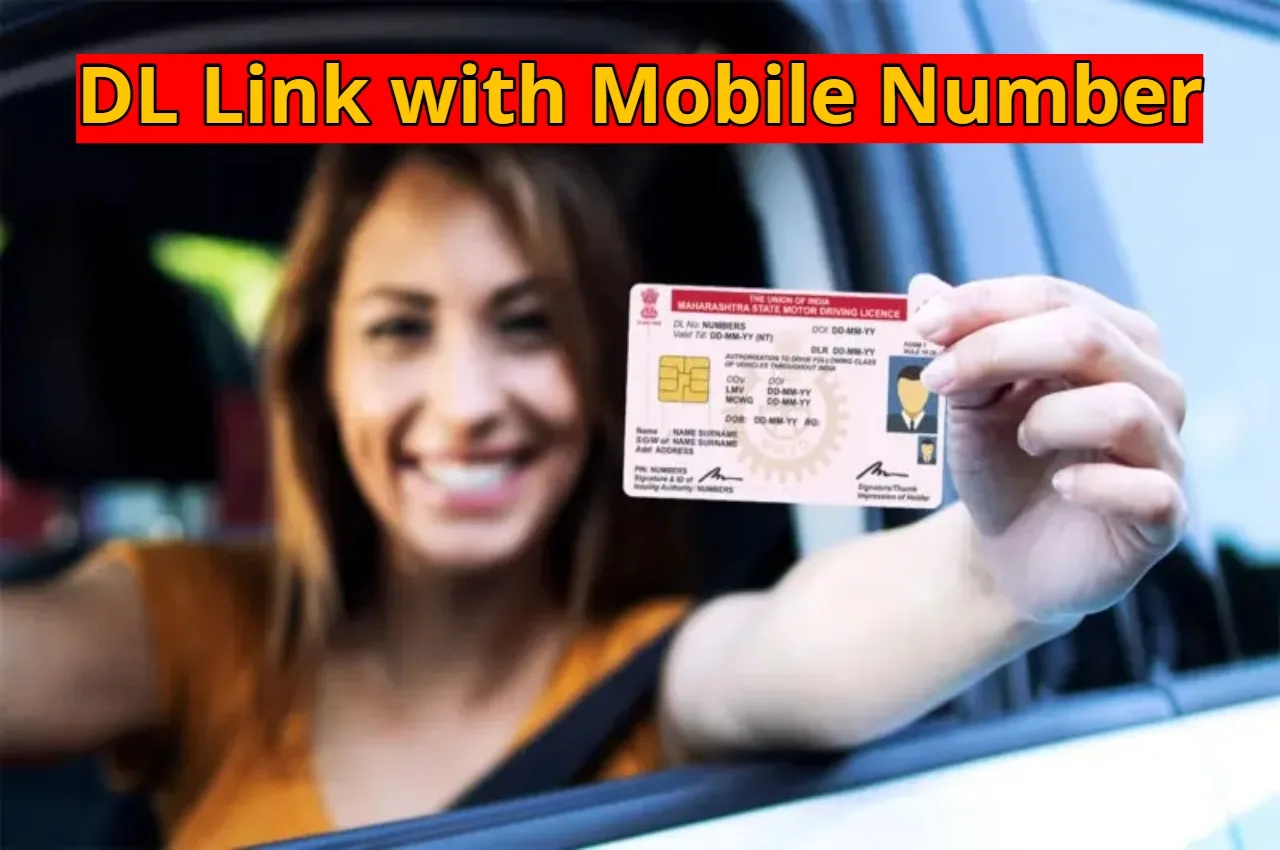
DL Link with Mobile Number: If your mobile number is not yet linked to your driving license, now is the perfect time to update it. Previously, even this simple task required visits to the RTO, filling out forms, and waiting in long queues. Now, the entire process is online, and you can link your mobile number in just a few minutes from home.
Why is linking your mobile number important?
Many people think that adding a mobile number doesn’t make much difference, but in reality, the benefits are quite significant. If you violate traffic rules, information about e-challans is sent directly to your phone via SMS. You receive a renewal alert before your driver’s license expires. New information, notices, or verification updates related to the RTO also arrive directly on your mobile phone. Additionally, if someone misuses your license, you can receive timely notification, preventing fraud.
Read Here: Monsoon Update – Heavy Rain & Thunderstorms Warning in 10 States Over Next 24 hours
Read Here: Vivo X200T Sale Started Today- Check Price For All Variants, Features, Discount & EMI Options
How to link your mobile number from home
To update your mobile number, you need to visit the official website of your state’s RTO or the Parivahan portal. There, in the section related to driving license services, you will find the option to update your mobile number. You will then need to enter your license number, date of birth, and the new mobile number. After filling in the information, you will receive an OTP on your mobile phone, which you need to enter on the website and submit. Once the process is complete, a message confirming the mobile number update will appear on the screen, which you can save for future reference.
Read Here: Ayushman Card Hospitals in Your City: Get Free Treatment – Check the Full List
Read Here: Farmers Hit Jackpot in Budget, Rs 63,500 Crore Fund Approved
Some important precautions
Sometimes, it may take a little time for the OTP to arrive, so be patient and try again if necessary. If you encounter any technical difficulties on the website, try the process again after some time. Always link your own mobile number and do not share the OTP with anyone. This will keep your driving license secure and prevent any problems in the future.